How to Promote a Webinar in 2026: 6 Channels [+ examples to copy]
A tactical 2026 guide to promoting a webinar: 6 channels, promotion timeline, and real examples that drive registrations. Based on data and learnings from +2,000 webinars.
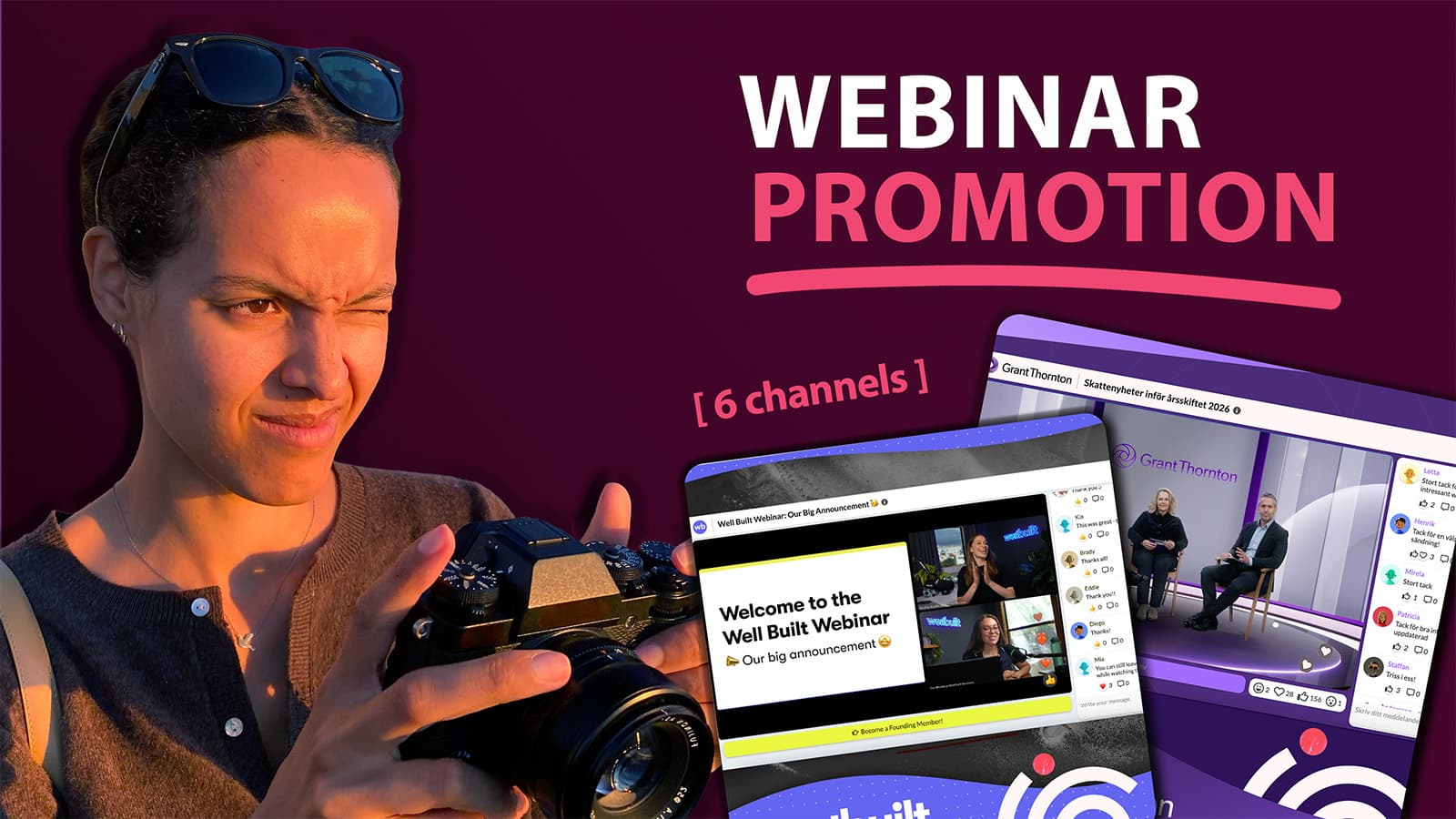
How do you promote a webinar and actually get people to show up?
Webinar promotion works when you start 3 to 6 weeks out, hit every channel more than once, and back it with an automated reminder sequence. Email drives the majority of sign-ups, last-minute and same-day invites recover a surprising share of registrations, and a single guest speaker or partner often outperforms weeks of solo posting.
Step-by-step:- Start promoting 3 to 6 weeks ahead, and promote the same webinar more than once per channel
- Email is the highest-leverage channel, responsible for roughly three-quarters of webinar sign-ups
- A same-day invite can lift total sign-ups by up to 50%, since many people register the day of
- A 3-step reminder sequence (day before, 1 hour before, 5 minutes before) drives meaningfully higher live attendance
- One guest speaker or co-marketing partner gives you access to an audience you do not own
- Tie a lead magnet to live attendance so people show up instead of waiting for the replay
Maybe you already ran a webinar that flopped. You sent the newsletter, added a registration form to your homepage, posted on LinkedIn and X, and a handful of people showed up. Or maybe you are about to run your first one and can feel that coming.
Either way, low turnout is the most common webinar complaint in B2B, and the fix is almost never "post more."
The teams that fill the room do four things differently. They start earlier, promote the same event more than once, borrow someone else's audience, and automate the follow-through so nobody who signed up quietly forgets. That works whether this is your tenth webinar or your first.
Webinar Promotion Benchmarks: What Good Attendance Looks Like
To understand how to promote a webinar effectively, we need to first understand what good promotion looks like.
Webinars are rarely massive audience events, but they can be one of the highest-converting channels in B2B. A webinar with 50-100 highly relevant attendees can generate more pipeline than thousands of untargeted website visitors.
And webinars can be a cost-effective way to scale your GTM - whether you are working towards SMB, or running an Enterprise sales and marketing motion.
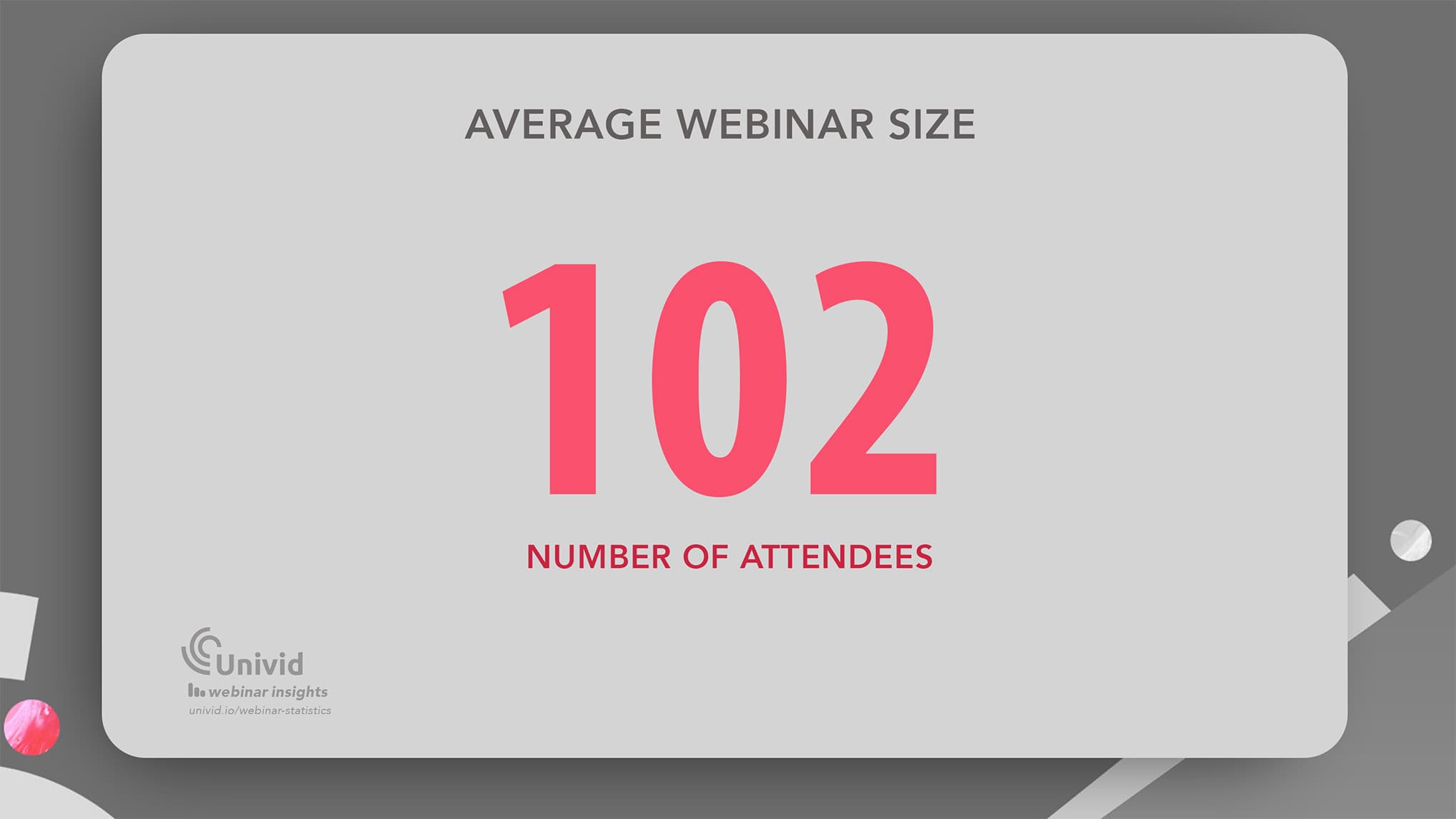
The average webinar size is 102 attendees based on real data from +2000 webinars. Also, looking at data from over 325,000 attendees the total attendance rate is 57%- meaning around 6 out of 10 people that registers will attend the webinars (on-demand and live).
Looking at the data, successful webinar promotion comes down to three things:
✅ promote the webinar in the right channels for people to register
✅ present the content in a compelling way for people to want to join
✅ remind the audience in a way that makes people show up
This is the tactical playbook for it: the week-by-week timeline, the channels ranked by what actually moves attendance, the automation sequences, and copy-ready outreach you can lift straight into your launch.
Picking the right topic is its own discipline, covered with exact benchmarks, tools, and playbooks in the full guide on webinar marketing. This article assumes your topic is solid and focuses on getting people in the room.
Webinar Title Generator [Free Tool]
Generate your next webinar title in seconds. Get suggestions on titles that convert and draw a big crowd.
With a platform like Univid handling registration pages, reminders, and the branded experience, your only real job is promoting well and letting the system do the chasing.
The 3 Most Common Mistakes When Promoting Webinars
Ask a room full of B2B marketers why their last webinar underperformed and the same three answers surface every time. None of them is about the topic or the slides.
They are about how, when, and where the promotion actually happened.
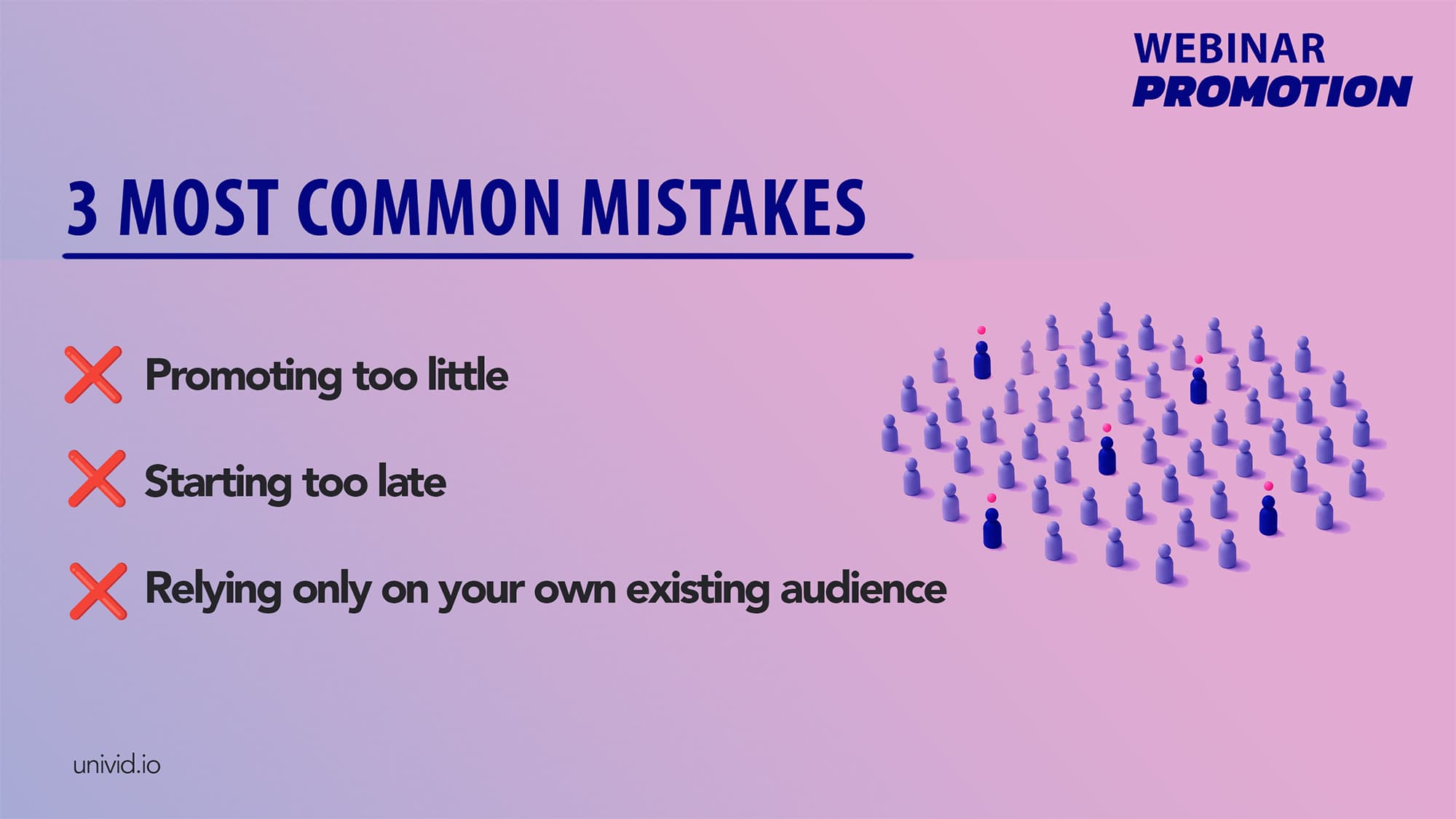
1. You promoted once, in a few places, and called it promotion
Here is the uncomfortable math that explains most empty rooms. At any given moment, only a small fraction of your audience sees any single message you put out, so one newsletter and one LinkedIn post reaches almost nobody, even off a list of several thousand.
People are on holiday, buried in their inbox, scrolling past on a bad day, or simply not looking when your post goes live.
The marketers who fix this flood the message until it feels excessive to them. The same webinar gets mentioned in three separate emails, posted on LinkedIn more than once, dropped in a community, and worked into outbound conversations.
It feels like over-promotion from the inside. From the outside, each person is still only catching it once or twice.
2. You started too late
A two-week runway is where good webinars go to die. There is not enough time to build anticipation, recover the people who missed the first invite, or let a partner work it into their own schedule.
Most webinar attendance benchmarks points to sending the first invite around three weeks out, and for anything you actually care about filling, the real work starts four to six weeks ahead.
Webinar promotion tip: Aim to send the first invite 3 weeks before the webinar goes live. This way your campaign has time to breath, and you can build up momentum.
That lead time is what makes everything else in this article possible. Guest speakers need notice to promote. Community posts need spacing so you are not spamming.
A proper email cadence needs room to breathe. Compress all of that into 7 or 14 days and the whole machine seizes. Unless you already have a webinar series going - or a warm audience ready to jump on the next webinar.
3. You relied only on the audience you already own
Solo promotion has a hard ceiling, which is the size and attention of your own list. You can promote flawlessly and still hit a wall, because the room can only ever be filled from people who already follow you.
The teams that break past that ceiling borrow an audience they did not build, usually through a guest speaker or a co-marketing partner who shows up with their own network and their own credibility.
It is the single highest-leverage move in webinar promotion, and it gets the full treatment further down.
Once you avoid these three mistakes, channel selection becomes much easier. Not all webinar promotion channels perform equally. Some consistently drive registrations, while others mainly support awareness. Before jumping into the 6 channels that generate the majority of registrations for successful B2B webinars, let's quickly look at the timeline to promote - what to do and when.
Get started todayJoin over 70,000 users and create unique webinars with Univid.Get a demo
The Webinar Promotion Timeline: What to Do, Week by Week
Here is the perfect promotion timeline for a webinar (based on data). But don't worry if you have all the steps done day one. You can add to your webinar marketing playbook over time - and soon you will have everything figured out.. And more attendees signed up than you ever thought was possible!
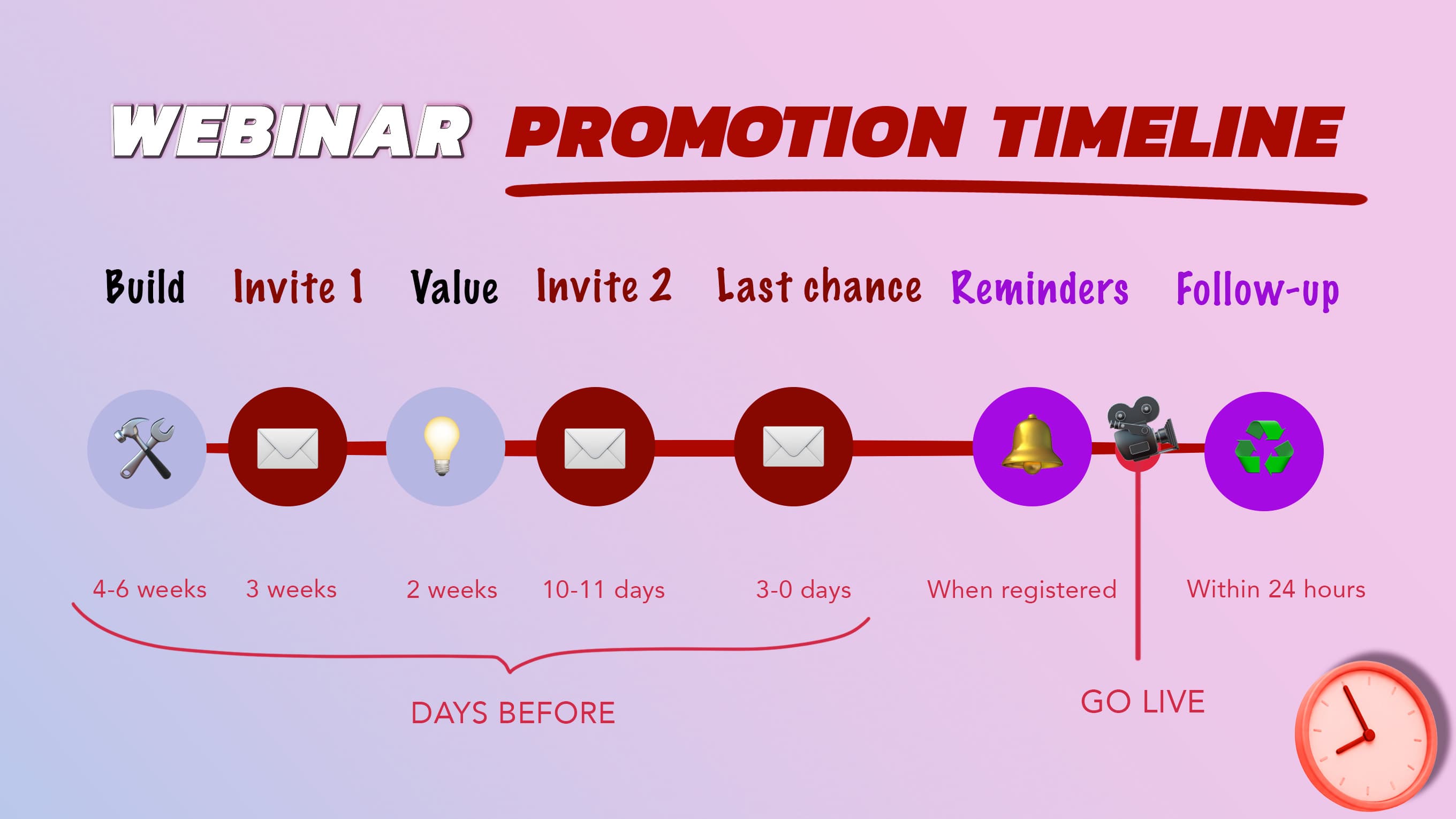
"Start early" means nothing without a calendar attached, so here is the actual one. Here are the 7 steps to follow - from the day you set up the registration page, to the follow-up that runs after everyone logs off.
Phase | When | Primary actions | Goal |
|---|---|---|---|
Preparation | 4 to 6 weeks out | Set up the registration page, schedule social teasers, lock in your guest or partner | Foundation |
First invite | 3 weeks out | First email to the full list, first LinkedIn post | Early registrations |
Value phase | 2 weeks out | Post what attendees will actually learn, run a sign-up giveaway, drop it in communities | Reasons to attend live |
Second invite | 10 to 11 days out | Second email, tease the speaker lineup or one exclusive insight | Convert the undecided |
Last chance | 3 days out or day of | Third email built on urgency, partner and speaker shares, "we go live today/soon" email | Last-call registrations, Recover last-minute sign-ups |
Reminders | Day before, 1 hr, 5 min | Automated reminders to every registrant | Turn sign-ups into attendees |
Follow-up | Within 24 hours | Replay plus asset to attendees, replay plus FOMO to no-shows | Capture post-event value |
Three moments on that calendar do more work than the rest, and they are the ones most teams skip.
The last chance invite (typically sent on the same day as the event) is the most underused email in B2B. It feels wrong to email people on the morning of an event they might have missed, so almost nobody does it.
A large share of registrations actually land on the day of the webinar itself, from people who wait to see how their afternoon shakes out before committing to anything, which makes that one extra send quietly one of your highest-converting moments.
The reminder sequence is where registrations turn into actual attendees. Most no-shows are people who genuinely forgot or got pulled into something else, rather than skeptics who changed their minds.
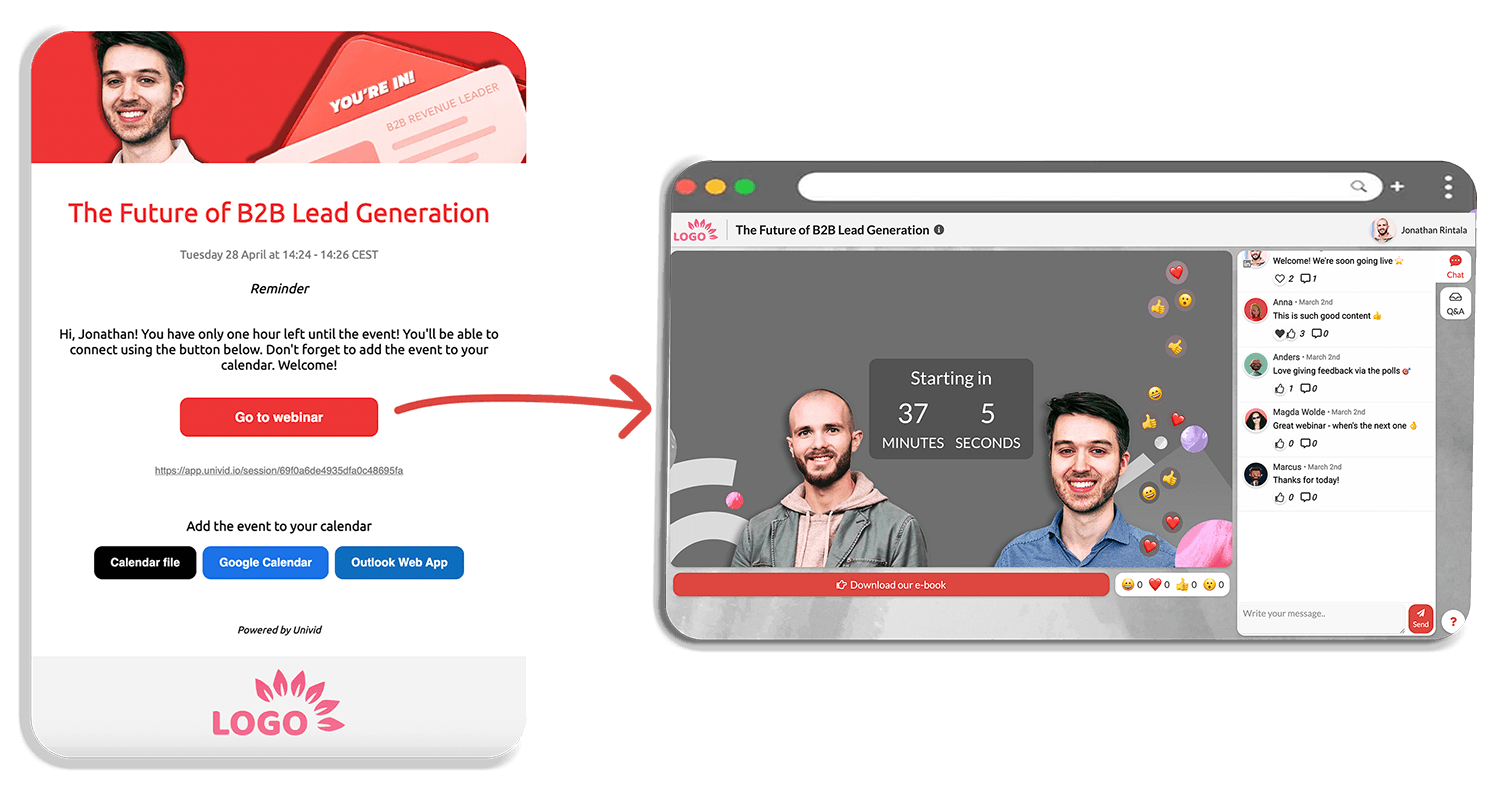
A layered cadence (the day before, one hour out, then five minutes before you go live) recovers a meaningful slice of those people, which is why the webinar attendance benchmarks consistently favor more than one reminder.
The cadence itself, what each email should say and how to write it without sounding robotic, gets the full breakdown in the guide to webinar invitation and reminder emails. Treat that as the companion piece to this timeline.
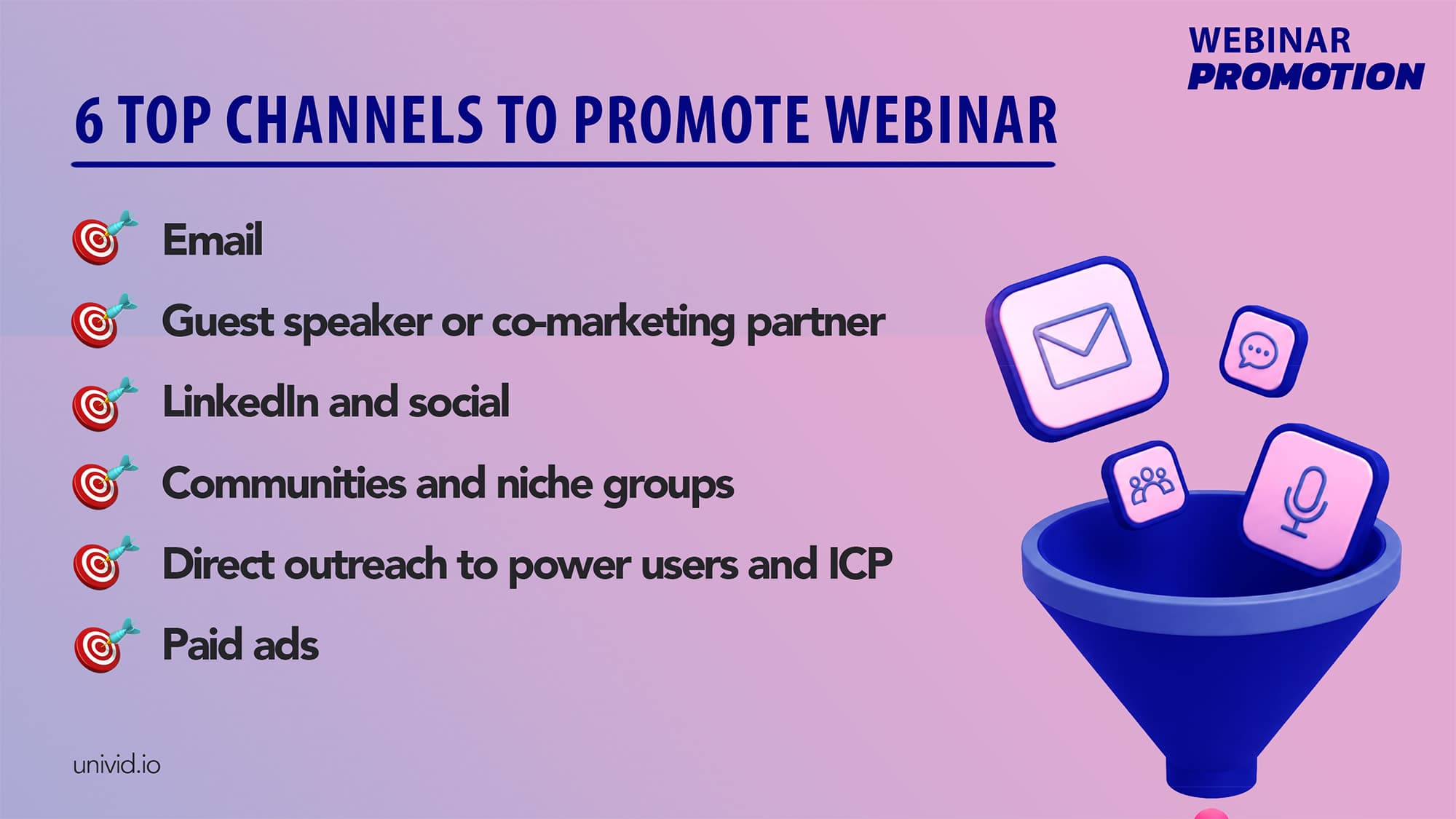
The 6 Top Channels for Webinar Promotion
Not every channel pulls equal weight, and treating them as interchangeable is how teams spread themselves thin across six platforms while the room stays empty.
Here they are in rough order of what moves attendance, with what to do on each one this week.
1. Email
Why: highest-leverage channel
What you need: email marketing tool, integrated webinar software, good email copy
Email quietly carries most webinar promotion, responsible for roughly three-quarters of sign-ups across B2B programs. Everything else on this list supports it.
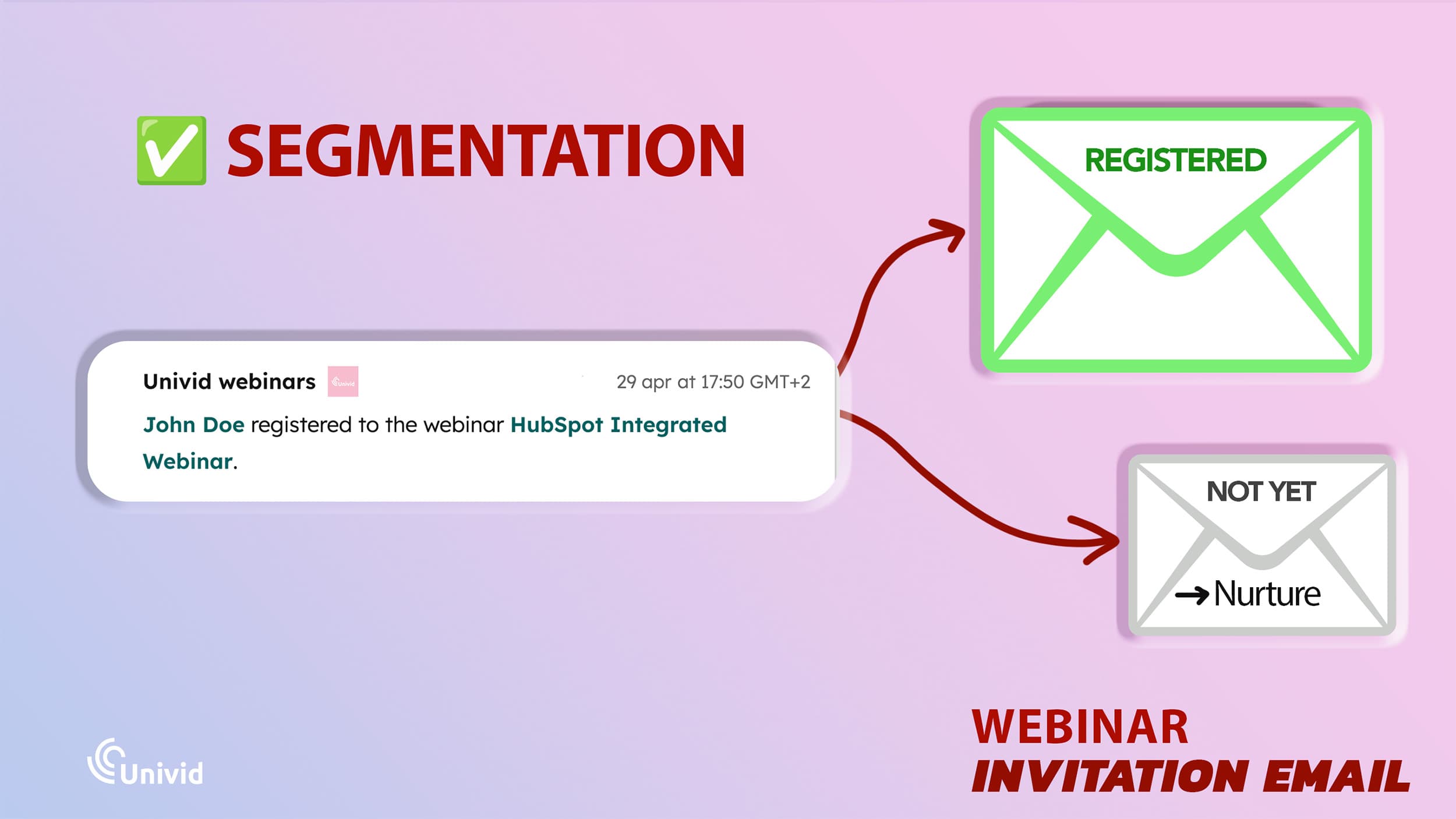
The structure that works is three invites spaced across the runway, a same-day send on the morning of the event, and clean segmentation once people start registering.
The moment someone signs up, they should stop getting "register now" emails and start getting "here is your join link" reminders.
The reminders after registering are typically sent via the webinar platform (like Univid)
Why segmentation is important: Sending a registrant another invitation makes your whole program look automated in the worst way, and sending a non-registrant a reminder for an event they never joined is the fastest route to an unsubscribe. Thus, you typically want an integration between your webinar software and your CRM/marketing system - so you can automate the communication.
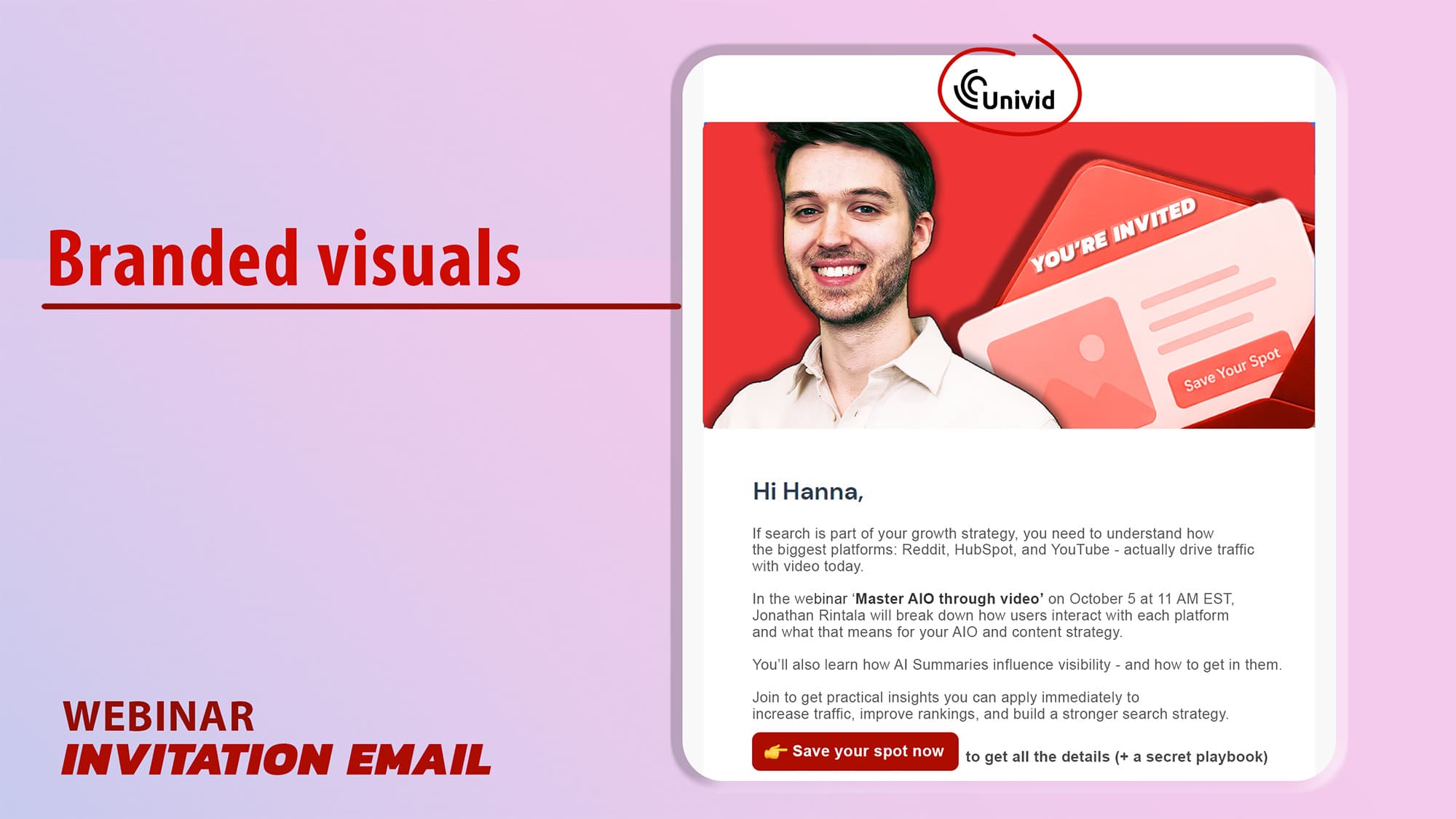
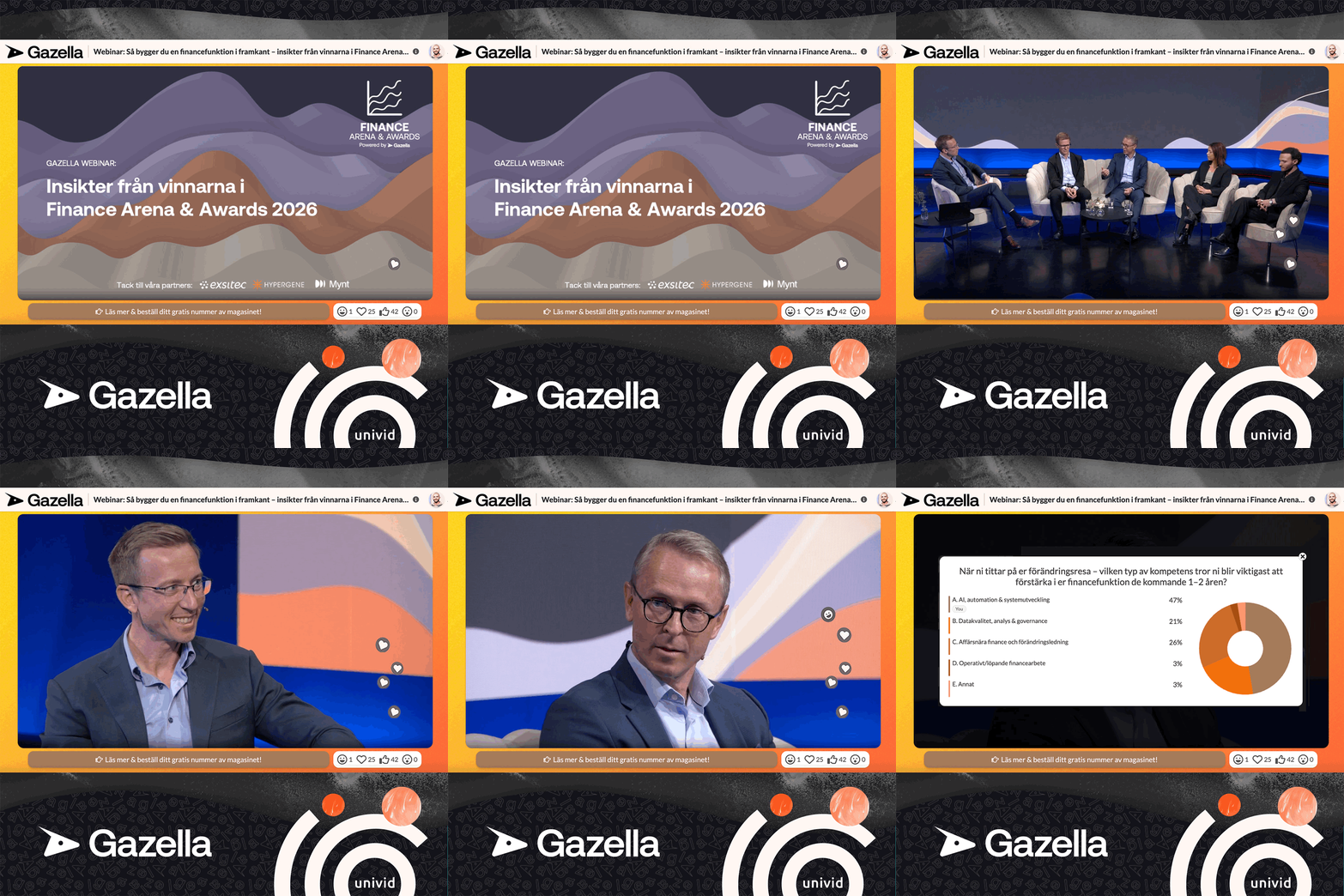
This is exactly how Well Built Solutions ran a email play to get more than 1000 signups to their first-ever webinar. Most of their signups came straight through their newsletter, starting with a teaser email a few weeks out and leaning on automated reminders to stay top of mind as they went live.
Short, personal, focused on the value of joining live rather than reading like a pitch. The result was a 62% attendance rate, well above the B2B norm. And also making things so appealing people want to share the webinar themselves (organically) - and forward the webinar invite to colleagues, friends and peers in the industry.
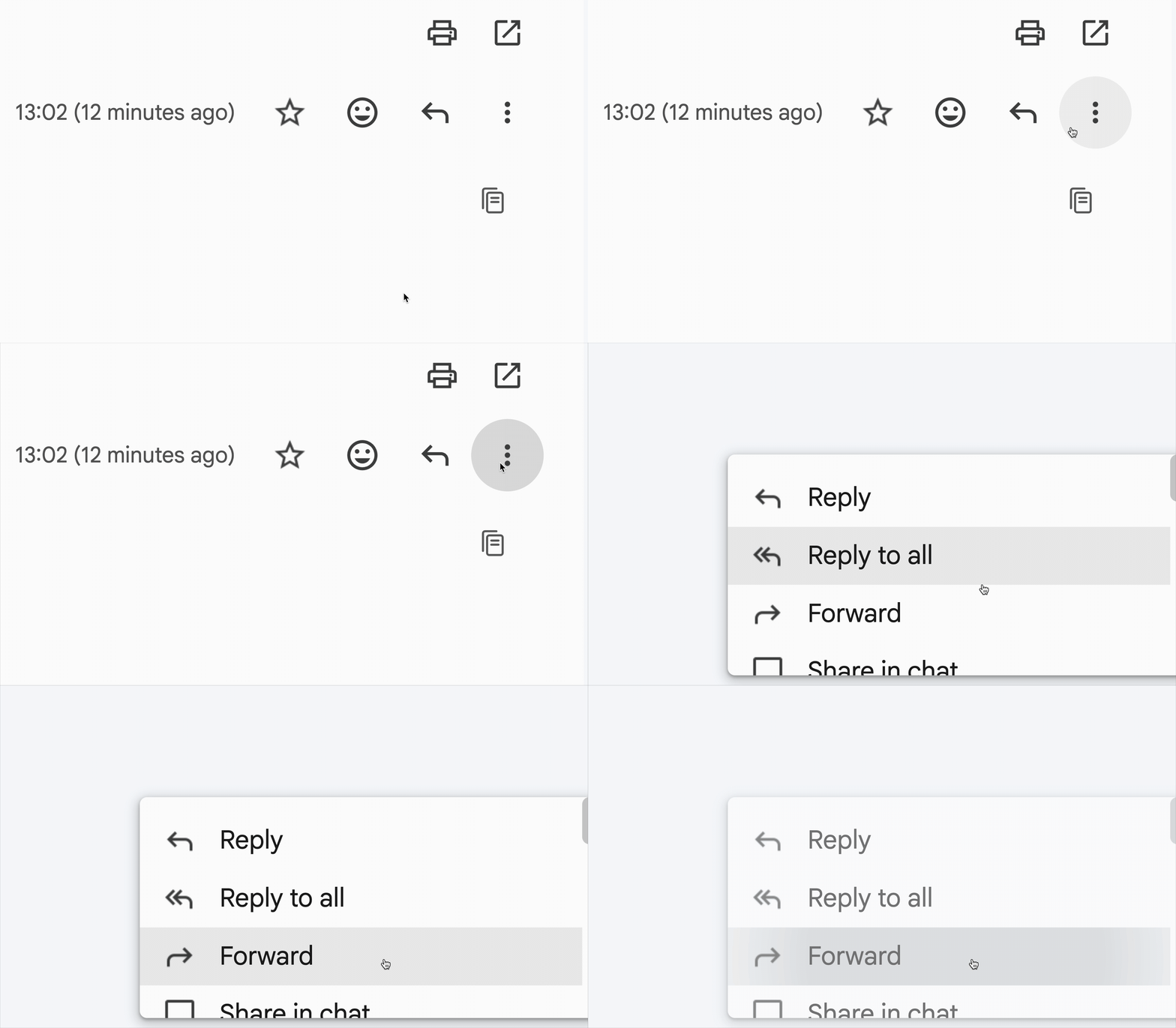
Same-day invite email template [to copy]
Here is a same-day email template you can copy directly:
Subject: We go live at 2pm, your seat is still open
Preview: No download needed, just click and join.
Hi [First name],
Quick heads up that [webinar title] starts today at 2pm [timezone]. If your afternoon just opened up, there is still a seat for you.
[Speaker] is going to walk through [one specific thing they will get], and we are keeping 10 minutes at the end for live questions.
[Join link]
See you there, [Name]
Email promotion tip: Open your last webinar's email stats and check whether you sent a same-day invite. If you did not, that is the single email to add to your next launch.
For more, check out our free guide with 5 webinar invite email templates that increase attendance.
2. Guest speaker or co-marketing partner
Why: borrowed audience and reach
What you need: guest speaker or partner
This is the highest-leverage move that does not involve your own list at all. Close to half of B2B marketers now bring a guest speaker into every webinar, and the reason is simple arithmetic.
A guest shows up with their own audience and their own credibility, so the same session reaches people who have never heard of you, and it reads as something worth attending rather than a pitch in disguise.
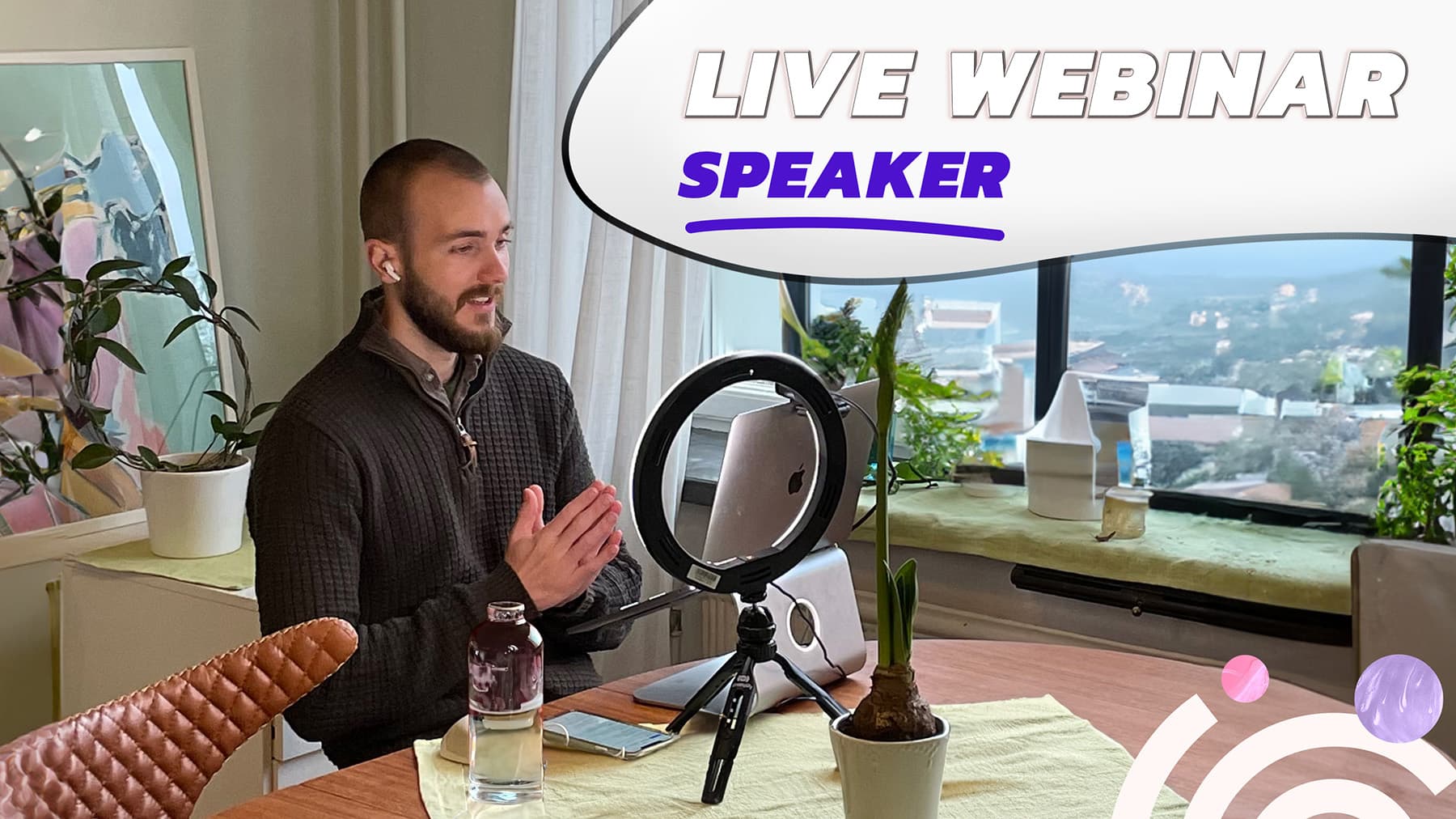
The strongest version is a co-marketing partner who promotes from their side too. One pattern that shows up repeatedly among marketers who hit big numbers is that their largest single influx came from a partner's newsletter banner and a third-party email send, not from their own channels at all.
Co-hosting and panel formats compound this, since two or three voices each bring a slice of audience and the session holds attention longer than one person talking for 45 minutes.
The mechanics of framing that guest well, both in your promotion and live on the day, are covered in the guide on how to introduce a guest speaker, and if you are running a panel, the webinar moderation playbook handles the format itself.
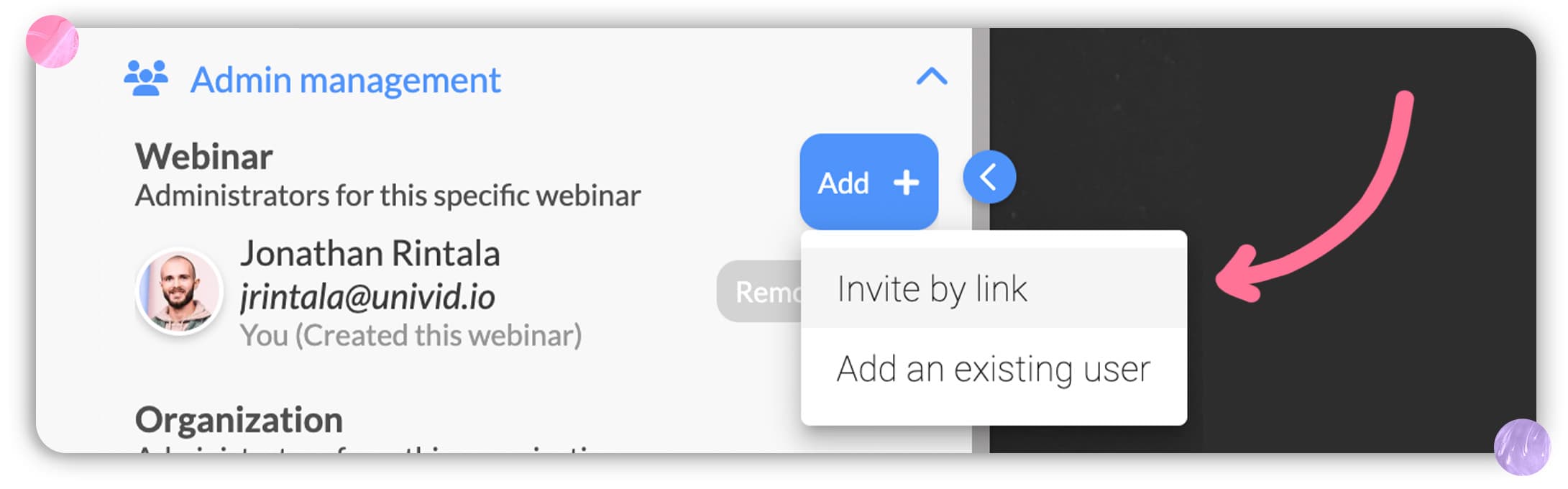
SaaS company Inyett took a similar route partnering up with relevant guest speakers to clear 1,000+ registrations on their webinars, running monthly thought-leadership sessions built around expert guests rather than their own product.
The expert draws the crowd, the open chat and polls keep it engaged, and the registrations compound month over month because the audience learns the series is worth showing up for.
Guest speaker promotion tip: List five people with an audience adjacent to yours who would have a reason to co-host. Send one of them a short pitch this week, because a guest needs four to six weeks of notice to actually promote.
3. LinkedIn and social
Why: viral potential to reach existing network and beyond
What you need: LinkedIn accounts (personal or company page), sharable webinar visuals, good copy
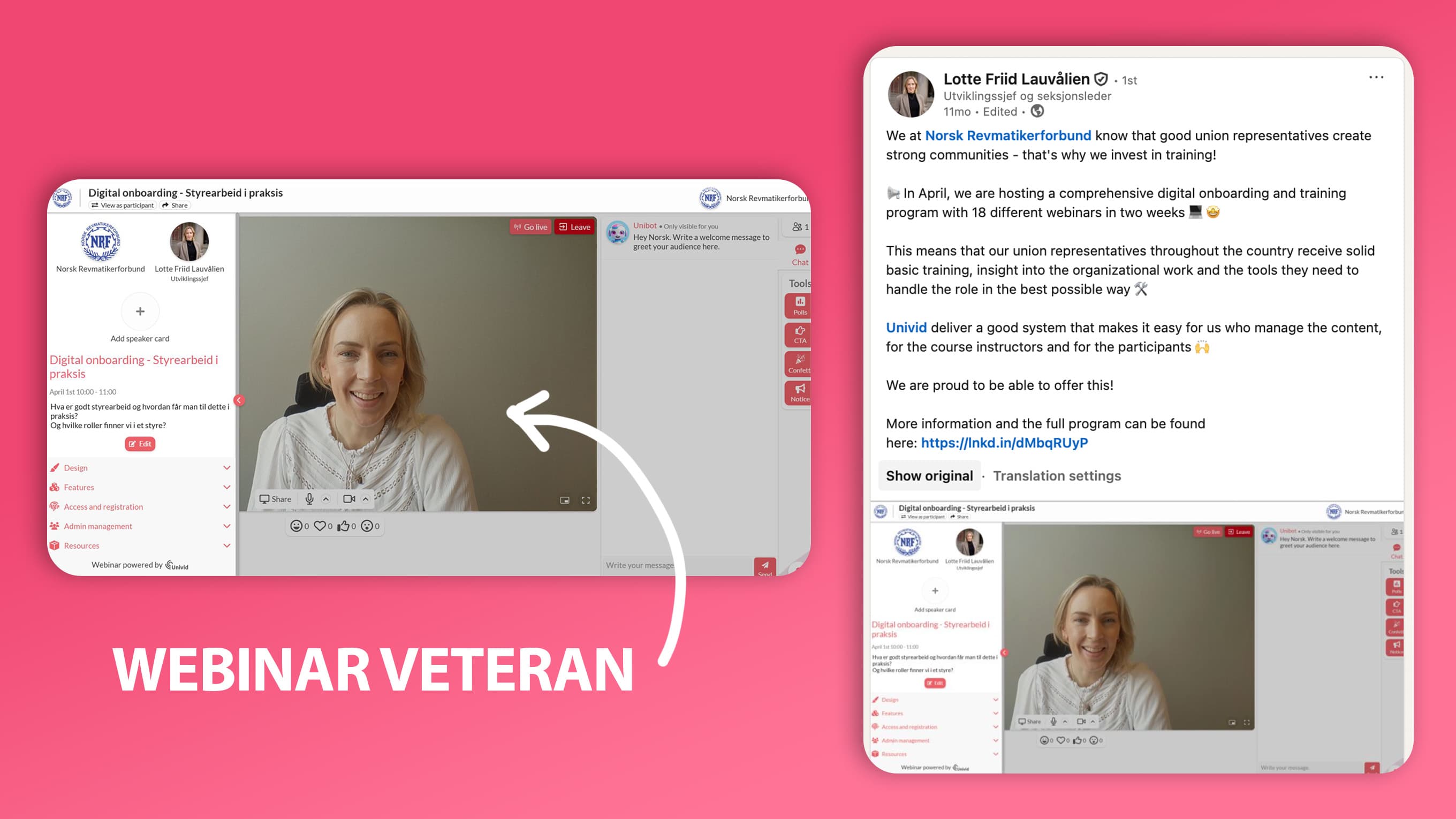
LinkedIn is where most B2B webinar audiences live, and it rewards repetition far more than people expect. One post the week of the event is close to invisible.
Instead, a handful of posts spaced across the runway, each angled differently (the problem, the speaker, one insight, a last-call), is what actually compounds.
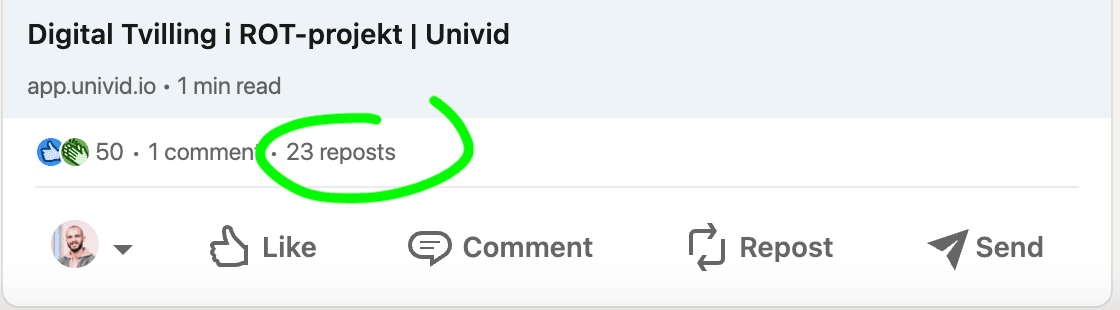
Also, posting from individual profiles is effective and encouraging your network to share - as you get much larger reach than company pages, and reach each of the personal networks as well.
For paid promotion on LinkedIn, lead gen forms outperform sending people to an external landing page, because they keep the registrant on-platform and cut the drop-off that happens every time someone has to load a new page and retype their details.
Targeting has to be tight, or you are paying to reach the wrong job titles, and every line of the copy should point at what the attendee walks away with.
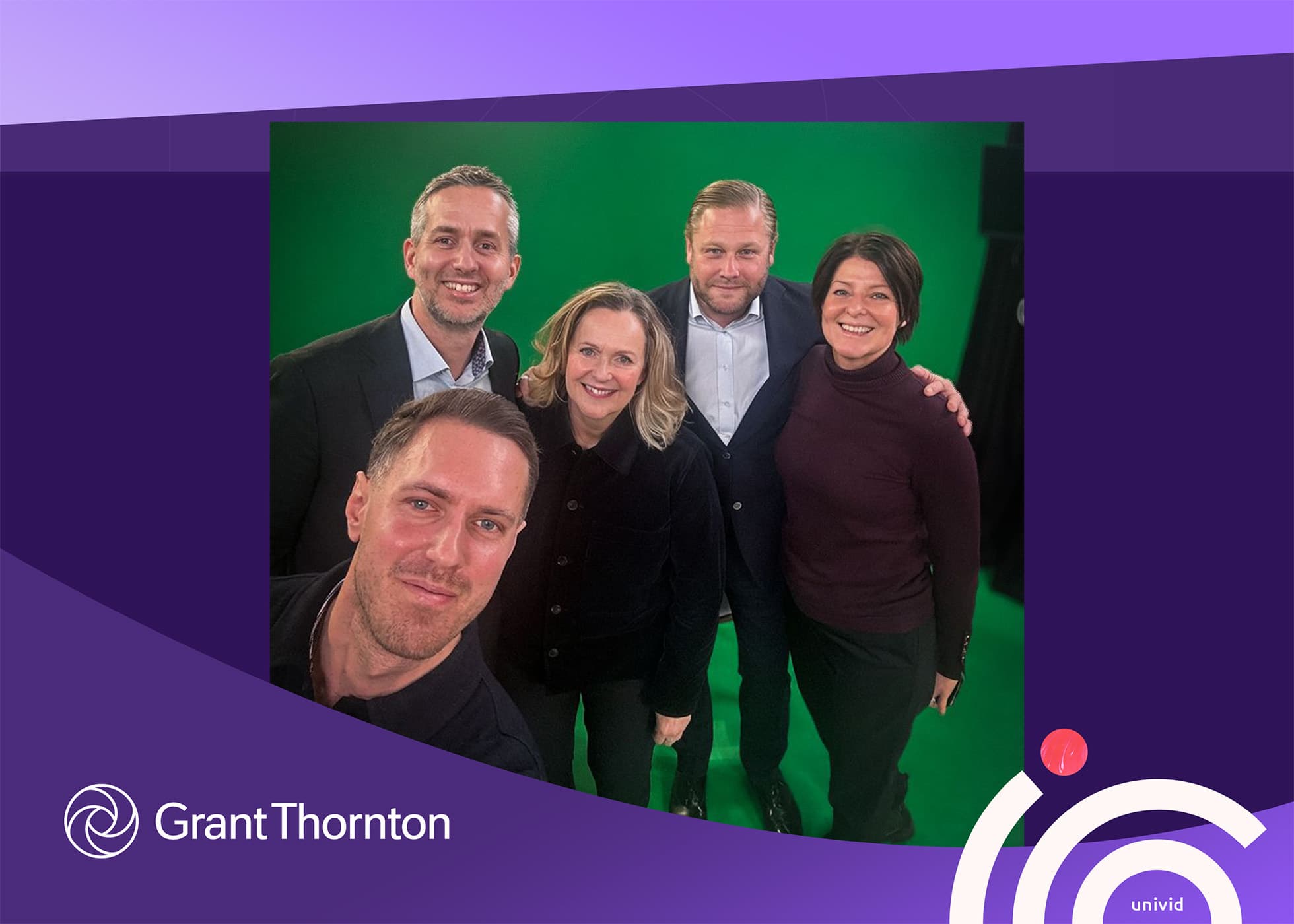
Grant Thornton runs LinkedIn webinar promotion at scale. Their flagship tax webinar pulls around 1,500 registrants, and a big part of how they get there is combining the channels they already know perform, the newsletter, social, and website.
Then wrapping the whole thing in webinar-specific visuals to make the promotion pop in a crowded inbox and LinkedIn feed.
Social media promotion tip: When promoting a webinar on social media - make sure the copy is tight, but also that you include webinar specific visuals that catch the attention of your target attendee in the feed.
Their Digital Content Manager even posts a behind-the-scenes team selfie on LinkedIn before going live, which makes the event feel like something happening, not just another calendar invite.
Social media promotion tip: Draft four LinkedIn posts for the runway instead of one, and ask your speaker and two colleagues to re-share the launch post. Borrowed reach inside your own network is free.
4. Communities and niche groups
Why: organic targeting
What you need: relevant community or groups to post in, a peer on the inside
The places your ICP already gathers are some of the highest-intent, lowest-cost promotion you have, and most teams ignore them because they feel less measurable than an ad dashboard.
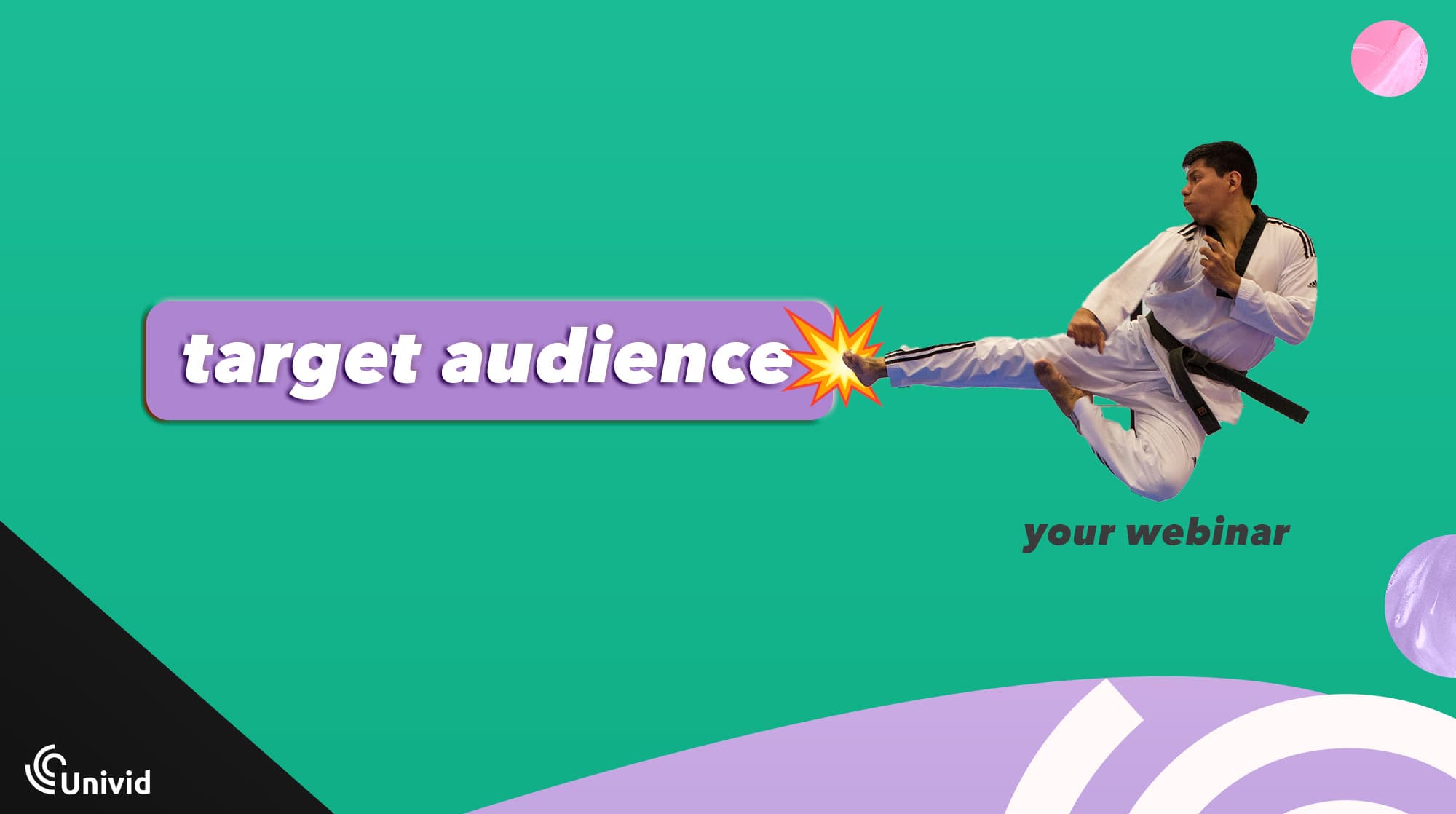
The rule is to lead with value and respect the group's norms, since a drive-by promo link gets you ignored or removed.
Industry Slack communities where your buyers swap notes. Post the webinar as a genuinely useful resource, not an ad, ideally after you have been a real participant.
Niche Facebook and LinkedIn groups tied to your vertical. Smaller and more targeted beats large and generic almost every time.
Relevant subreddits and forums where a thoughtful post about the topic, with the webinar mentioned as a resource, outperforms a straight promotion.
Letterlife shows how to do community webinars the right way. By using webinars as a recurring community touchpoint, the B2C SaaS built a community of over 20,000 and grew its user base by 400%.
The webinar was the gathering point the community kept coming back to, which is the same dynamic at work whether your group has 200 members or 20,000.
Community promotion tip: Pick the two communities where your buyers actually hang out and check their self-promotion rules so you know exactly how and when you are allowed to post.
5. Direct outreach to power users and your ICP
Why: get exactly the right people in the door (and provide natural touchpoint)
What you need: high-intent target list (existing or new), email software or LinkedIn Sales Navigator
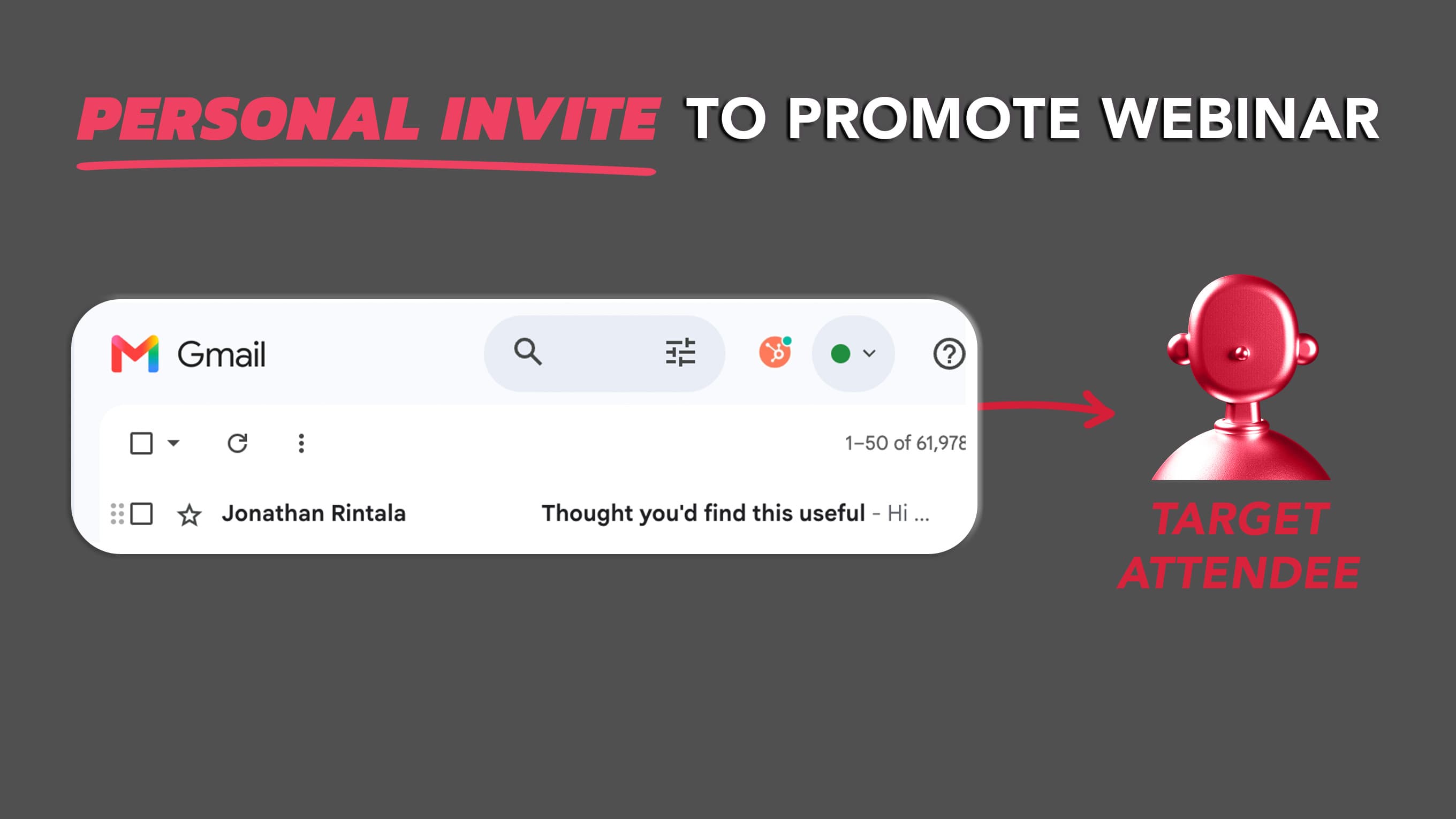
The tactic teams skip most often is the one with the best show-up rate. Personally email your most engaged customers and prospects, one to one, and ask them to come.
These are the people who actually attend, ask sharp questions, and make the session feel alive for everyone else watching.
Personal webinar invite template [example to copy]
A worked example of the "personal webinar invite" that you can copy:
"Hi [name], we are running a live session on [topic] on [date] and I immediately thought of you given [specific reason]. Would love to have you in the room, and your questions always make these better. Here is the link if you can make it: [link]. Hope to see you there?"
Also, this acts as a natural touch point where you provide value without asking for anything in return - which can be a great way for your sales team to re-activate or move an Enterprise dialogue forward.
Do this: Pull your 20 most engaged accounts and send each of them a personal note. Twenty real invitations will out-convert a thousand impressions.
6. Paid ads
Why: scale proven content with budget to reach target group
What you need: ads budget, proven content, clearly defined. target group or keywords, ads account on LinkedIn or Meta
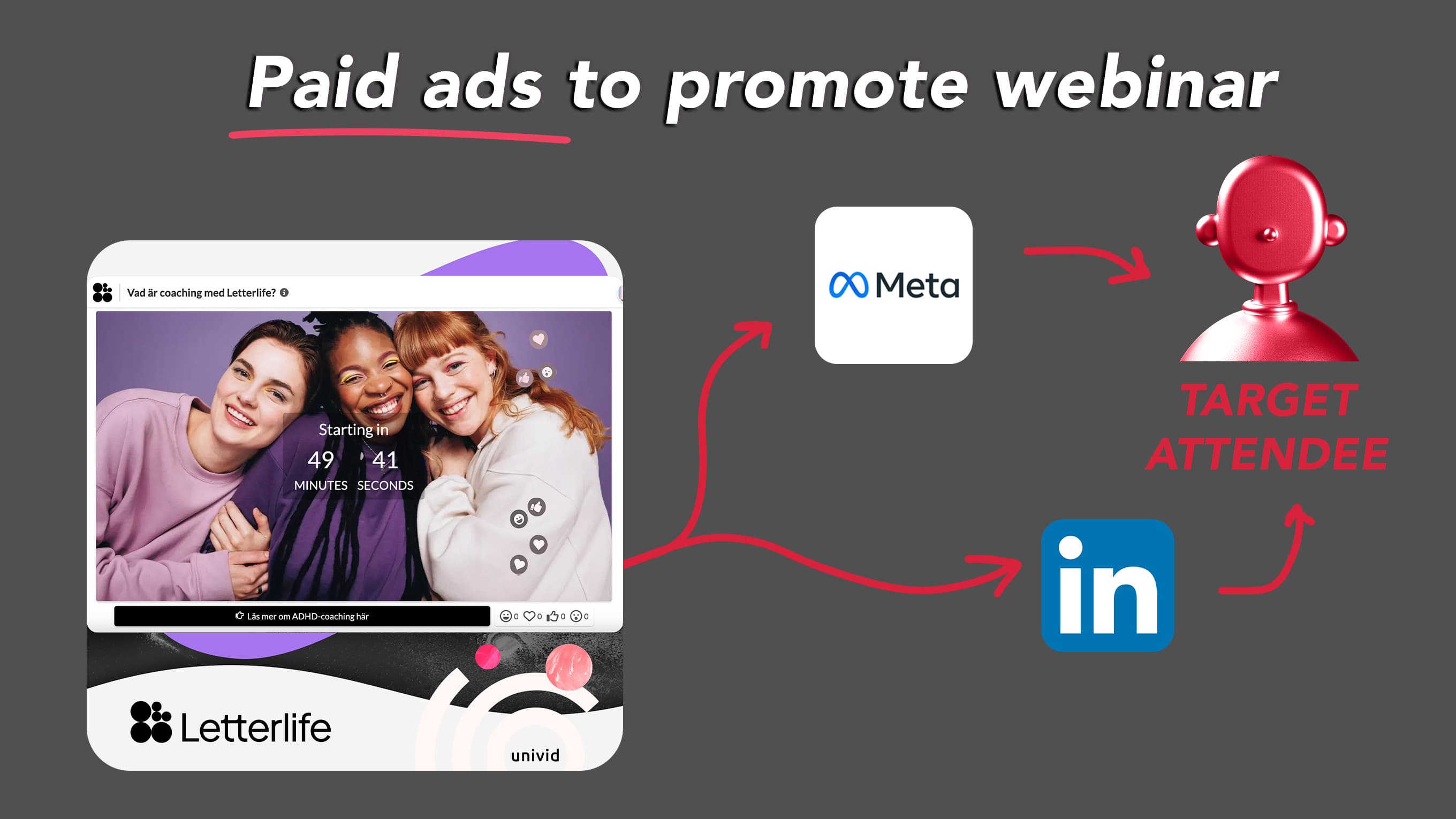
Hold off on ads until the topic and creative have already pulled an audience organically, because paying to amplify a webinar nobody wants to attend just buys you expensive proof of that.
Once a format has worked without spend, LinkedIn and Meta lead gen ads can scale it, and retargeting people who engaged with your organic content is where the budget works hardest.
Paid ads promotion tip: If you have not run this topic before, spend zero on ads for now and put that energy into the guest and outreach plays above. Revisit paid once you have one organic webinar that filled.
A Few Underrated Tactics From Webinar Marketers
Filling the registration list is one problem. Getting those people to show up live instead of saving the replay link they will never click is a different one, and it comes down to giving them something they can only get by being in the room.
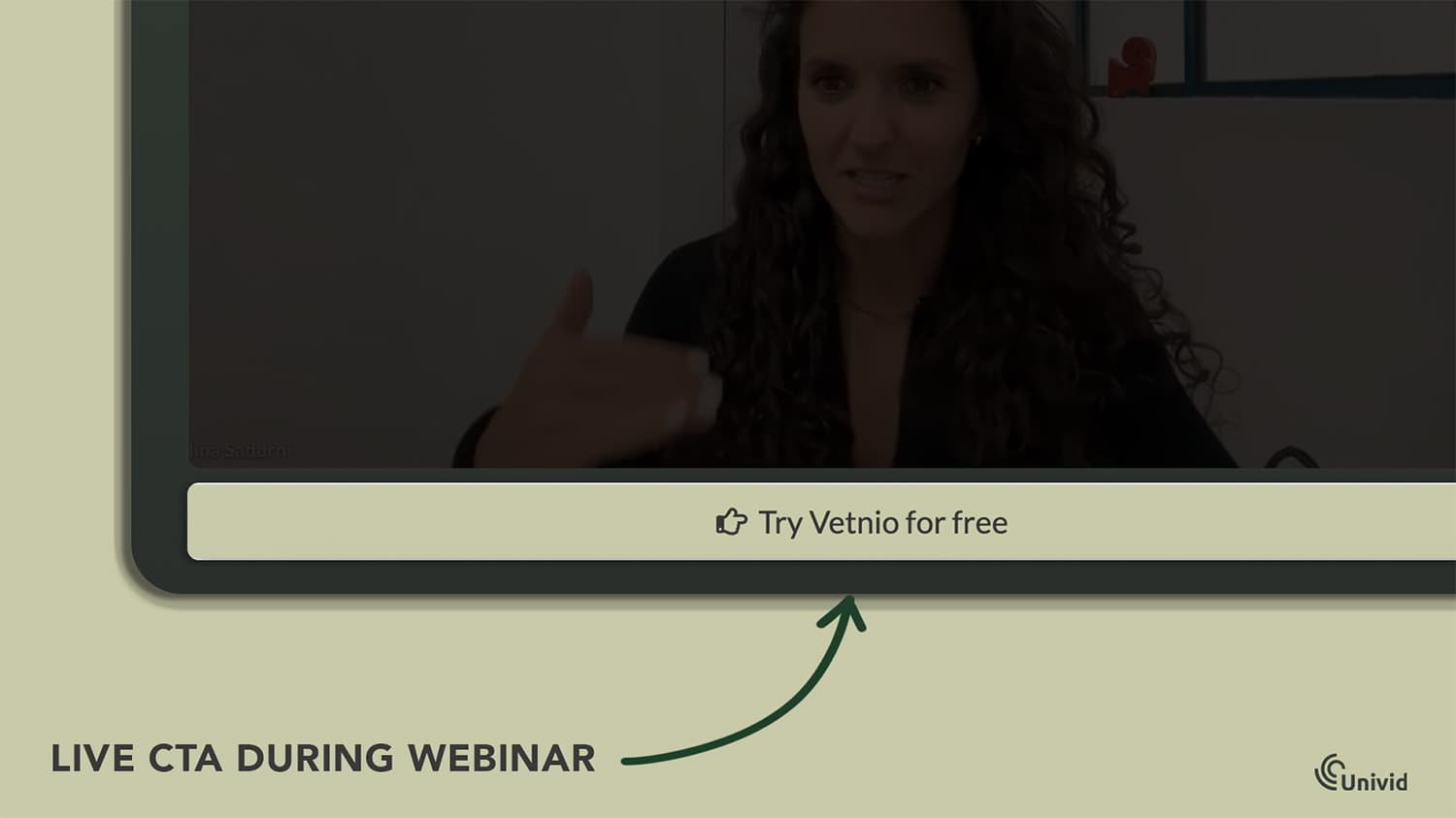
Live-only lead magnet: Promise a Notion doc, a PDF walkthrough, a template, or a custom GPT that you reveal mid-session or at the end and send only to people who attended live. This answers the "why not just watch later" question directly, since the replay no longer gets them the full prize. A nice way to offer it is via a live webinar CTA button (so you can track performance too).

A small giveaway tied to registration: Offer a modest prize to people who sign up this week, drawn live during the session. Keep it deliberately small, a book or a gift card, so it nudges sign-ups without making the webinar itself feel like the runner-up to the real reward.
Honest scarcity: "Limited to the first 100 live seats" or a cap that keeps the Q&A useful both create real urgency, as long as the constraint is true. Invented scarcity gets noticed fast and costs you trust on the next invite.
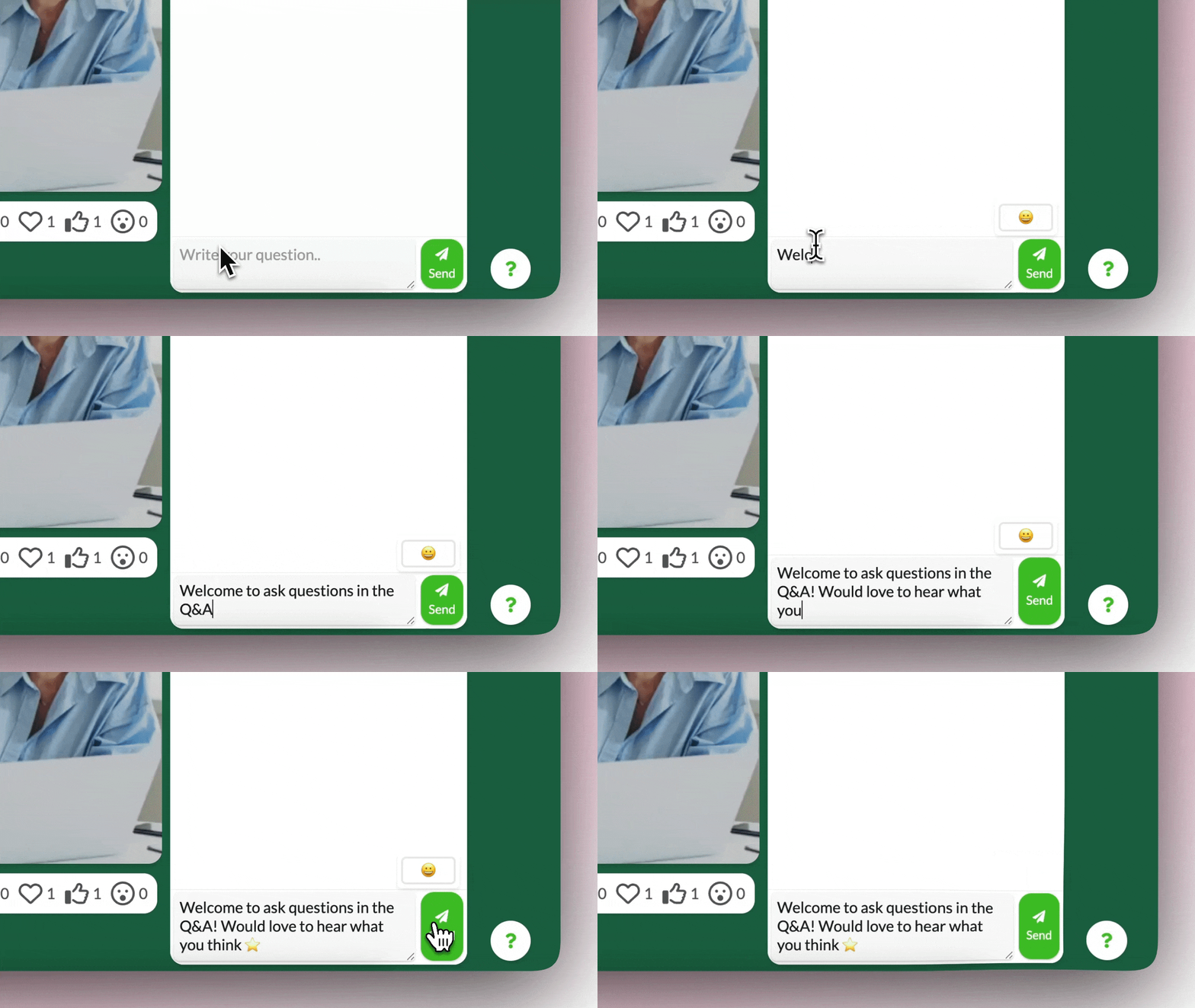
A reason to stay once they arrive: Showing up is half the battle, staying is the other half, so build in polls, live Q&A, and moments where attendees shape the session. The full toolkit for that lives in the guide on how to make the session interactive.
The payoff for getting people in the room live is real. When marketing agency Cube ran a TikTok masterclass webinar, 30% of attendees booked a meeting straight from the in-session CTA button, a conversion rate you only reach when people are actually present and engaged, not catching up on the replay three weeks later.
Making Sure People That Registered Show up (Through Automation)
Promotion gets people to register. Whether they actually attend comes down to a handful of touchpoints that fire after sign-up, and the teams who hit their numbers run those touchpoints on autopilot rather than by memory.
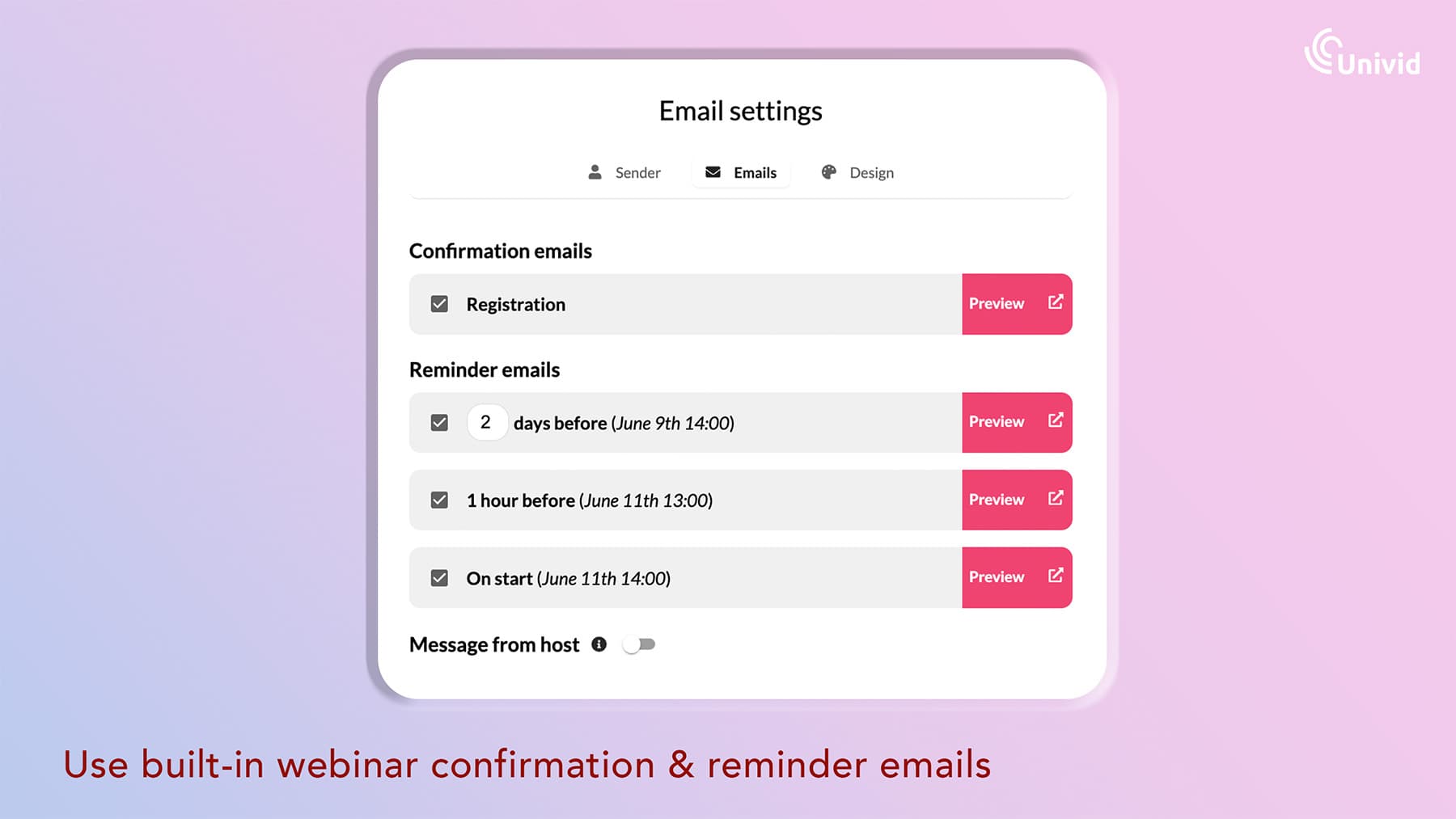
Reminders are the obvious one to automate, because on a busy launch week the manual "oh, I should send the day-before email" is the first thing that quietly falls off the list.
Set the sequence once, let it run, and the day you are heads-down on something else, your registrants still get nudged.
The confirmation email is the most overlooked piece of the chain. When someone has just signed up, they are at peak intent, which is exactly the moment to drop in a calendar invite link so the event lands on their calendar before the excitement fades.
That one link, sent at the right second, does more for show-up rates than any reminder you send later.
The follow-through does not end when the session does. Attendees should get the replay plus whatever asset you promised, while no-shows get the replay framed around what they missed, ideally split by segment so each group hears the right message. Done automatically, this runs while you sleep off the launch.
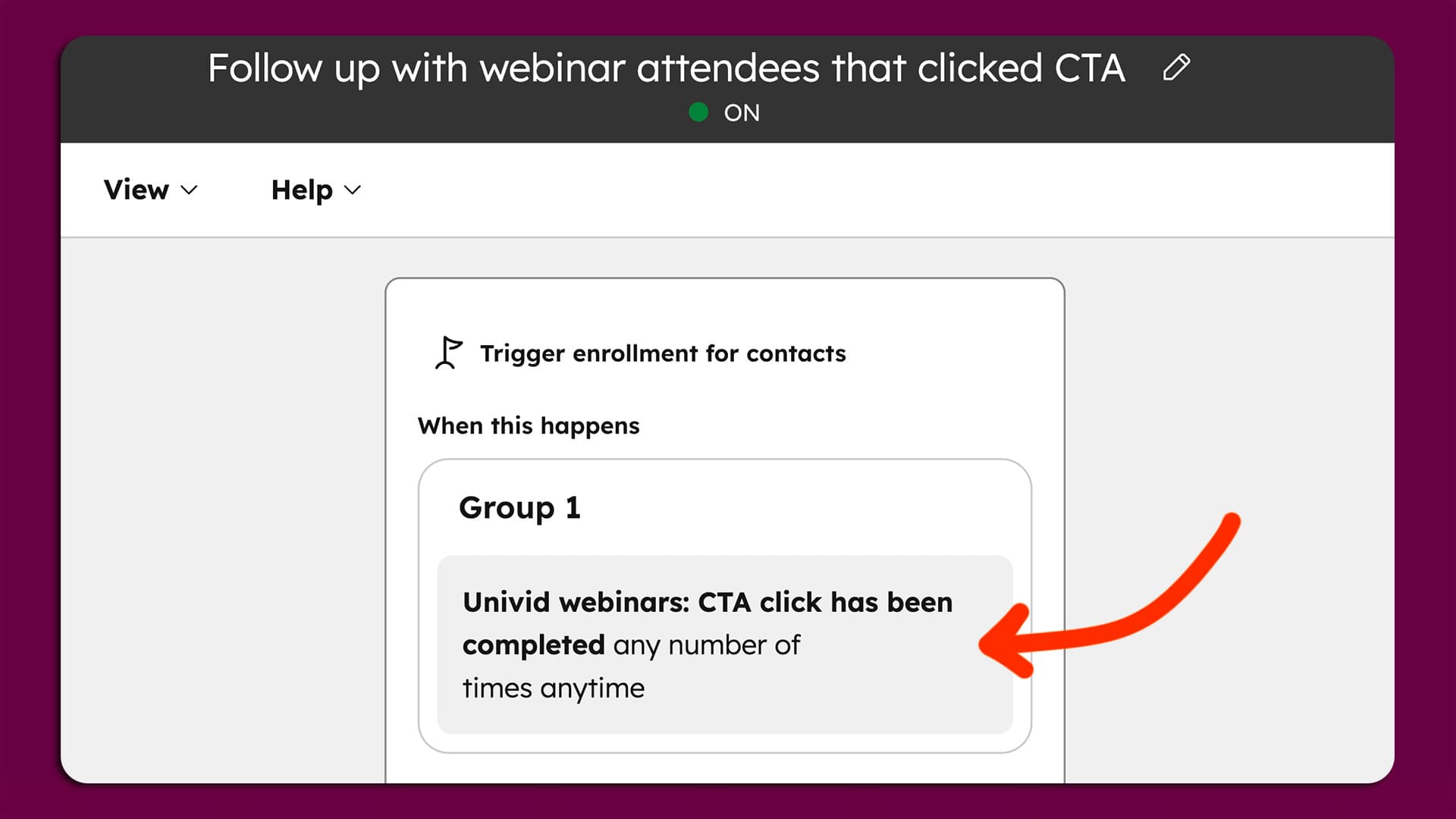
All of it (branded registration pages, the automated reminder sequence, and replay delivery) lives in one place with a platform like Univid, so the entire follow-through chain is set up once and runs itself across every webinar you host.
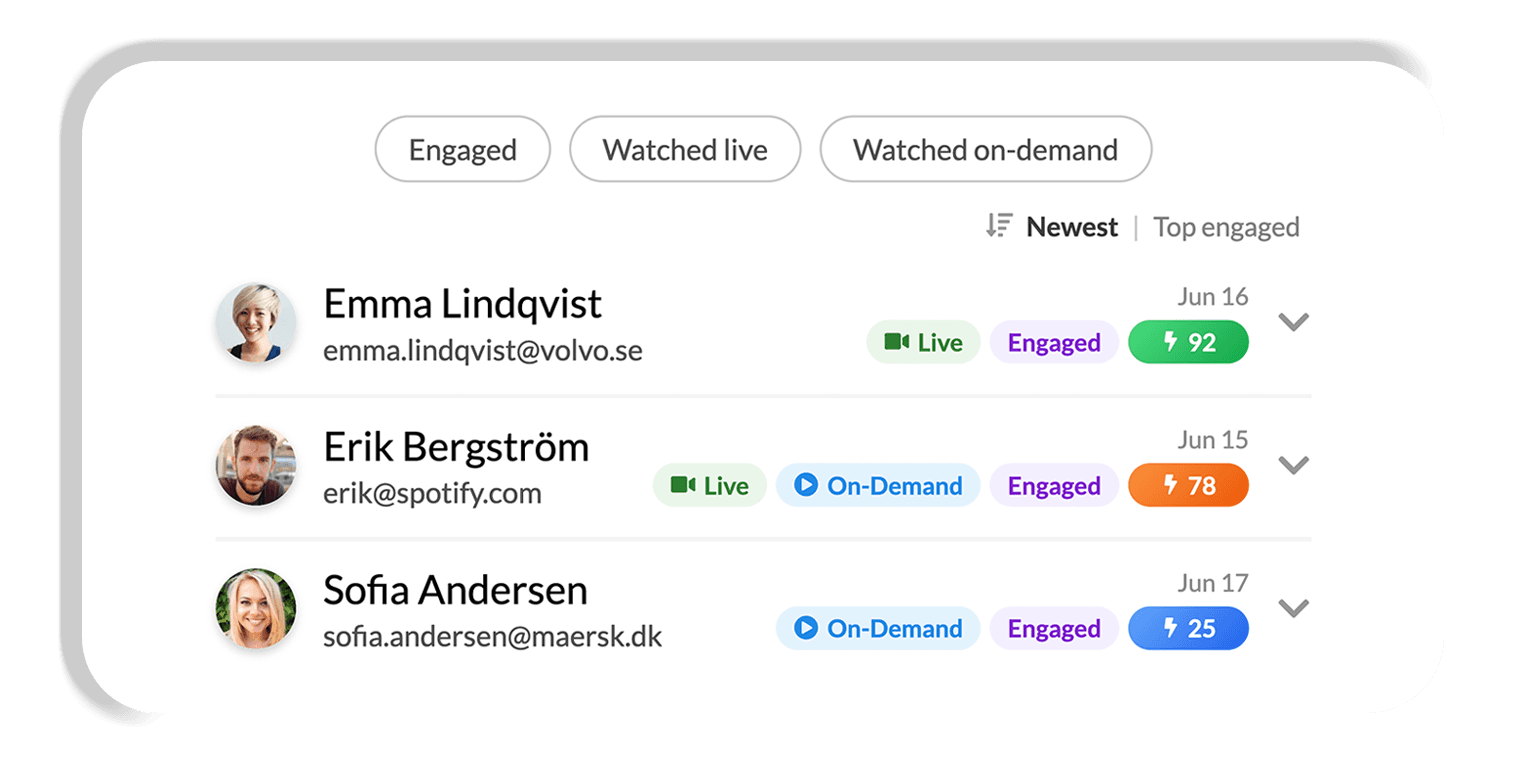
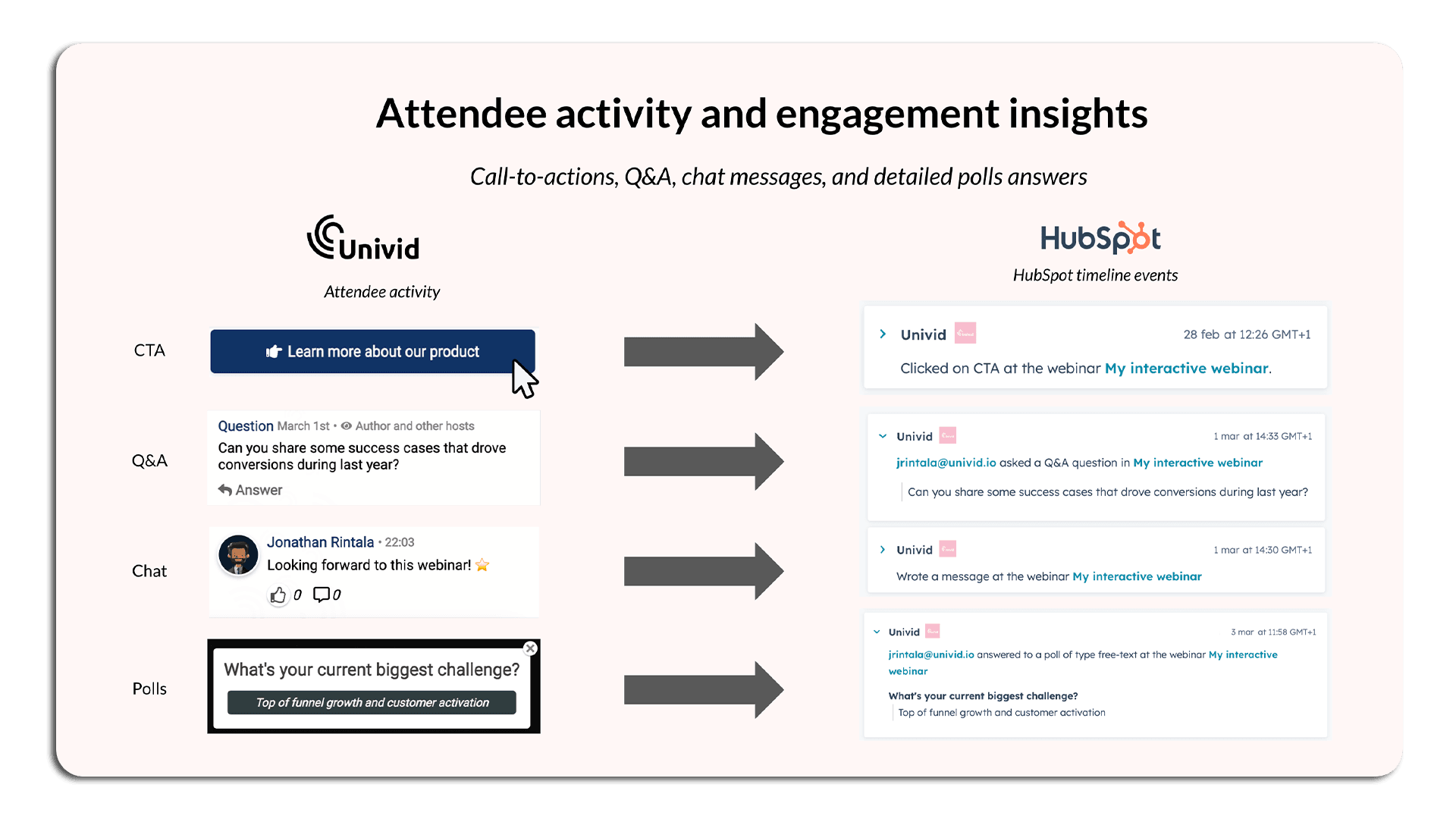
Where you get deep engagement insights.
And where this data ends automatically via webinar integrations up in your CRM to be able to segment and follow-up correctly afterwards.
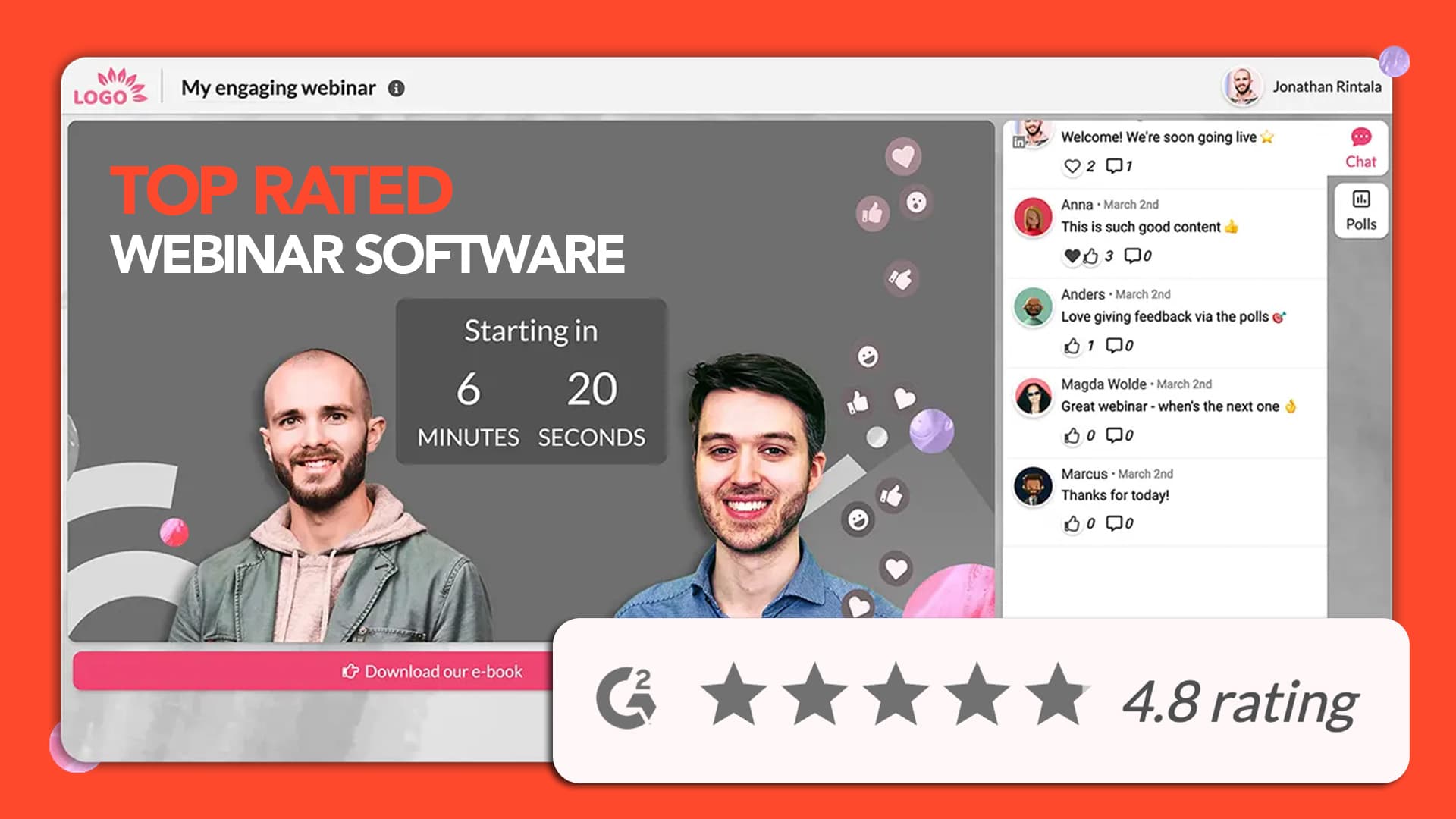
Great webinar promotion deserves a great webinar experience. If you're looking for a platform to run webinars that converts, try Univid and see how quickly you can launch your next webinar.