How to Introduce a Guest Speaker in a Webinar (Examples + Script)
Learn how to introduce a guest speaker in a webinar with ready-to-use scripts, real examples, timing rules, and tips to set the tone and lift attendance.

How do I introduce a guest speaker in a webinar?
A strong guest speaker introduction covers who they are, why they are qualified to speak on this topic, and what the audience will learn from them. The best introductions are scripted, take under 60 seconds, and build anticipation without overpromising.
Step-by-step:- Keep your introduction under 60 seconds for a standard webinar
- Cover three things: the speaker's name and role, their relevant credibility, and what the audience will gain
- Use a scripted outline rather than improvising to avoid awkward pauses or missed details
- Build anticipation by framing the speaker around a specific problem your audience cares about
- Coordinate with the speaker beforehand on pronunciation, preferred title, and key talking points
- Promote the guest speaker in your pre-event emails and landing page to drive registrations
Your guest speaker said yes. They are an expert in the room, your audience is already excited, and the webinar is two weeks out.
Most hosts spend that time on the slides, the email sequence, and the promotion plan, then quietly underestimate the one thing the entire session pivots on, which is the first 60 seconds where you hand the room over to your guest.
A flat or rambling introduction will drain the energy before your speaker has said a word, and a sharp one will prime the audience to listen actively from the first sentence.
This article walks through how to write and deliver an introduction that builds credibility, creates real anticipation, and sets the tone for the rest of the session, with ready-to-use script templates, real phrasing, timing rules, and tips for promoting the speaker in the weeks before they go live.
With a platform like Univid handling the webinar experience itself, your job upstream is simpler: make the guest shine. Here is how.
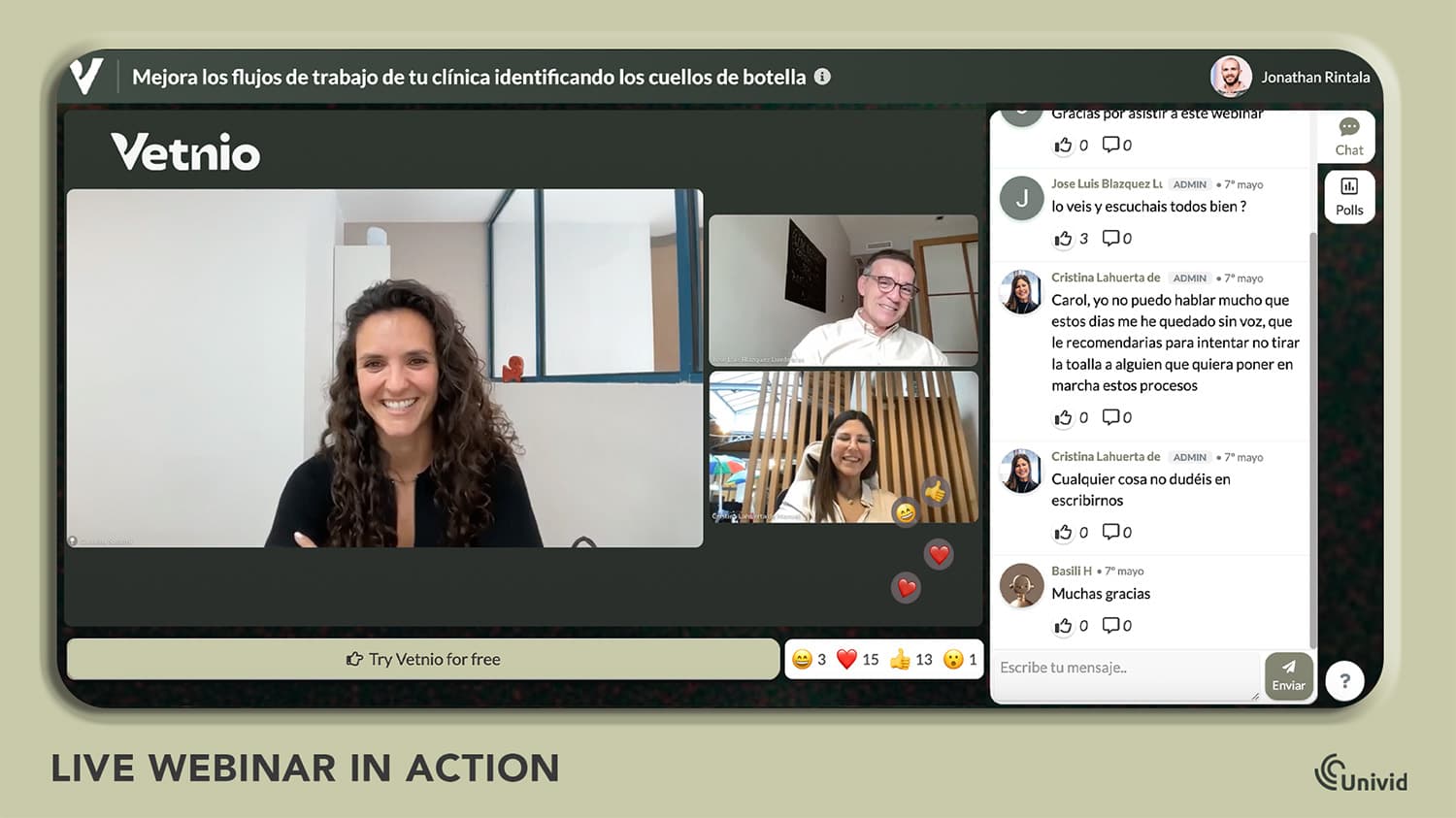
How to Introduce Guest Speakers in a Webinar [VIDEO]
Here is a video guide on how to make great guest speaker introductions for webinars. Magda from Univid will tell you how to introduce speakers the right way, why it matters, and with examples you can copy.
If you are interested in more ways to introduce guest speakers, why it matters, and details on how - read the full article below.
Why Does a Guest Speaker Introduction Matter More Than You Think?
Vanessa Van Edwards' research on TED Talks found that audiences make a snap judgement about a speaker inside the first seven seconds, with the audio muted. Webinars work the same way, except the seven seconds belong to you, not your guest.
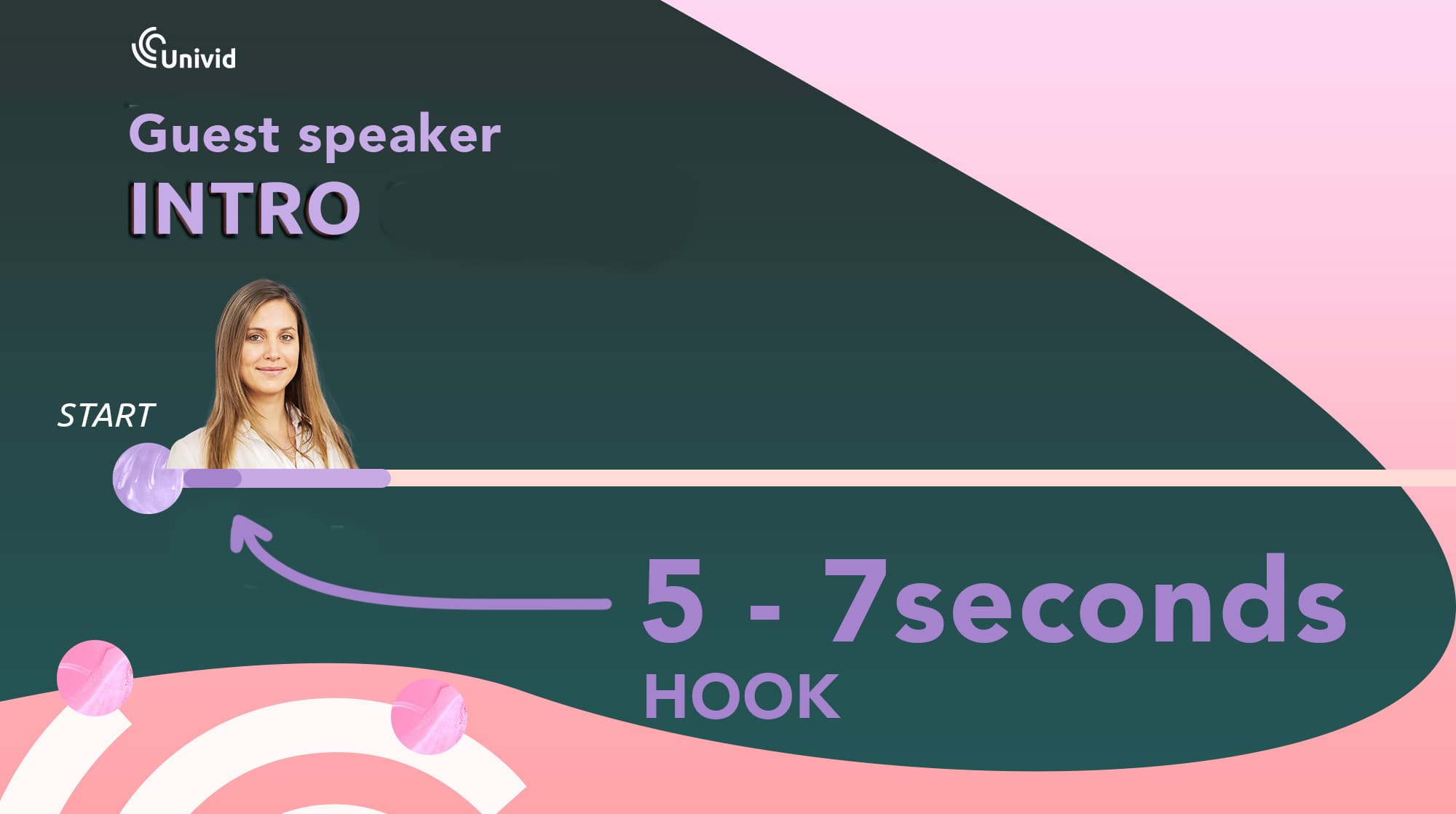
By the time they start talking, the room has already decided whether they are worth listening to, based entirely on how you handed them the mic.
A weak intro ("so, uh, let me bring in our speaker, they are really great, take it away") triggers the wrong kind of attention.
The audience hears uncertainty in your delivery and quietly applies it to the speaker before the speaker has said a word. Three minutes later, when your guest is mid-flow on their best material, the room is still half-recovering from the wobble at the door.
A strong intro does the opposite. It points the audience at a specific problem they already have, then names the guest as the person who has solved it.
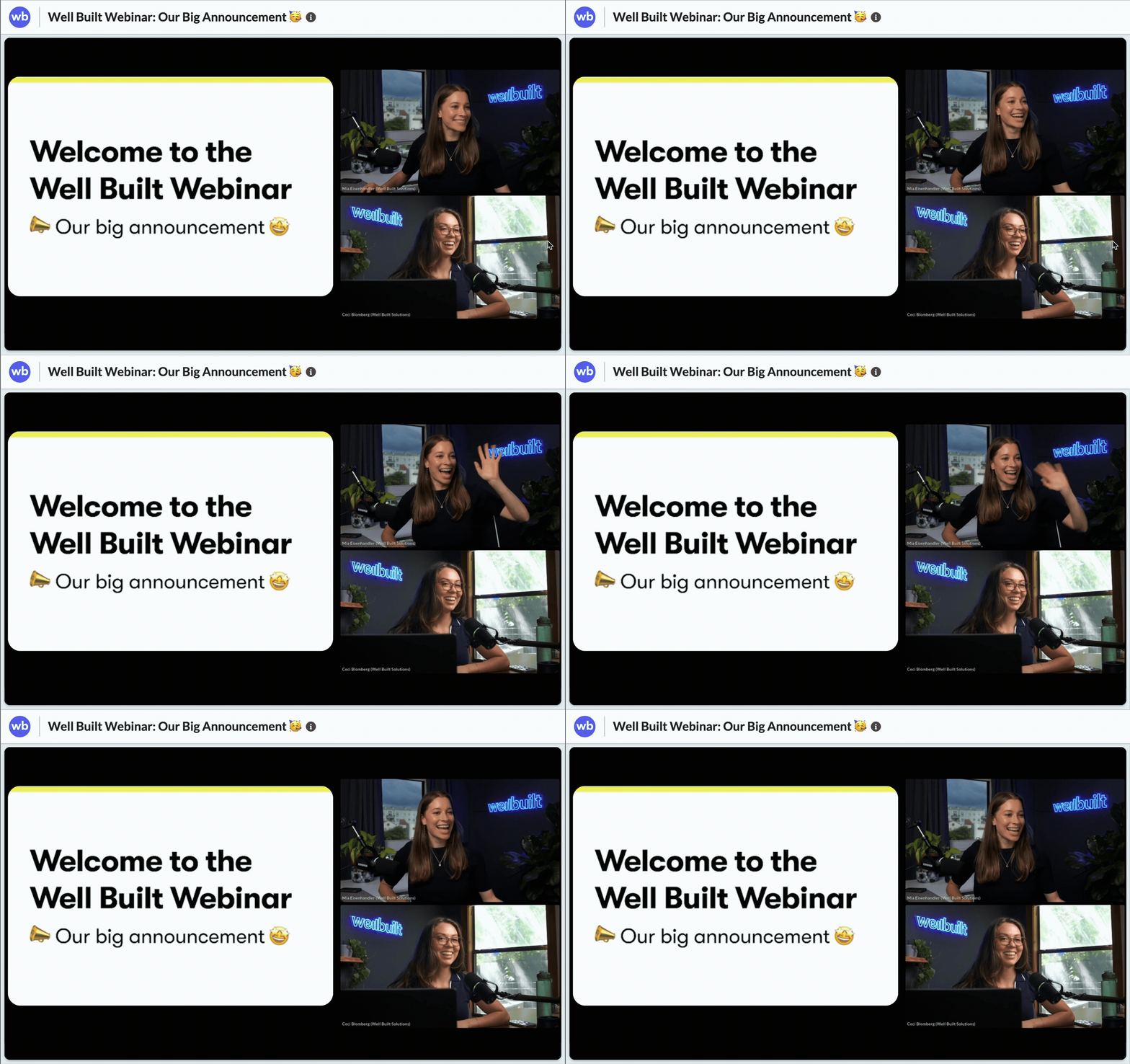
That framing primes the room to listen actively, because they are no longer evaluating whether the speaker is credible, they are waiting for the answer.
It Also Drives Registrations Before the Webinar Happens
The introduction does not start when you go live. It starts the moment a registrant sees the speaker's name in your first invite email, and it runs through every email, landing page, and social post that follows.
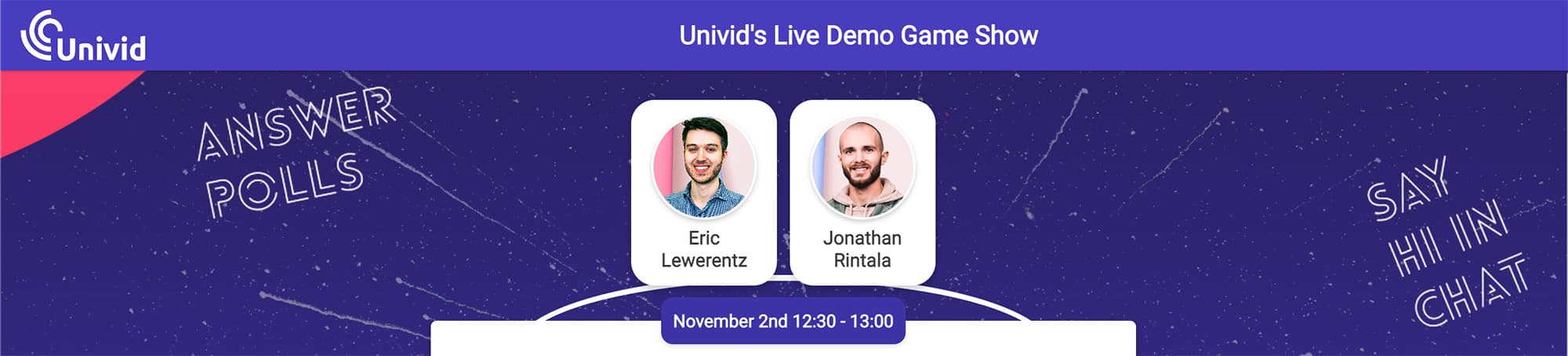
Each of those touchpoints is a pre-introduction, and the words you use there decide whether somebody clicks "save my spot" or scrolls past.
Guest speakers are one of the cleanest levers you have for lifting webinar attendance rates, because people register for speakers they trust or want to learn from.
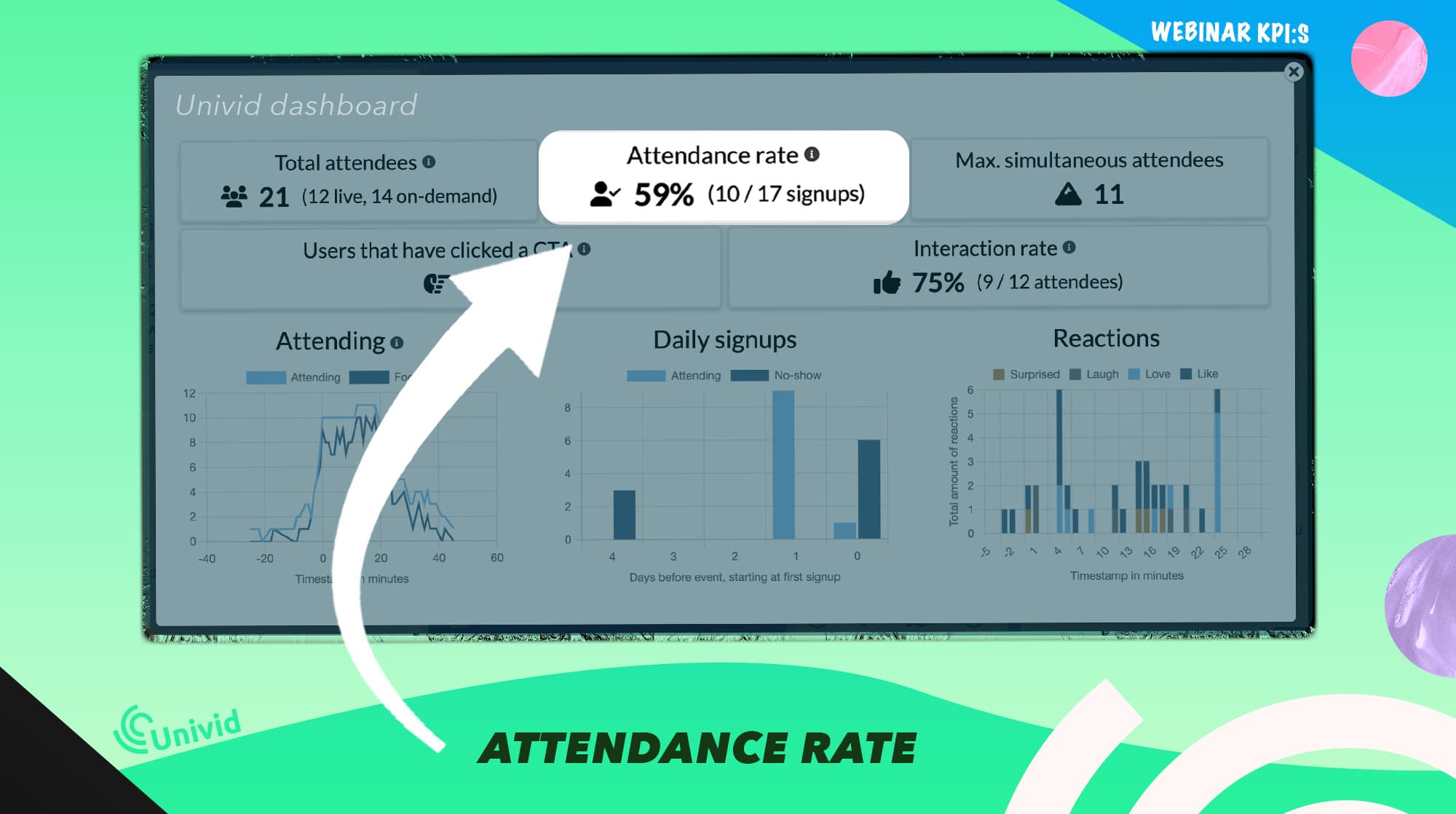
A vague "join us for a webinar with industry expert Jane Smith" earns a polite skip. A specific "Jane Smith, who grew Drift's inbound pipeline by 3x in 18 months, will walk through the exact playbook on May 22" earns a click.
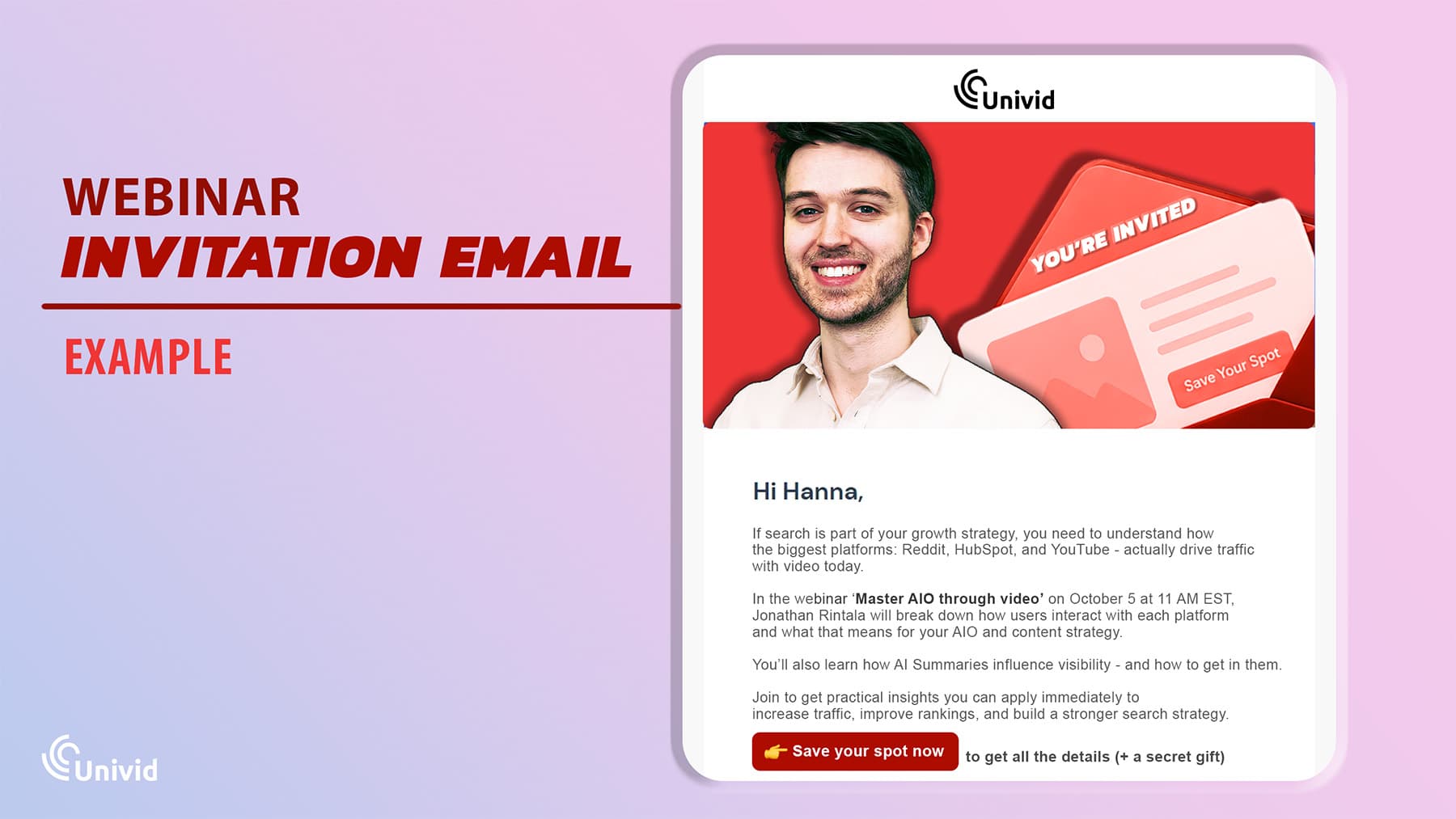
The bonus angle most hosts miss: a well-written speaker description gives your guest something worth forwarding.
A clean one-liner with a real stat lands easily on LinkedIn or in a newsletter, so the same intro copy on your landing page is quietly doing distribution work for you.
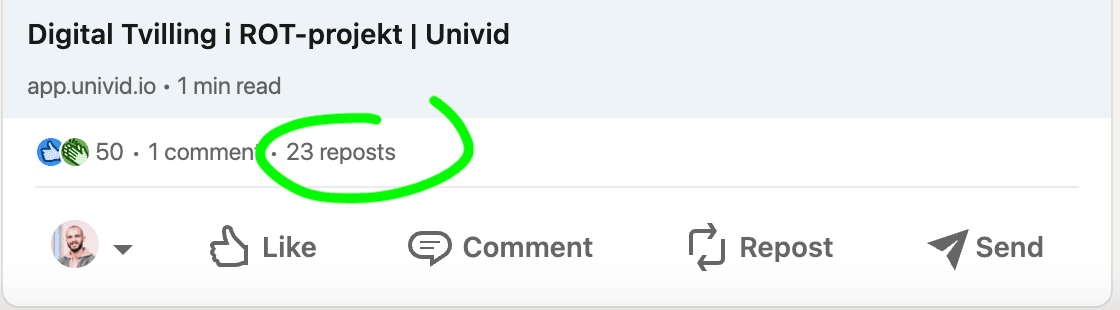
A company that figured this out is Well Built Solutions, that used social media buzz on LinkedIn as strategy to get +1000 registrants for their launch webinar.


What Should a Guest Speaker Introduction Include?
Strip a great introduction down to its parts and three things show up every time. Get those three right, keep the rest of the noise out, and finish inside 60 seconds.
The 3 Key Elements
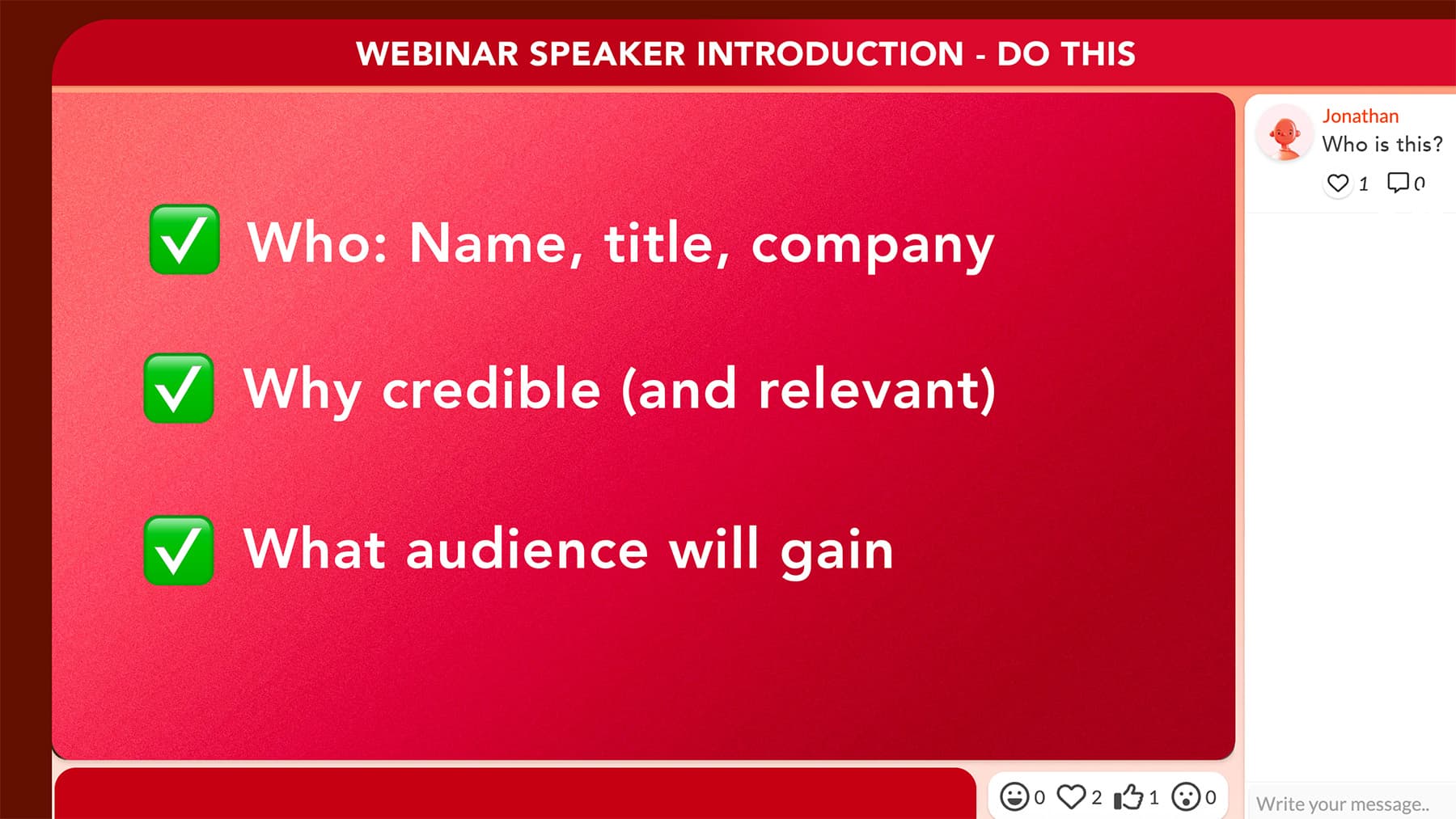
Every introduction, whether it is for a solo session or a four-person panel, has to cover the same three pieces of information in roughly the same order:
Who they are: Full name, current title, company. Get the pronunciation right, since asking on the call ("is it Cay-tlin or Kate-lin?") burns trust in front of the audience.
Why they are credible on this topic: One or two relevant achievements, picked specifically because they make this speaker the right person for this audience's problem. Skip the LinkedIn highlight reel and pick the line that earns the listen.
What the audience will gain: One sentence framing the walk-away. Something like "Today, Jane is going to walk us through exactly how her team grew inbound pipeline by 3x in six months." That single sentence is what gives the audience a reason to put down their phone.
What to Leave Out
Most weak introductions are not missing the right information, they are buried in the wrong information. Cut the following before you go live:
The full career history: A five-minute LinkedIn recap drains the room and the speaker hates it as much as the audience does.
Generic praise: "They are amazing, such a thought leader, an absolute legend in this space" tells the audience nothing. Be specific or say nothing.
Inside jokes and personal anecdotes the audience was not part of: That story about how you and the speaker met at a conference in 2019 is for the speaker prep call, not the live session.
Anything the speaker did not approve: Always share your planned intro before the event, since speakers will quietly correct a title, a metric, or a framing that is technically true but lands wrong for their personal brand.
The 60-second rule
For a 30 to 45 minute webinar, your introduction should land somewhere between 30 and 60 seconds.
Longer than that eats into the speaker's runway and drains the energy you spent the email sequence building. For a 60-minute session or a multi-speaker panel, you can stretch to 90 seconds, but no further.
The honest part is that most hosts are bad at estimating this. You think you are taking 30 seconds and you are actually taking two minutes, especially when you ad-lib mid-intro because you remembered one more thing about the speaker.
Time your run-through on a stopwatch the day before, and if you are over 60 seconds, cut something specific rather than reading faster.
3 Proven Guest Speaker Introduction Scripts [to Copy]
These three templates cover roughly 90% of the webinars you will ever host - and have been carved out during time, from experience of hosting 100s of webinars. Now they are yours. For free. Copy the one that fits your session, swap in the bracketed details, and time it on a stopwatch before the live event.
Each script is built to land inside the 60-second rule and end on a clean handoff, so you can drop it into your run-of-show without rewriting.
Script 1: The standard professional introduction
Best for: Single-speaker webinars with one clear topic.
Template:
"Welcome, everyone. We are excited to have you here for today's session on [topic]. Our speaker today is [Full Name], [Title] at [Company]. [Speaker first name] has spent the last [X years] focused on [relevant expertise area], and their work on [specific achievement or project] is exactly why we asked them to join us today. In the next [X minutes], they are going to walk us through [specific takeaway or framework]. [Speaker first name], great to have you. Over to you."
Why it works: Covers all three elements (who they are, why they are credible, what the audience gets) inside 45 seconds, with the credibility line tied to a specific project rather than a vague "thought leader" descriptor.
The handoff is named and clean, which prevents the awkward two-second silence that kills momentum on so many live sessions.
Script 2: The problem-first introduction
Best for: Webinars built around a specific pain point your audience is already living with.
Template:
"Quick question before we start. How many of you have struggled with [specific problem]? Drop a yes in the chat. That is exactly why we brought in [Full Name] today. [Speaker first name] is [Title] at [Company], and they have [specific credibility detail, e.g., 'helped over 100 B2B teams fix this exact problem']. In the next [X minutes], they are going to show you [specific outcome]. Let's get into it. [Speaker first name], take it away."
Why it works: Opens with a chat prompt, which forces audience participation inside the first 15 seconds and gives you a live read on the room before your guest has even taken the floor.
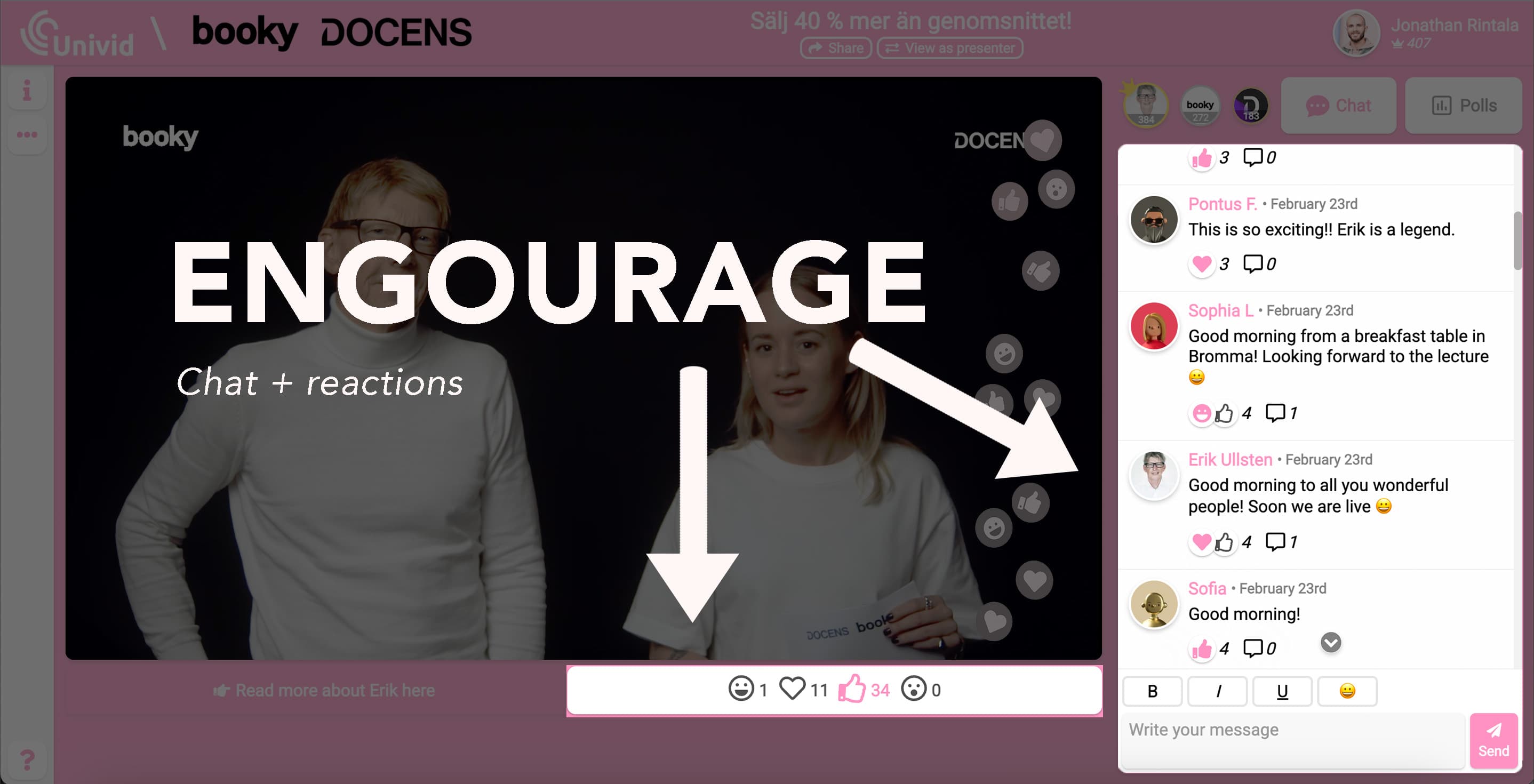
It also reframes the speaker as the answer to a problem the audience just admitted they have, so the listening posture is already active by the time your guest starts talking.
The chat prompt doubles as an easy way to make your webinar more interactive from the very first moment.
Script 3: The panel or multi-speaker introduction
Best for: Webinars with 2 to 3 speakers, or any moderated panel format.
Template:
"Today we have a fantastic panel joining us, so let me introduce everyone quickly. First, [Full Name], [Title] at [Company], who brings [one-line credibility]. Next, [Full Name], [Title] at [Company], known for [one-line credibility]. And finally, [Full Name], [Title] at [Company], who will share their perspective on [angle]. We are going to spend the next [X minutes] digging into [topic], with [Y minutes] reserved at the end for your questions, so drop them in the Q&A anytime. Let's get started."
Why it works: Each individual intro lands in one sentence, which keeps the cumulative time under 60 seconds even with three guests, and sets a clear time expectation so the audience knows when the Q&A is coming.
That preview also primes the chat to start collecting questions from minute one, which solves the dead-silence problem most panels run into when the moderator finally says "any questions?" at the end.
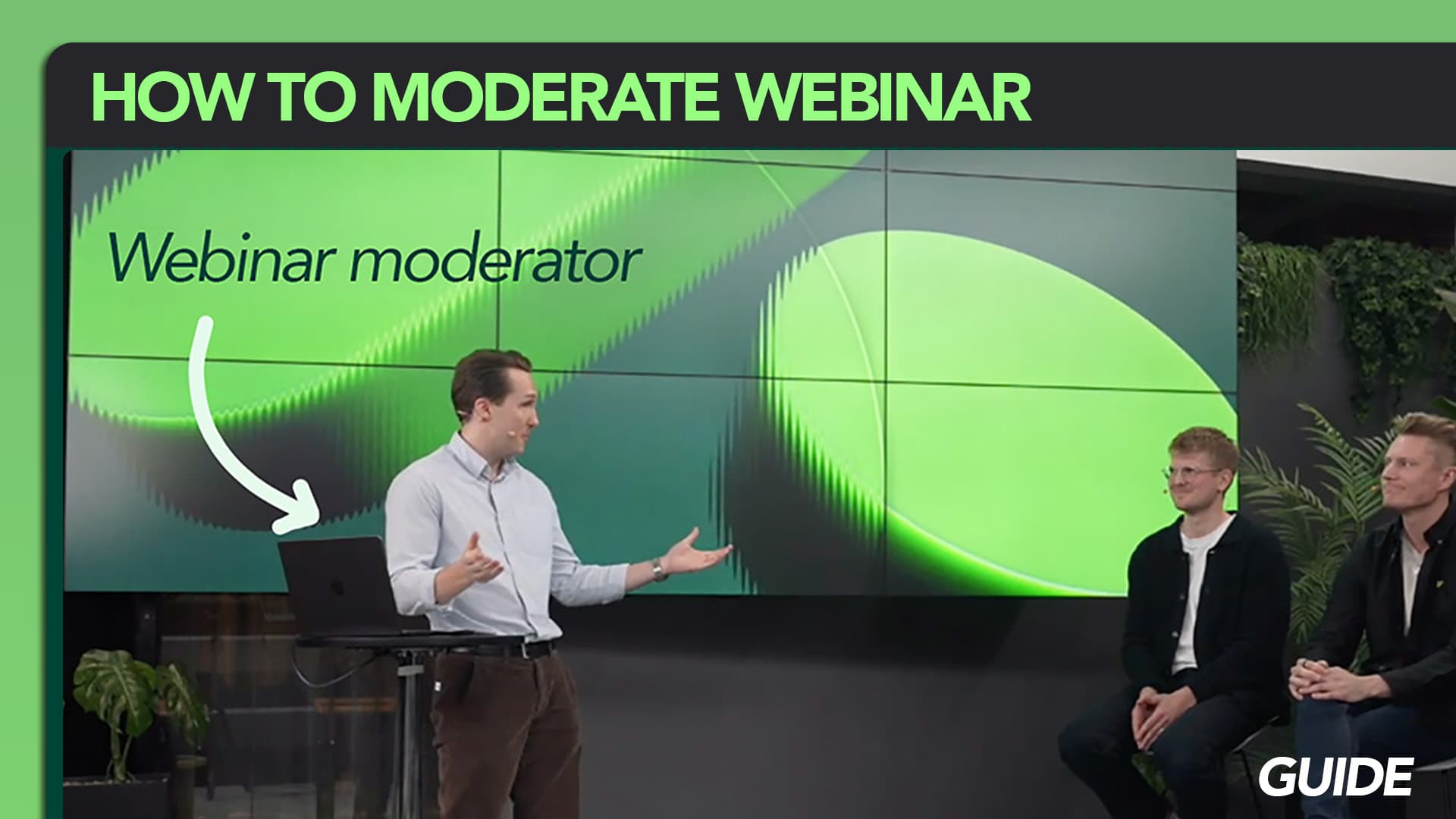
If you are running a real panel rather than a sequential handoff, the deeper craft is in moderating a webinar panel, where the introduction is just the on-ramp.
How to Promote Your Guest Speaker Before the Webinar
Half the work of a great introduction happens before anyone joins the live session.
The way you frame your speaker in the two or three weeks leading up to the event decides whether your registrations climb steadily or stall the moment the first invite goes out. And yes - this is part of the big webinar marketing playbook.
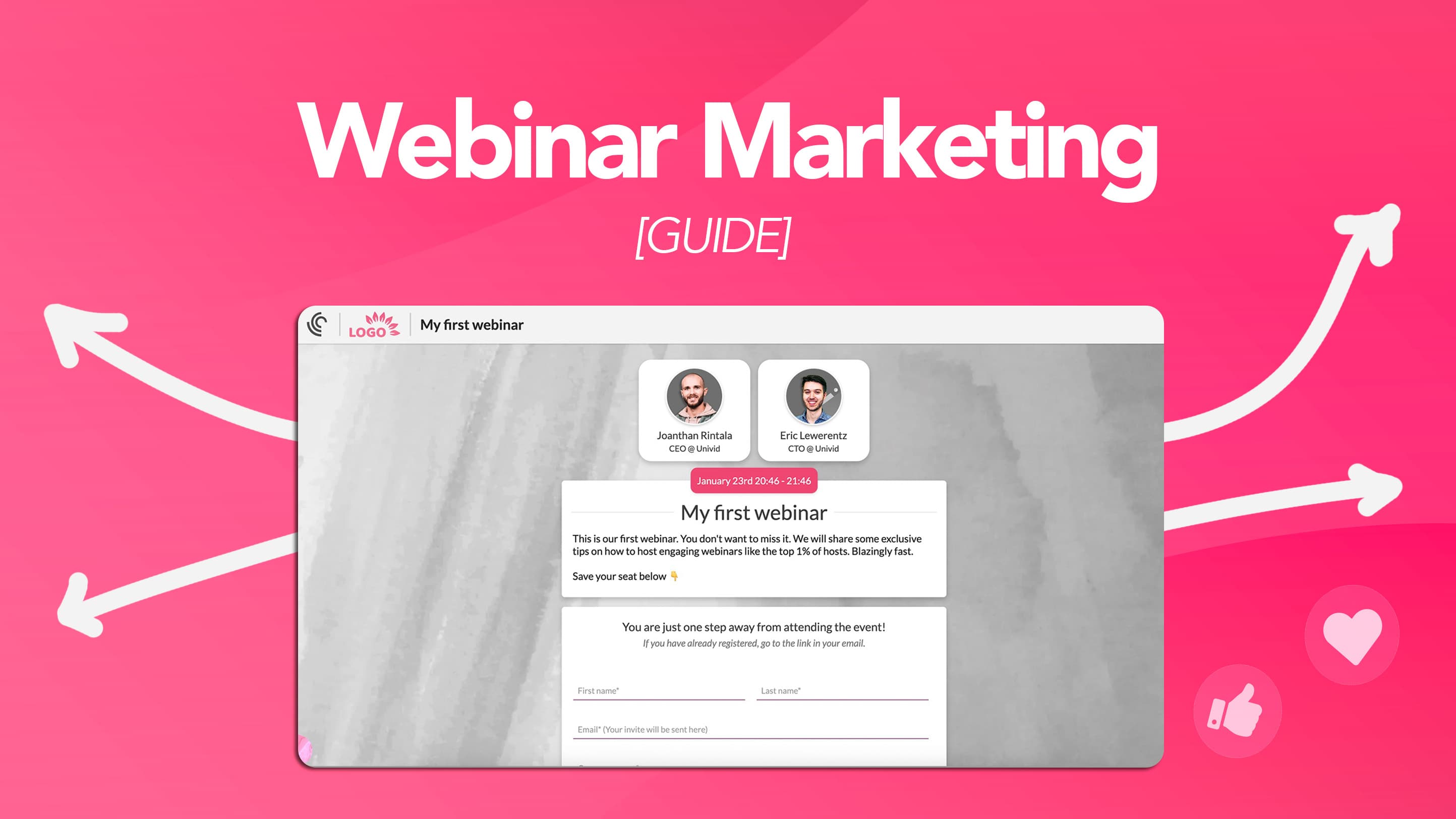
Three channels carry most of that weight: your email sequence, your landing page, and your speaker's own audience.
In Your Invitation and Reminder Emails
Every email in the pre-event sequence should feature the speaker's headshot, name, title, and one specific credibility line.
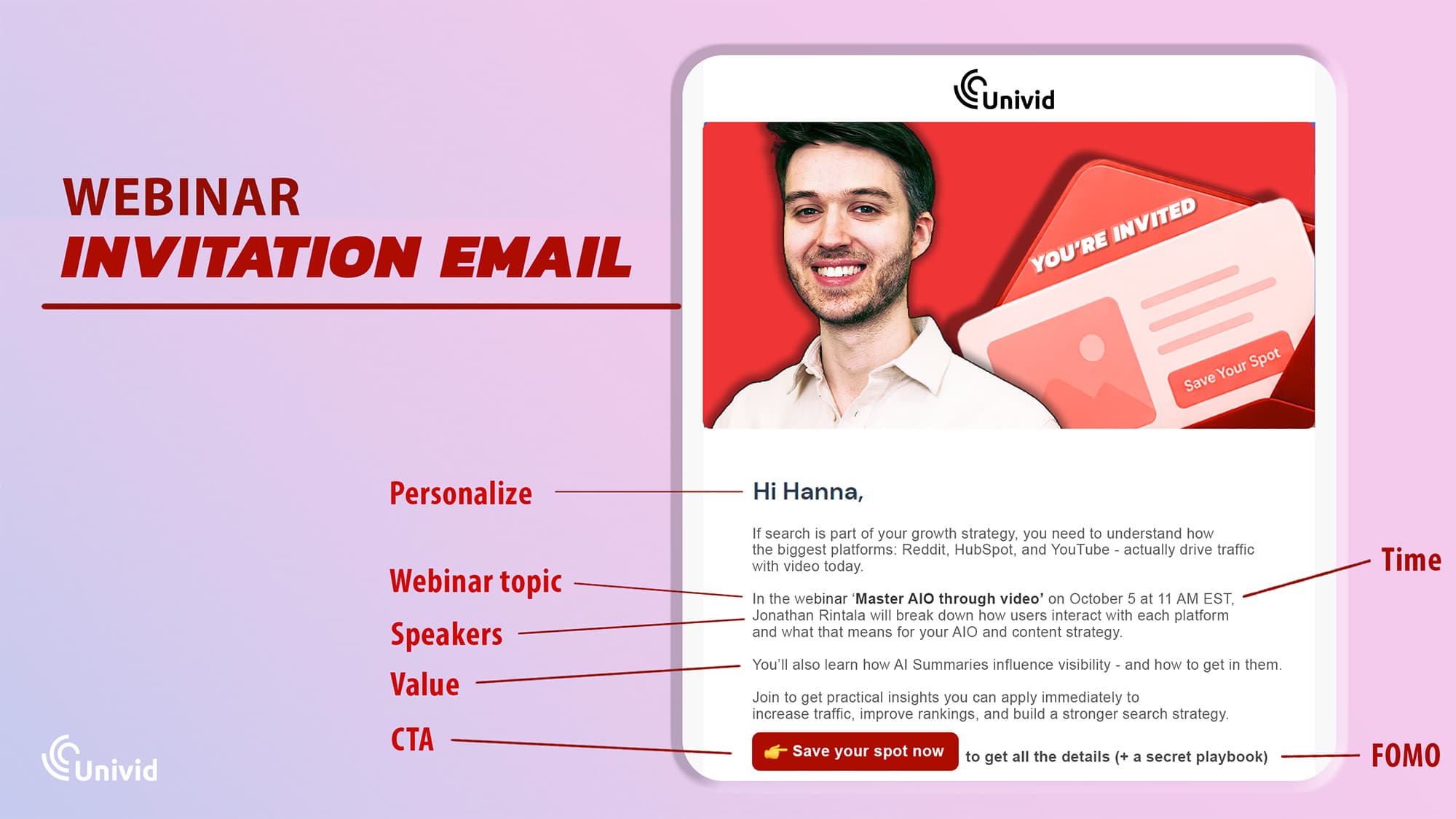
Skip "industry expert" and pick the detail that actually earns the click ("former VP Marketing at Drift, scaled inbound pipeline 3x in 18 months").
Speakers are one of the few hooks in B2B email marketing that consistently move open rates, so use them.
A few specifics that work in practice:
Use the speaker as the subject line hook: "Hear how Adam Robinson grew B2B pipeline by 3x (live session, May 22)" outperforms "Join us for our upcoming webinar" by a wide margin, because the subject line is doing two jobs at once: naming the person and naming the outcome.
Tease something specific in your reminder emails: "On Thursday, Adam is going to walk through the exact scoring model his GTM team uses to qualify inbound leads (never shared publicly before)". That sentence gives registrants a reason to actually show up, not just register.
Re-feature the speaker in the day-before reminder: This is where most hosts revert to logistics copy ("here is your join link, see you tomorrow") and lose the chance to lift attendance by reminding the registrant why they signed up in the first place. Instead center it around the speaker, "Tomorrow you finally get the chance to meet Adam, and ask him your burning questions in the live Q&A, see you there".
The full cadence (what to send, when, and how each email earns its place) sits inside the broader playbook on webinar invitation emails - and nailing how you work with reminders before the webinar takes place.
On Your Registration Landing Page
Dedicate a section of your webinar landing page to the speaker, with a clear headshot, a 2 to 3 sentence bio, and the specific question or problem they will address.
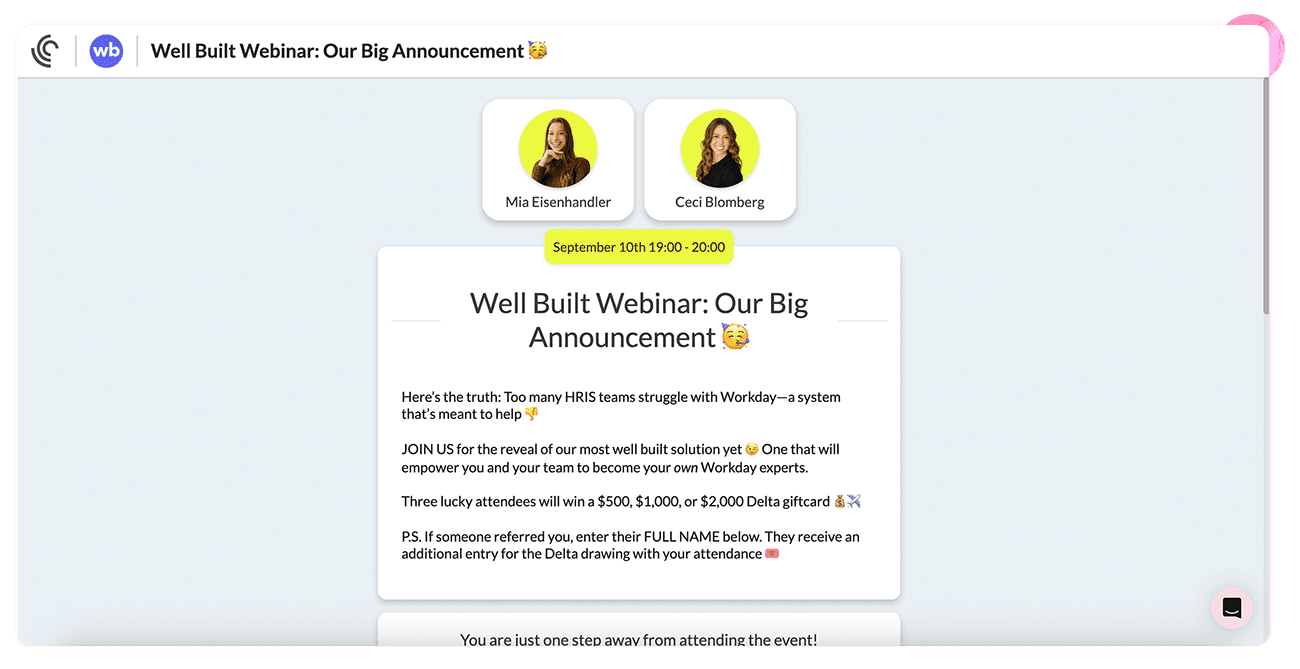
A bio that reads "Jane is a marketing leader passionate about growth" tells a visitor nothing. A bio that reads "Jane scaled Drift's inbound pipeline from $4M to $12M in 18 months and will walk through the exact playbook" tells them why they should block 45 minutes of their week.
If your speaker has notable logos or metrics, surface them. "Former VP Marketing at Shopify" or "helped 500+ B2B teams implement account-based motion" carries weight that an unbranded bio cannot.
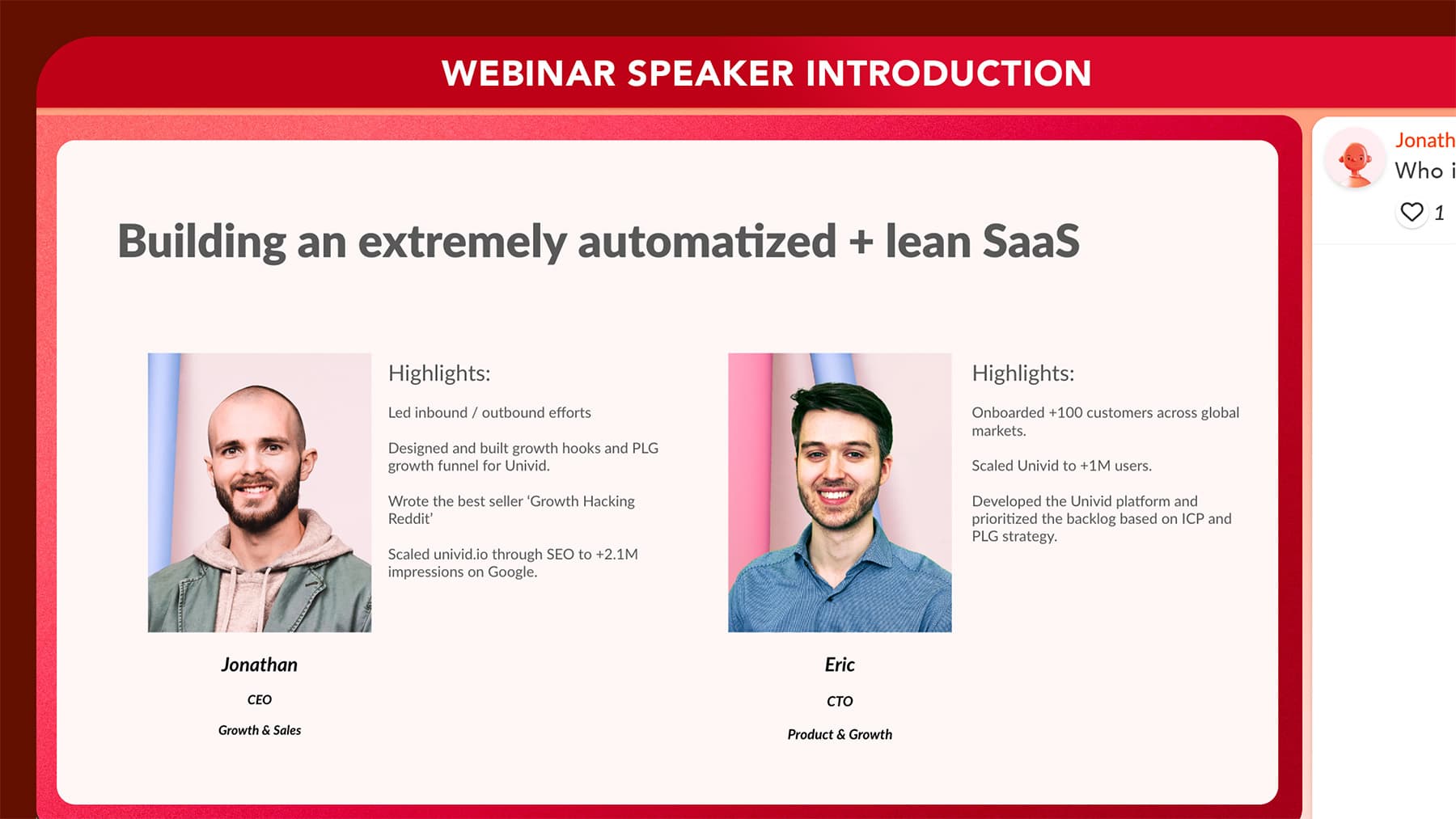
The deeper truth here is that landing page conversion rates move in step with how concrete your speaker section is, so a well-built webinar landing page with real credibility markers converts at materially higher rates than a generic event description with the speaker's name buried below the fold.
Leverage the Speaker’s Own Audience
Your guest already has a network, and most hosts under-use it because they make sharing feel like extra work. The fix is to remove every ounce of friction from their side of the equation:
Send the speaker a pre-written social post and email blurb a week before the event: A clean LinkedIn paragraph with a registration link and a single image. Tell them to edit freely, or post it as-is. The easier you make it, the more likely they actually share.
Coordinate any newsletter, podcast, or LinkedIn mentions for the same week: A speaker dropping the link in their Tuesday newsletter and then sharing on LinkedIn on Thursday is worth more than a single post on the morning of the event.
Plan the post-event content before the webinar happens: If you know in advance which clips, quotes, and angles you want to pull, you can repurpose the session into marketing content inside the first 48 hours, while the speaker's audience is still warm and willing to amplify.
The compounding effect matters here. A speaker who shares once before the event might bring 30 to 50 new registrants.
A speaker who shares before, mentions in their newsletter the week of, and then re-shares the replay can easily bring 200 to 300, all from the same single ask if you make it easy enough.
Common Mistakes That Kill a Guest Speaker Introduction
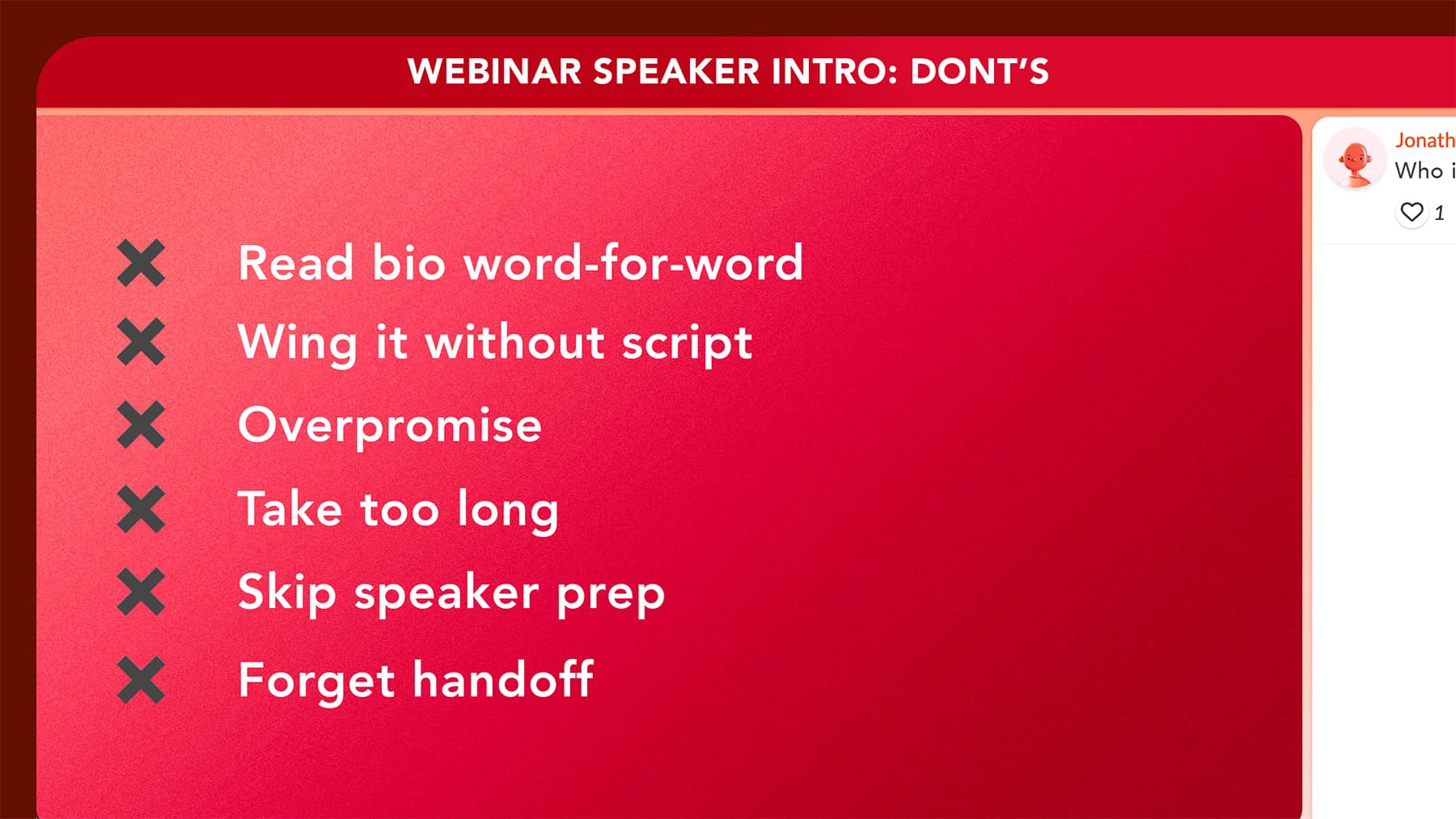
Even hosts who write a solid script still manage to torch the introduction in the live moment, usually for one of the same six reasons.
Then there is the technical layer, which most teams ignore until the speaker's mic does not work on the day. Worth pulling apart both.
Reading the speaker's full bio word-for-word
The single fastest way to lose the room. Audiences can hear when you are reciting LinkedIn at them, and the energy drops inside the first 15 seconds. Summarize, do not read.
Winging it without a script
Even hosts who have introduced 50 webinars will forget a detail, mispronounce a name, or pad with filler when they improvise. Write the intro out, then deliver it from an outline rather than reading word-for-word.
Overpromising
"This will change how you think about marketing forever" or "you have never heard anything like this" sets a bar your speaker probably did not agree to clear. Build honest anticipation with specific outcomes, since concrete numbers always outperform superlatives.
Taking too long
Anything over 90 seconds is too long for any format, and that ceiling applies even to panels. The audience showed up for the speaker, so every extra sentence you spend on yourself is borrowed from them.
Skipping the speaker prep
Always send your planned intro to the speaker at least three or four days before the event. They will quietly correct a job title, a metric, or a framing that is technically true but lands wrong for their personal brand, and you will avoid the awkward "actually, it is pronounced differently" moment mid-session.
Forgetting the handoff
End with a clear, named handoff ("Jane, over to you"), said with energy. Trailing off, asking "are you ready?", or leaving two seconds of silence will all signal uncertainty to the audience and force your speaker to climb out of a small hole before they have started.
The Technical Handoff
The cleanest introduction in the world will land flat if it is followed by 45 seconds of "Jane, can you hear me?", "let me try sharing my screen again", "is this audio coming through okay?"
These moments cost more than they look, because they reset the energy you just built and tell the audience the session is going to be bumpy.
Three things prevent it almost every time:
Run a full tech check with the speaker 24 to 48 hours before the event, not on the morning of. Test audio levels, camera framing, screen share, and the platform itself. Edge cases (multiple monitors, older operating systems, corporate VPNs blocking browser features) only surface in a real run-through.
Use a platform that minimizes friction on the speaker's side: A browser-based setup like Univid means your speaker joins with one click, no downloads, no installs, no account creation. The fewer things they need to set up, the fewer things can break in the first 30 seconds of going live.
Have a backup plan if the connection drops: Decide in advance who fills the gap, for how long, and with what content. A 90-second moderator anecdote covers most reconnections, and knowing it is there means you can stay calm when the speaker's wifi cuts out without warning.
Guest Speaker Introduction Checklist
Step | When | Details |
|---|---|---|
Research the speaker | 2+ weeks before | Review LinkedIn, recent talks, achievements relevant to your topic |
Draft the introduction script | 1-2 weeks before | Cover: name, title, credibility, audience takeaway. Keep under 60 seconds. |
Share the script with the speaker | 1 week before | Confirm pronunciation, preferred title, approved details |
Feature speaker in emails and landing page | Throughout promotion | Headshot, one-line credibility, topic they will cover |
Tech check with the speaker | 1-2 days before | Test audio, video, screen share, platform access |
Practice the introduction | Day before | Time it. If over 60 seconds, cut. |
Deliver the introduction live | During webinar | Read from your script outline, not word-for-word. Be enthusiastic but honest. |
Clean handoff | End of introduction | "[Speaker], over to you." Clear, named, no trailing silence. |
Conclusion
A great guest speaker introduction does three things in under 60 seconds: it tells the audience who the speaker is, why they are credible on this topic, and what the audience will walk away with. Script it, time it, share it with your guest, and deliver it with energy.
The introduction is the bridge between your audience's attention and your speaker's expertise, so the quality of that bridge decides how the next 30 minutes land.
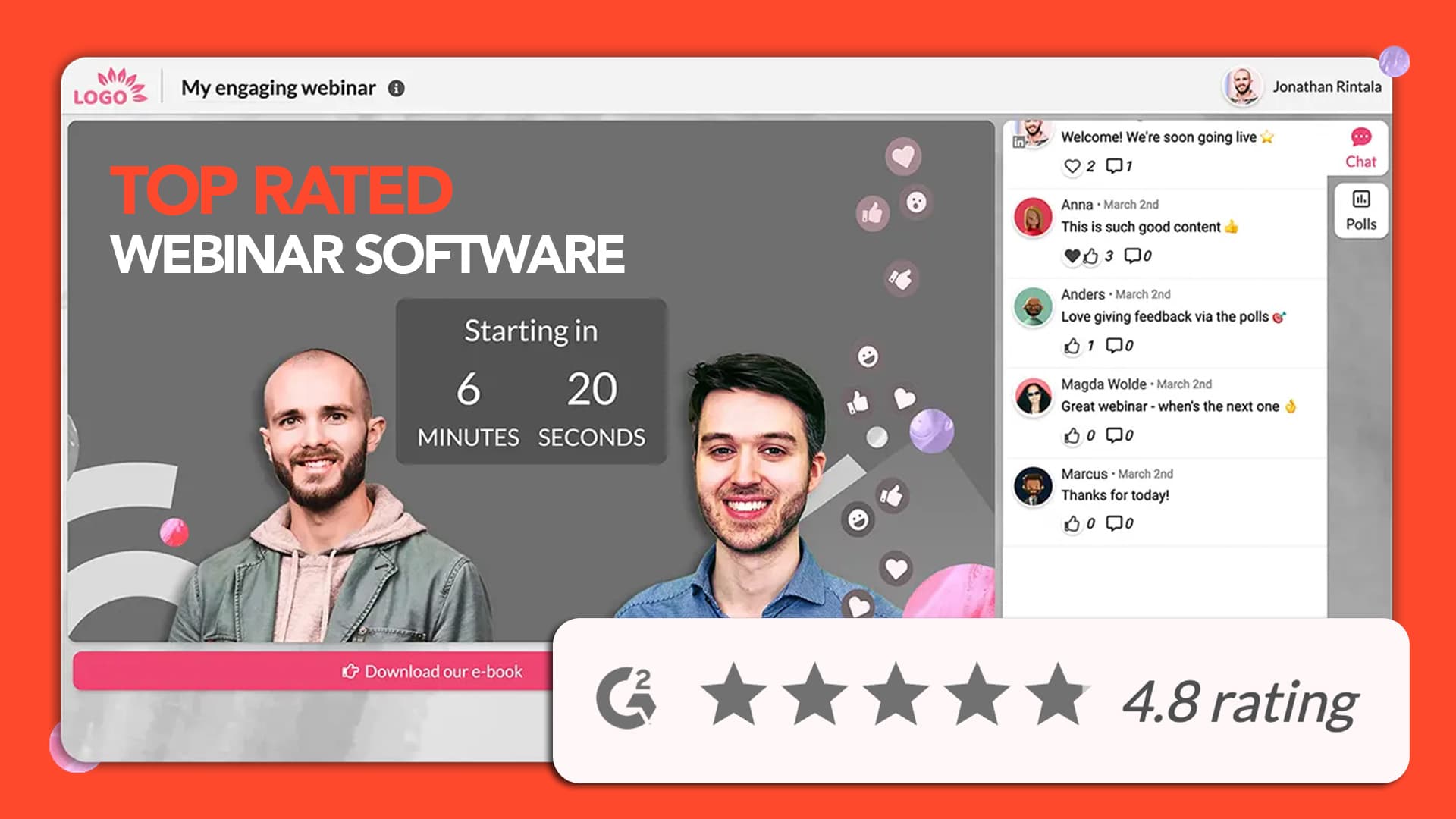
Set the stage for your speakers with a webinar experience that matches the quality of the introduction. Spin up your next branded session in 60 seconds on Univid.
Get started todayJoin over 70,000 users and create unique webinars with Univid.Get a demo