The 9 best WebinarGeek alternatives in 2026
Dette er den komplette liste over de 9 bedste alternativer til WebinarGeek i 2026. Hver webinarplatform er gennemgået med dens baggrund, G2-bedømmelse, fordele og ulemper, anvendelsestilfælde og en hurtig opsummering. Vi ser også på, hvad WebinarGeek tilbyder - og giver dig en 6-trins videotjekliste til at hjælpe dig med at vælge det rigtige alternativ.
TLDR; hvis du ikke kan vente - her er listen over de 9 bedste WebinarGeek alternativer:
- Univid - Glatte og engagerende webinarer, lynhurtigt
- GoToWebinar
- WebinarJam
- Zoom Webinar
- BigMarker
- Demio
- ON24
- Webex
- Microsoft Teams
Vælg den rigtige alternative webinar-software - 6 trins tjekliste [guide]
Vælg den rigtige webinar-software og alternativ til WebinarGeek ved at følge denne 6 trins tjekliste og videoguide.
WebinarGeek about
WebinarGeek is a platform for hosting webinars at an affordable price tag. The company was founded in the Netherlands back in 2015.
WebinarGeek covers the basics for webinar hosting including registration pages, analytics, emails and video. Also, automated and on-demand webinars are supported - so you can drive leads after being live as well.
WebinarGeek review
WebinarGeek is a reportedly easy-to-use platform that allows you to run webinars with engagement and registration pages.
However, some users report challenges with the support provided, as well as the overall viewing experience and navigating the interface. Also, WebinarGeek has a reported delay of up to 20 seconds for all the livestreams (Source: WebinarGeek Help Center) which makes interaction between presenters and audience difficult.
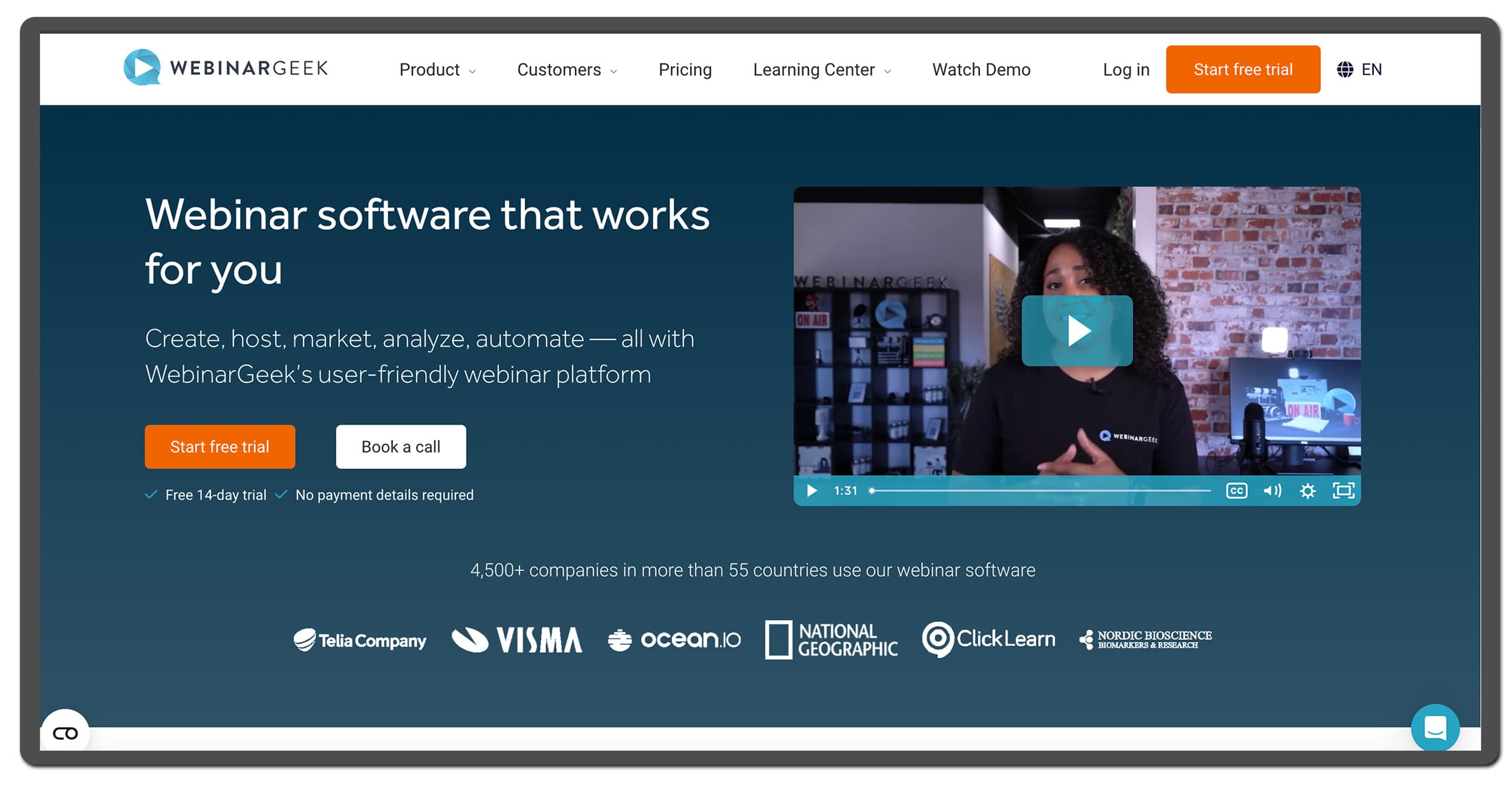
The WebinarGeek landing page
WebinarGeek G2 rating
WebinarGeek has a rating on G2 of 4.5 / 5. A solid score when compared to webinar platforms like WebinarJam, and GoToWebinar, showing users are quite happy. Although, it is still lower compared to platforms like Univid that scores 4.8 on G2.
WebinarGeek pricing
WebinarGeek has some transparent price plans that depend on the number of live attendees and number of presenters. They also offer a discount if you sign up for the annual plans.
The monthly prices start at:
Plan | Price (per month) | Main limitation |
|---|---|---|
Basic | €59 / month | Max 50 live attendees, 1 presenter |
Premium (125) | $106 / month | Max 125 live attendees, 16 presenters |
Premium (250) | $160 | Max 250 live attendees, 16 presenters |
Premium (500) | $214 | Max 500 live attendees, 16 presenters |
Premium (1000) | $321 | Max 1000 live attendees, 16 presenters |
Enterprise | $374/ month | 500 up to 5000 live attendees |
Note that the pricing also caps the number of presenters which might be an issue when you scale your webinar efforts, and the entry plan from WebinarGeek, priced at $54, lacks options for custom branding.
Hvorfor lede efter et alternativ til WebinarGeek i 2026?
Hvis du leder efter et alternativ til WebinarGeek – er der stor sandsynlighed for, at du søger en bedre måde at afholde webinars på i 2026. Hurtigere, mere ubesværet og mere engagerende. Med reelle resultater, der kan mærkes i din pipeline.
Som du sikkert ved, har webinarbranchen ikke ændret sig meget det seneste årti. Platforme som GoToWebinar, Zoom og andre har eksisteret i årevis. Men de er bygget til en anden tid.
I mellemtiden har dit publikum ændret sig. Og opmærksomhedsspændet er blevet kortere. Downloadet software, sikkerhedsproblemer og teknisk besvær er ikke det, moderne deltagere ønsker.
Hvis du vil have deltagere til at konvertere – skal dine webinars op på et nyt niveau.
Før du vælger webinarværktøj i 2026: Sæt flueben ved disse 3 punkter
Den webinarplatform, du vælger i 2026, bør gøre det muligt at skabe webinars, der skiller sig ud (se køberguiden til webinarsoftware).
At skille sig ud kræver den rette platform. Baseret på reel data og erfaring med at afholde tusindvis af webinars bør din næste webinarplatform gøre det muligt at:
✅ Rykke hurtigt
Opsætte webinars nemt og samarbejde med gæstetalere, kolleger og moderatorer – uden teknisk kamp.✅ Fastholde opmærksomheden
Bruge afstemninger og live-reaktioner, så deltagerne kan forme sessionen. Ikke kun en passiv Q&A til sidst.✅ Drive næste skridt
Ingen pipeline, demoer eller MQL’er opstår uden klare næste skridt. Og det handler ikke kun om at smide et koldt link i chatten. Lancér call-to-action-knapper live på det rette tidspunkt og synkronisér data til dit CRM via en webinarintegration.

Klar til at finde din næste platform?
Hvis du leder efter et nyt webinarværktøj, finder du her en kurateret liste over platforme, der går ud over det basale i Zoom, Teams og GoToWebinar – og som kan løfte dit webinarsetup i 2026.
Vi har inkluderet 9 alternativer nedenfor – med anmeldelser, G2-scorer, prisdetaljer og hvem hvert værktøj passer bedst til.
De 9 bedste alternativer til WebinarGeek i 2026
1. Univid - Smidige og engagerende webinarer, lynhurtige

Univid landingssiden
Om
Univid er et webinarværktøj til at skabe engagerende og brandede webinarer på 60 sekunder. Grundlagt i 2019 i Sverige (EU), er Univid en af de mest moderne aktører på markedet og udfordrer status quo. Univid er bygget til at skabe engagerende webinarer på en smidig måde for at imponere, engagere og konvertere deltagere i 2026.
Anmeldelse
Hvis du leder efter et brugervenligt alternativ til WebinarGeek - kan Univid være det helt rigtige næste skridt for dig.
Ingen downloads kræves. Let at sætte op. Nemt at invitere nye personer uden tidligere erfaring med webinarer. Og du kan komme i gang og opsætte et brandet webinar på 60 sekunder.
Her er hvordan Univid kan være et solidt WebinarGeek alternativ - med tre hovedfordele:
1. Opsæt nemt flotte webinarer
Univid er en brugervenlig platform, hvor du kan opsætte et brandet webinar på bare 60 sekunder. AI-assisteret opsætning hjælper dig som marketingmedarbejder i 2026 med at få dit branding på plads, så du skiller dig ud - med alt fra landingsside, påmindelsesemails, logoer og temaer.Prøv gratis her.
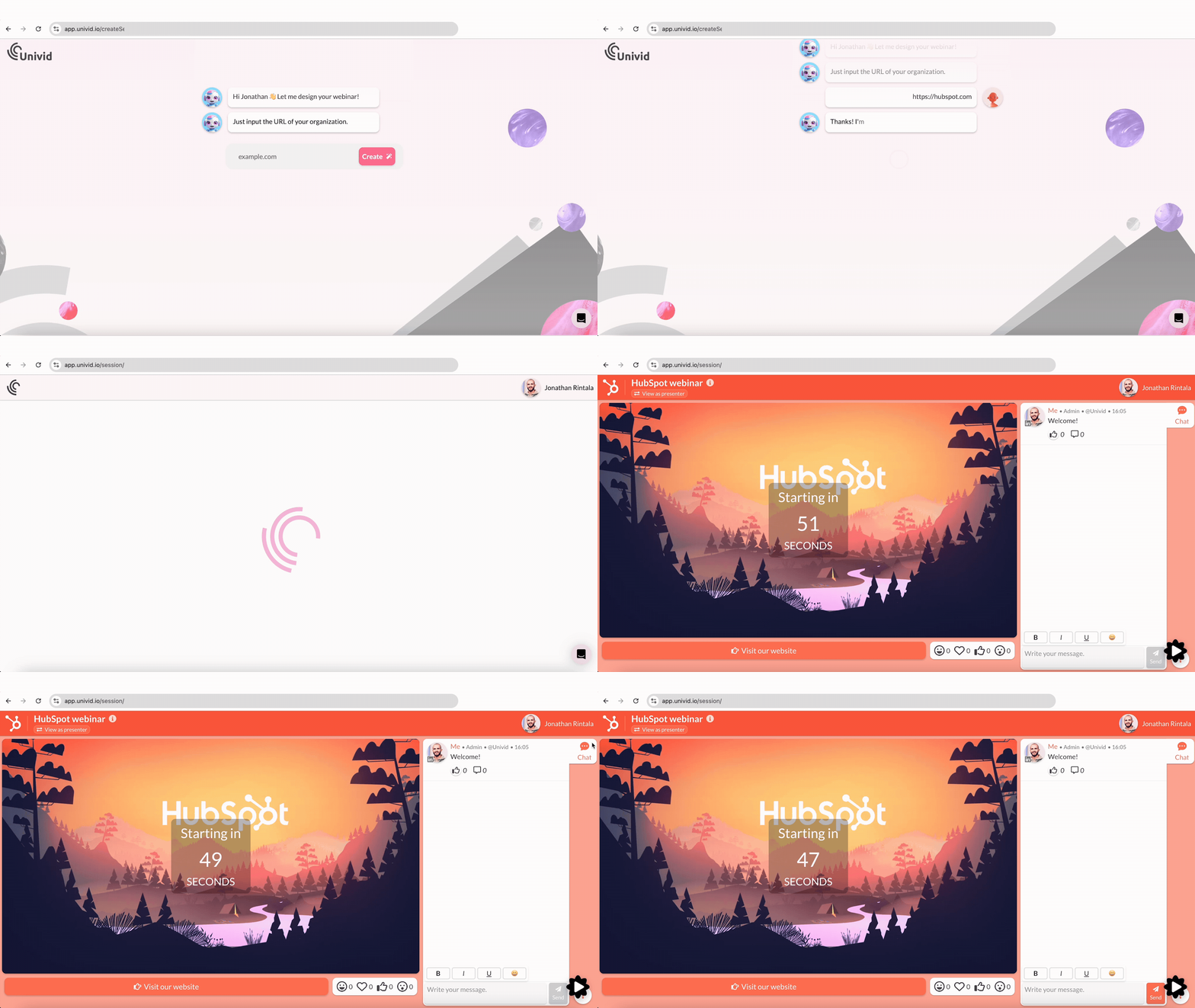
Brugervenligheden er nøglen, når du samarbejder med nye gæstetalere og onboarder nye kollegaer. En lav indlæringskurve giver et smidigt workflow for dig som webinar-koordinator.
Du kan også opsætte webinarskabeloner i Univid med dine foretrukne temaer, indstillinger og engagementelementer som afstemninger. Brug skabeloner til at kopiere + indsætte alt til dit næste webinar.
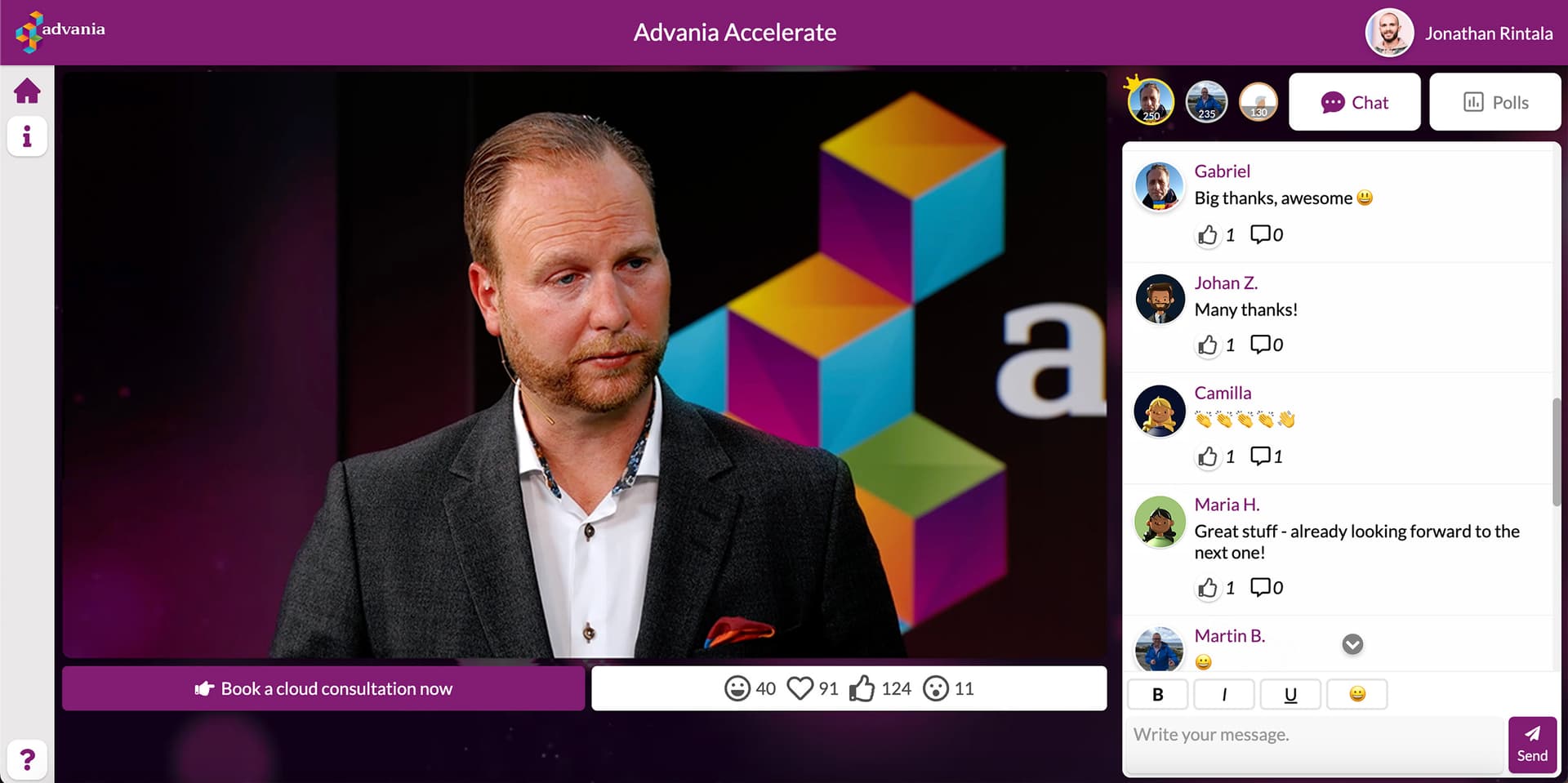

Brandede webinarer oprettet af værter, der bruger Univid
2. Afhold engagerende webinarer
Univid går videre end det grundlæggende engagement - og tilbyder flotte afstemninger (brandet til din session), Q&A, chat og live-reaktioner bygget til webinar-deltageren i 2026.
Men også interaktive funktioner - der sikrer, at deltagerne ikke skifter faneblad, men i stedet forbliver fokuserede og bliver dine brandambassadører.
Engagementfunktioner i Univid
Og til sidst tilbyder Univid CTA-knapper til at fremme værdifulde næste skridt som “book 15 min møde”, “prøv selv” eller “download e-bog”. Dette har vist sig at øge konverteringer med op til 50% og konvertere varme leads i realtid. Ikke noget med at stole på en kold opfølgende e-mail, som i gamle dage.
3. Support, der får topkarakter
Univid tilbyder support, der får topkarakter, og som du kan stole på – og som vil hjælpe med at gøre dine webinarer succesfulde.


Webinar-grundlæggende - tjek
Univid har al den grundlæggende webinarfunktionalitet, du har brug for - og lidt ekstra:
Brandet registreringsside til webinar og påmindelsesemails
Indsigt og analyser om deltagere
Automatiske optagelser i fuld HD (1080p)
Forudindspillede, on-demand og simuleret webinar-tilstand
CRM-integrationer til HubSpot, Salesforce, Pardot, Pipedrive osv.
G2-vurdering
Univid har en fremragende vurdering på G2 på 4,8 og 5,0 på Capterra (blandt de højeste G2-vurderinger på denne liste) - hvilket indikerer, at brugerne er tilfredse med platformen. For eksempel sammenlignet med GoToWebinars 4,2 og Zooms 4,4.
Resumé
Hvis du leder efter en nem måde at afholde engagerende webinarer på - Univid er det bedste WebinarGeek alternativ i 2026.
Platformen er brugervenlig og har topbedømt support. Endelig har Univid en af de højeste G2-vurderinger blandt platformene på listen med 4,8/5 i brugeranmeldelser.
Get started todayJoin over 70,000 users and create unique webinars with Univid.Book en demo
2. GoToWebinar
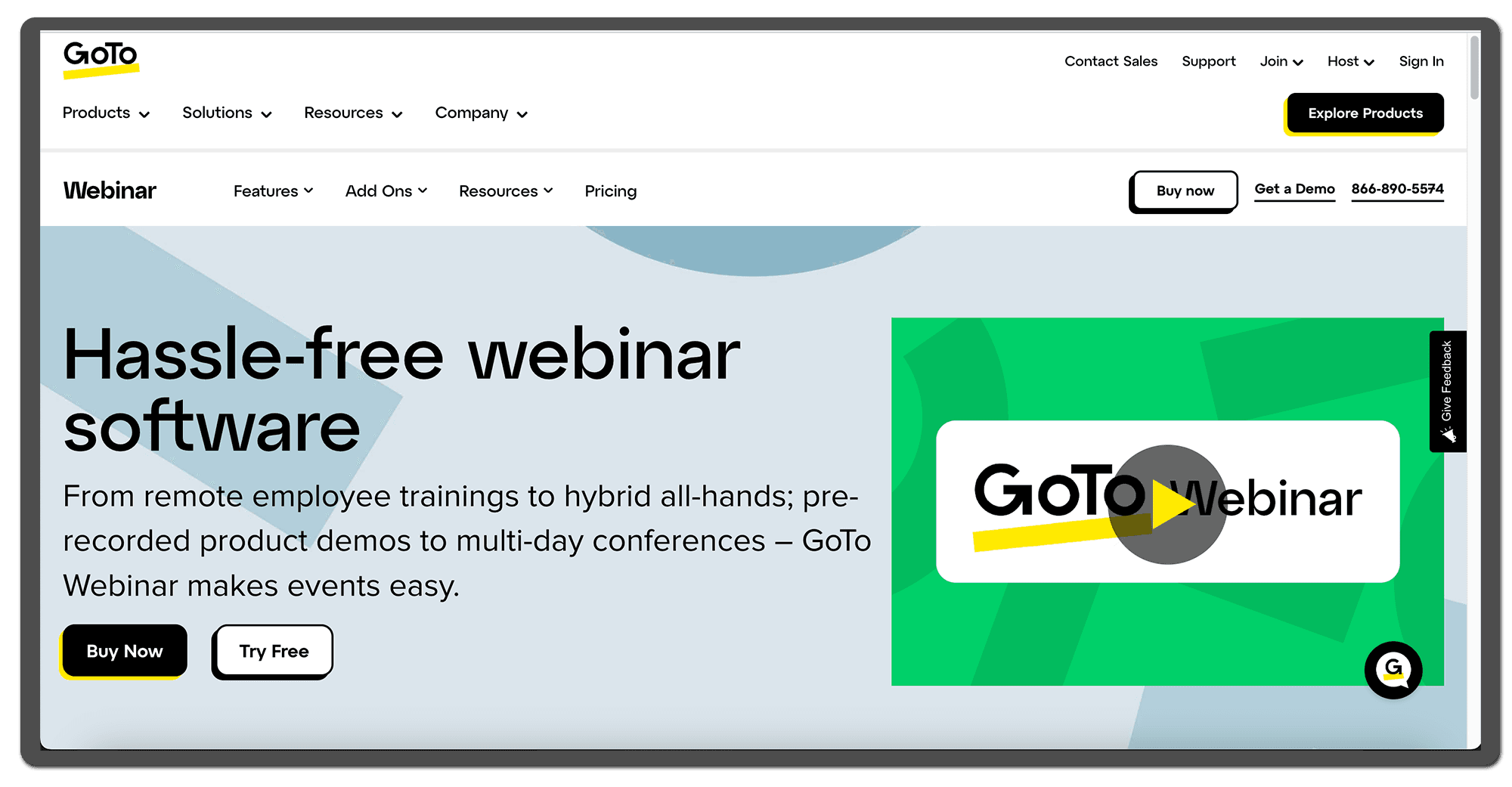
The GoToWebinar landing page
About
GoToWebinar is a webinar software in the GoTo suite, founded in 2003. This U.S. based company provides a variety of software for video communication that you download on your computer - such as GoTo Meeting, GoTo Webinar, GoTo Room, etc. Not just webinars.
Review
GoToWebinar provides hosts with all the basics to create and run webinars for their audience at an affordable price. The webinar tool involves features such as registration pages, live streaming, slide sharing and basic engagement tools.
GoToWebinar offers a variety of integrations to CRM:s and marketing automation systems to fit in the ecosystem. As well as options to adjust for different languages, and launch pre-recorded webinars. Typically, one need to download software to use GoToWebinar's full functionality.
G2 rating
GoToWebinar has a decent rating on G2, showing users are quite satisfied with the webinar software - being one of the largest actors in the space. However, note that with a score of 4.2, this is one of the lowest G2 score on this list compared to WebinarGeek's 4.5, and with platforms like Univid scoring a 4.8 on G2.
Pros
Many language options and CRM integrations
Recognized player in the webinar industry
Affordable price point
Offers pre-recorded and simulated webinars
Cons
Downloads required for full attendee experience
Outdated and clunky interface (difficult to navigate)
Not a lot of branding capabilities to meet attendee expectations in 2026
No free version (but 7 day trial available)
Conclusion
GoToWebinar is a widely recognized player in the webinar industry, as one of the first actors to enter the space, and used by a lot of companies still today. With many integrations and language options GoToWebinar can be a good alternative to WebinarGeek. However, GoToWebinar has one of the lowest score on G2 on the list; and with its limited branding capabilities and a slightly outdated interface, there are other more modern alternatives in the list to consider to create engaging webinar experiences in 2026.


3. WebinarJam
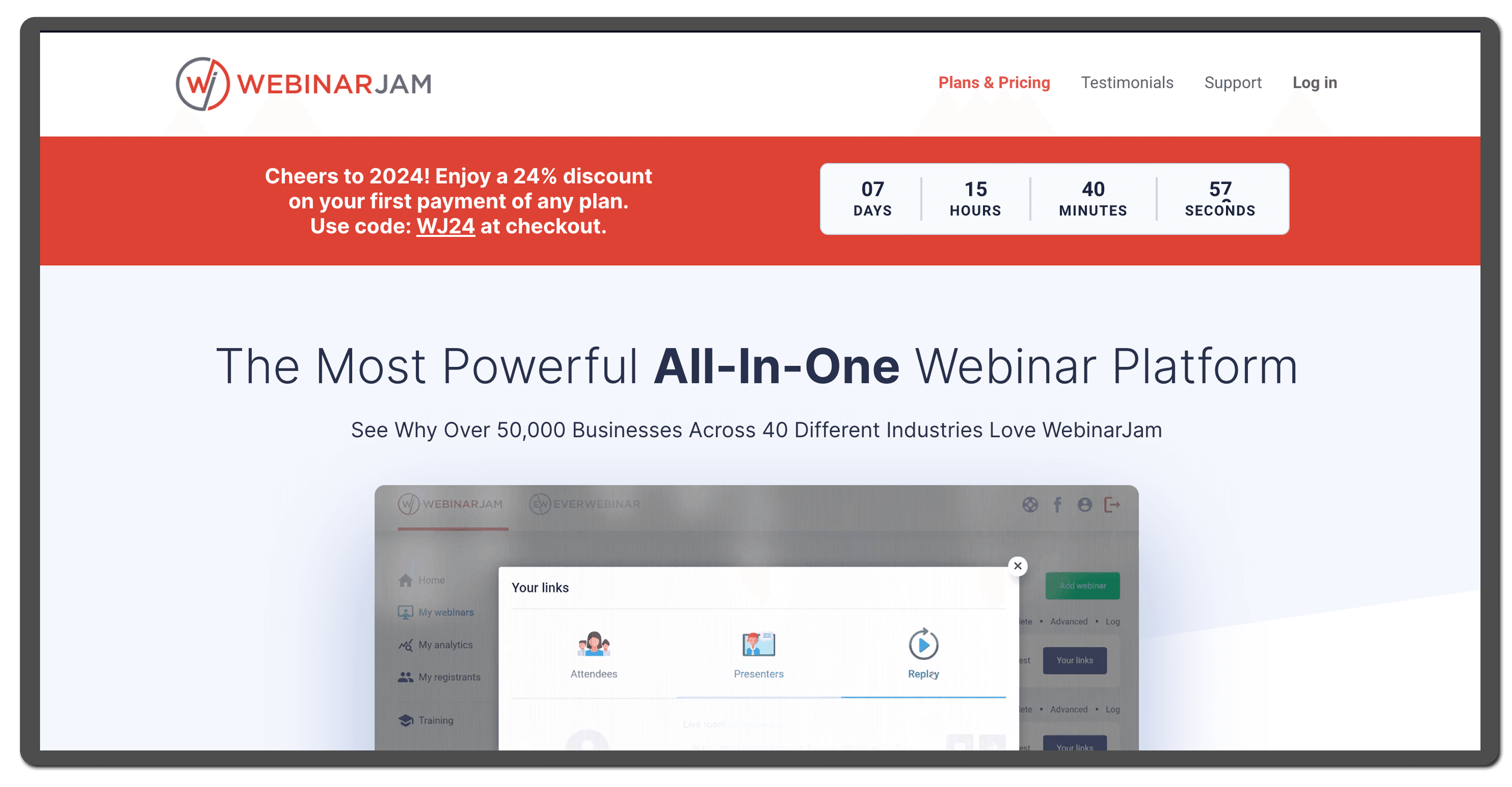
The WebinarJam landing page
About
WebinarJam is a webinar platform by the U.S. company Genesis Digital. WebinarJam was founded in 2013 and is today one of the cheaper webinar platforms on the market, aimed as an "all-in-one" tool for small to medium enterprises.
Review
WebinarJam can be a good alternative to WebinarGeek if you are looking for the cheapest price point.
They offer the basics for hosting meetings and webinars with engagement at a very cheap price point. However, being rated 3.6 on G2, WebinarJam has the lowest reviews on this list and their users report room for improvement.
G2 rating
WebinarJam has the lowest G2 rating on this list with its score of 3.6, indicating that there is WebinarJam G2 rating. Compared to WebinarGeek scoring a 4.5, and Univid scoring a 4.8 on G2.
Pros
Affordable price point
Engagement features like: polls, private chat, Q&A and a drawing board
All-in-one tool
Cons
Not user friendly interface
Limited design possibilities
Does not offer a free plan or free trial
Conclusion
WebinarJam can be an alternative to WebinarGeek for hosting webinars - given that your main priority is an affordable price point or you need an all-in-one tool. However, WebinarJam has the lowest score on G2 of the webinar platforms on this list. With its limited branding possibilities there are more modern alternatives to consider when creating engaging webinars in 2026.
4. Zoom Webinar
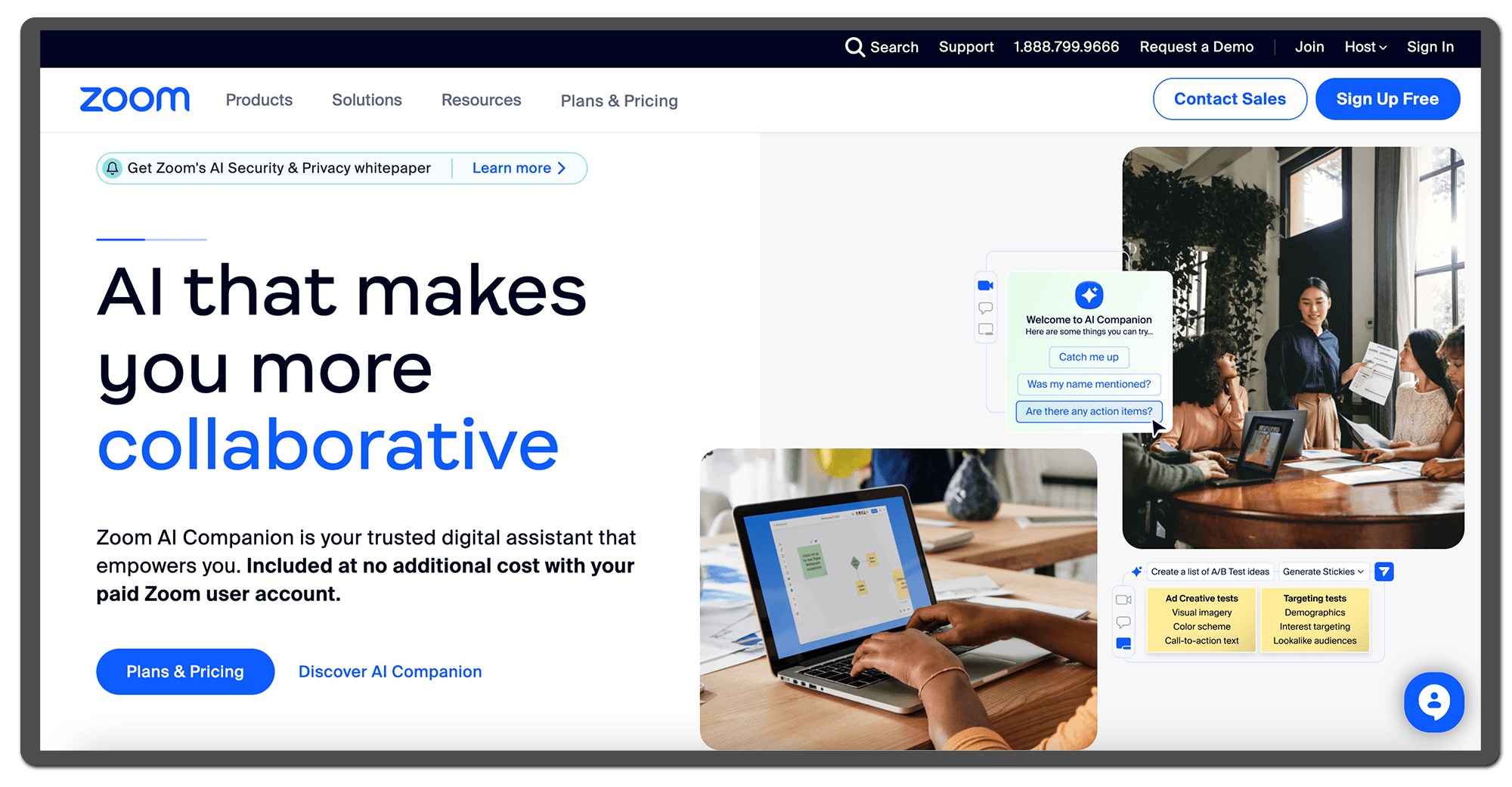
The Zoom landing page
About
Zoom is a U.S. based meeting software that also offers the webinar add-on Zoom Webinar. Zoom Video Communications was founded in 2011. Typically, you download Zoom software on your computer and can then host and attend webinars.
Review
Zoom Webinar can be a good starting point and alternative to WebinarGeek, if you are already in the Zoom suite. However, Zoom have their background in video conferencing - which means they might not fill all your webinar needs if you look for a dedicated webinar tool in 2026; both in terms of branding, and engagement features.
Some webinar hosts also complain about having attendees not being able to join due to company security policies. And due to Zoom's size - hands-on support is something you cannot expect.
G2 rating
Zoom has a solid rating on G2, showing users are quite happy. It is the same score as WebinarGeek's 4.5, but still lower compared to platforms like Univid scoring a 4.8 on G2.
Pros
Most attendees know of Zoom
Virtual backgrounds and basic branding
Affordable pricing for small companies
Cons
Security issues - some companies have a no-Zoom policy
Limited branding and video production options
Downloads required for full attendee experience
Conclusion
As a well-known platform, Zoom Webinar can be a solid option to WebinarGeek. Especially if you are on a budget and not worried about providing the most modern attendee experience. However, if you aim to engage your attendees, you may want to explore the more modern webinar platforms in the list.
5. BigMarker
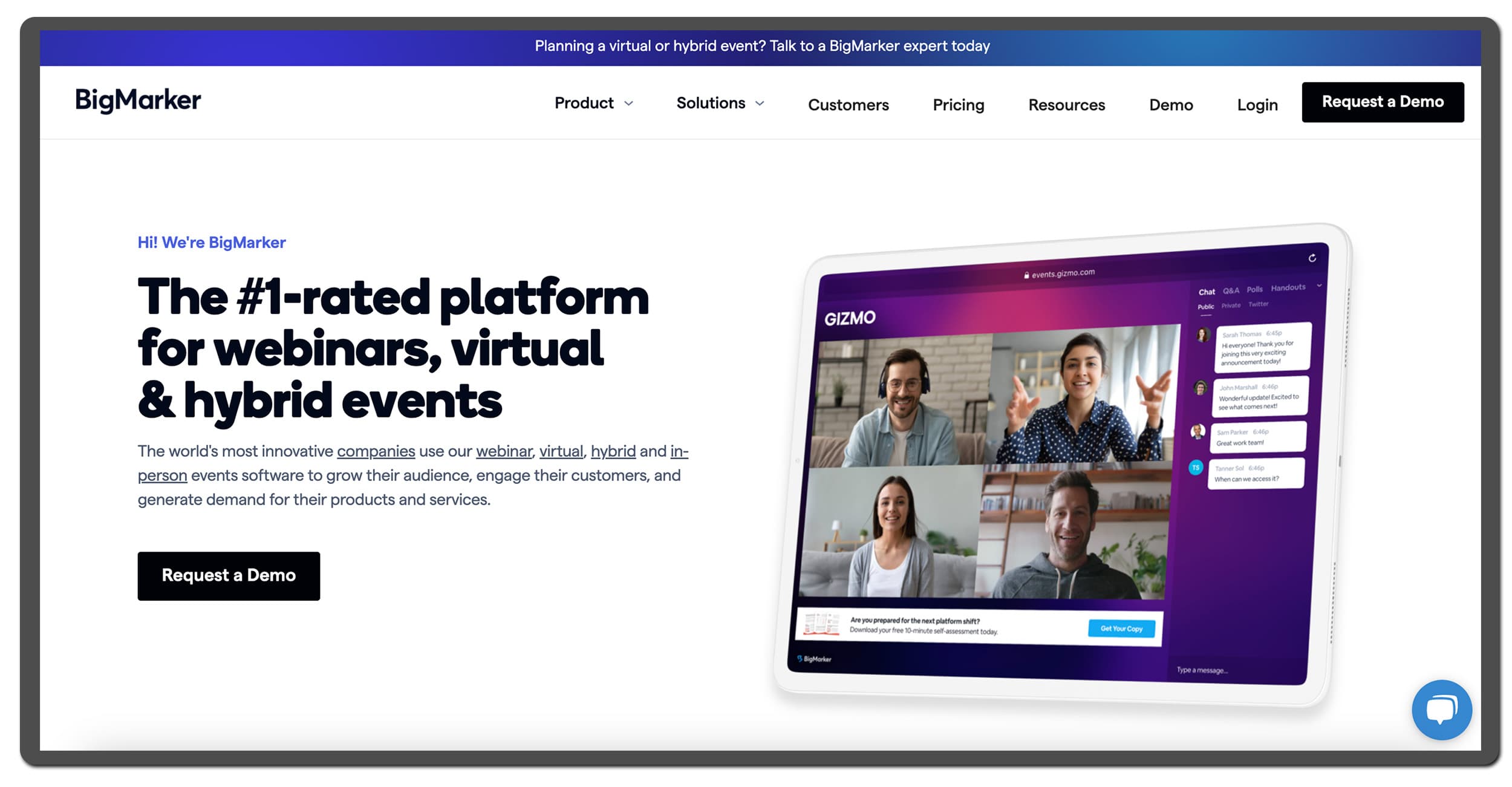
The BigMarker landing page
About
BigMarker is a platform for hosting not only webinars, but also virtual and hybrid events. The U.S. company was founded in 2010.
BigMarker covers the basics for webinar hosting including registration pages, analytics, emails and video. BigMarker also offers some of the basic engagement features like polls, chat, Q&A and some analytics.
Review
BigMarker is a solid webinar tool with a lot of complex functionalities that allow you to run all types of virtual events, webinars and hybrid events.
However, it is not the most beginner-friendly platform in the list. Users on review sites like G2 report that it can be a high learning curve with "almost TOO many options and settings". Users also report BigMarker can get expensive and note that there are no public pricing plans available.
G2 rating
BigMarker has a rating of 4.7 / 5 on G2. A solid score compared to webinar platforms like WebinarJam and GoToWebinar, showing users are quite happy. Although, it is still lower compared to platforms like Univid that scores 4.8 on G2.
Pros
Several branding features
The set up is easy to understand
Gamification and lead scoring available
Cons
One of the most expensive webinar platforms on the list
The participant view is average
Native CRM integrations to HubSpot and other CRMs only available on the most expensive tier with up to 500,000 Live Attendees
Conclusion
BigMarker is a solid alternative to WebinarGeek if you have money to spend on your webinar platform. However, if you want your attendees to have an experience with something extra, note that the attendee view in BigMarker is not as modern compared to other tools in this list.
6. Demio
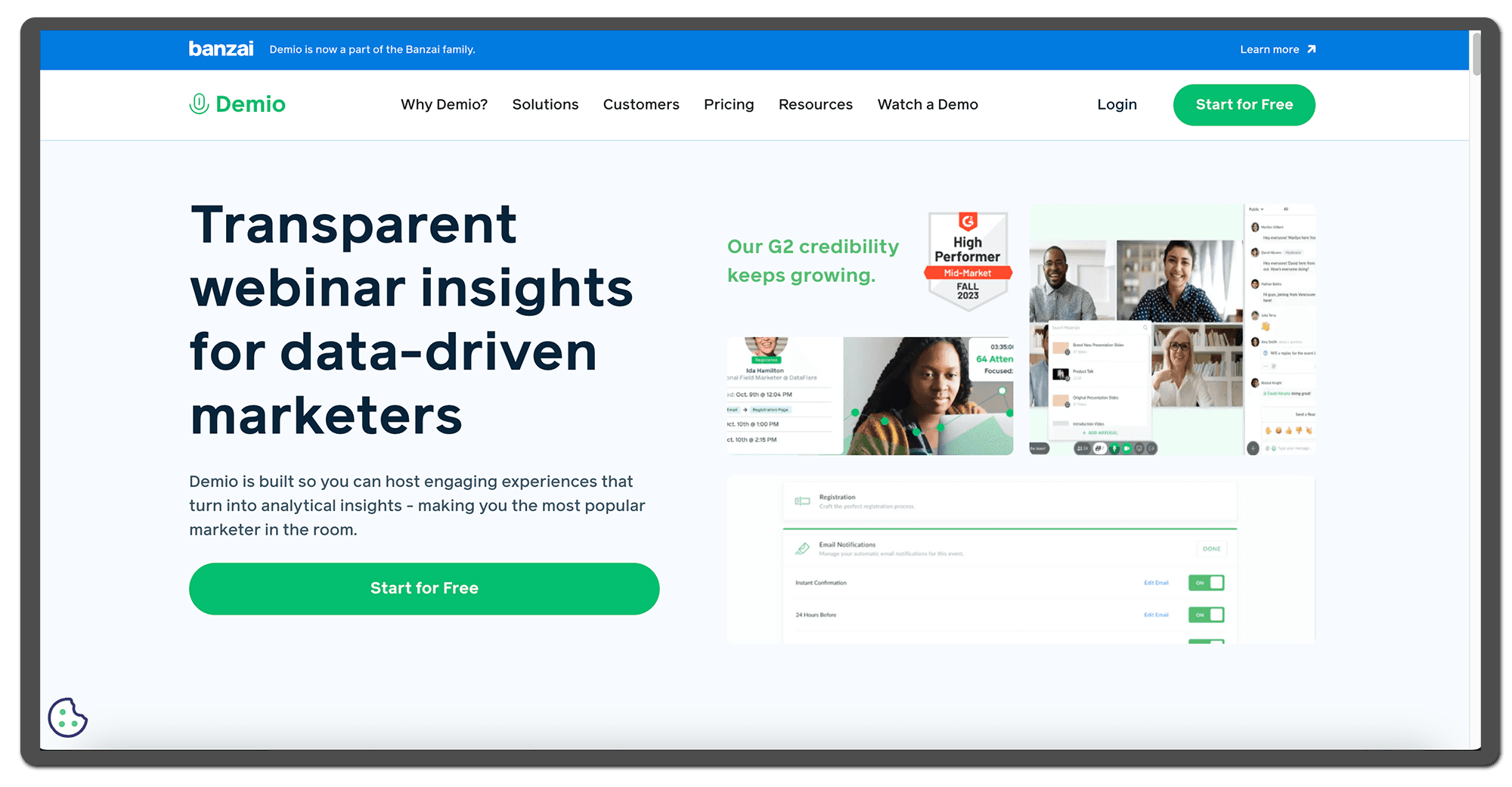
The Demio landing page
About
Demio is a webinar platform founded in 2014 with the aim to provide unfussy software for marketers, now owned by the U.S. marketing platform Banzai.
Demio covers all the basics for hosting webinars including landing pages, emails, video, and analytics. At a relatively affordable price, Demio allows attendees to easily join webinars from their browser. The platform has the basic engagement features (polls, chat, Q&A), even breakout rooms and meeting options are provided.
Review
Demio is a solid webinar platform that offers the basics for hosting meetings and webinars, with engagement features, at a fair price point.
That is, given that you can commit for the full year upfront as they only offer annual plans if you want to have more than 6 people on stage, dedicated support or direct CRM integrations. In 2026 Demio can look a bit outdated for hosting webinars, both when it comes to branding options and attendee experience.
G2 rating
Demio has a rating of 4.6 out of 5 on G2. A solid score when compared to webinar platforms like Webex and GoToWebinar. Although, there is still room for improvement in user satisfaction, compared to platforms like Univid scoring 4.8 in user reviews on G2.
Pros
Attendees can join from their browser
The platform is easy to use
Engagement features like Q&A, polls and chat
Cons
No free plan available
Viewer experience can look outdated
You need to upgrade to one of Demio’s yearly plans If you need CRM integrations like Hubspot or salesforce, want priority support or more than 6 people on stage
Conclusion
Demio is a good webinar platform alternative if you are looking for a tool that is easy to use and is equipped with engagement features. However, if you are just getting started with hosting webinars and don’t want to pay for a yearly subscription, you might want to consider other options. Also, there are alternatives out there with a more modern participant view.
7. ON24
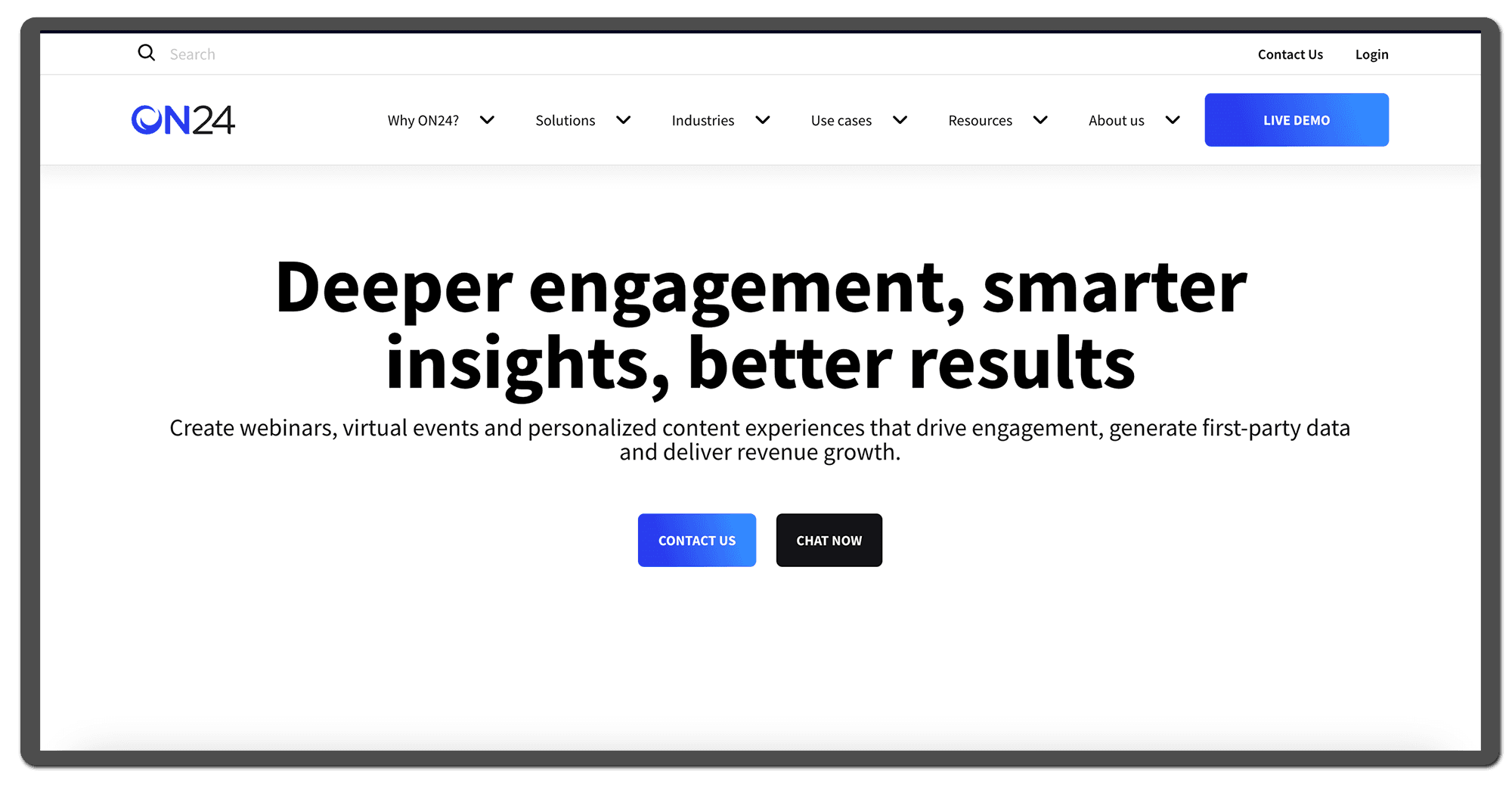
The ON24 landing page
About
ON24 is a webinar and virtual events platform targeted towards the enterprise segment who can pay top dollar. Founded in 1998 this U.S. based company provides a wide range of tools for webinars, virtual events, and personalized content experiences. Not just webinars.
Review
ON24 is a solid webinar tool with a lots of complex functionality that allows you to customize your workflows around webinars, set up content hubs, do advanced reporting, and custom configurations. Also, with good branding options for reminder emails and registration pages.
ON24 offer enterprise-level security with SOC Type 2 and ISO 27001, as well as ISO 27701 certifications.
However, it is not the most beginner-friendly platform in the list, and users report they often require in-house resources to educate and manage the webinars - in a slightly outdated interface.
G2 rating
ON24 has a decent rating on G2, showing users are quite happy. But still one of the lower G2 scores on this list compared to Zoom's 4.4, and with platforms like Univid scoring a 4.8 on G2.
Pros
Complex webinar setups
Extensive webinar insights and reporting functionality
Branded landing pages and emails
Engagement features: polls, Q&A, gamification
Cons
Not for beginners or small webinar teams
Complex and clunky user interface
No public pricing listed
Difficult to interact as attendee
Conclusion
ON24 can be a powerful webinar tool if used right, with both engagement features and branding options. Also, if advanced reporting functionality is what you are after - ON24 might be the right choice. However, rated 4.3 on G2, there are platforms in the list with higher user reviews. Users report on a "steep learning curve" being the main challenge.
8. Webex
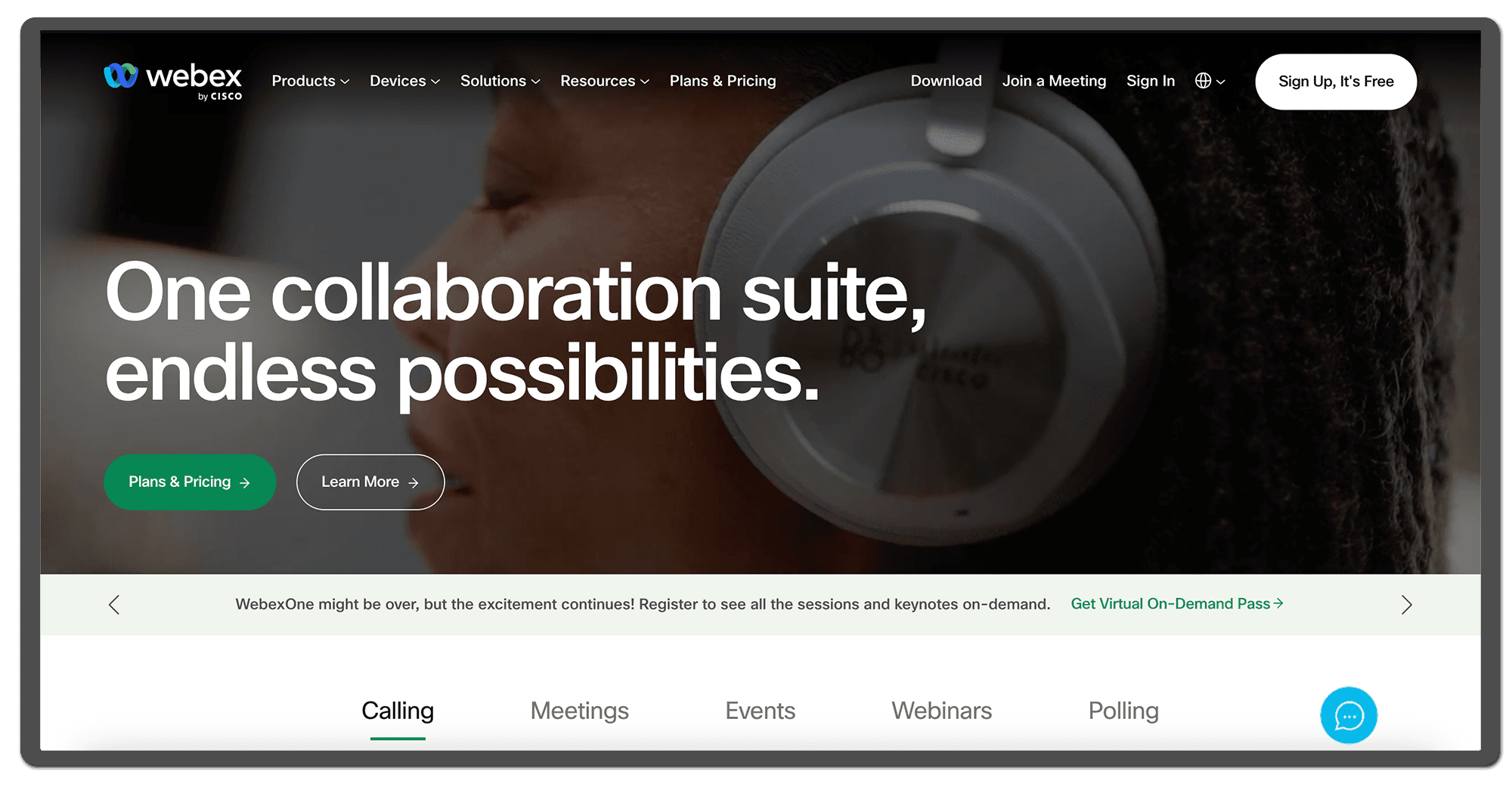
The Webex landing page
About
Webex is a traditional webinar tool owned by the U.S. tech giant Cisco and was founded in 1995. Webex is built to support a wide variety of events such as meetings, virtual events, and in-person events. Not just webinars.
Review
Webex can be a good alternative to WebinarGeek if you are looking for a full suite that covers not just webinars, but also meetings, breakout rooms, etc.
G2 rating
Webex has a decent rating on G2, showing users are quite happy. But still one of the lower G2 scores on this list compared to WebinarGeek's 4.5, and with platforms like Univid scoring a 4.8 on G2.
Pros
Breakout rooms, available on all plans
Gamification for virtual events
End-to-end encryption for secure video communication
Cons
Slightly outdated interface
Tool designed primarily for meetings
App download required for optimal experience
Conclusion
Webex can be an alternative to WebinarGeek for hosting webinars - given that your main priority is security, or that you host either large meetings or small webinars. Keep in mind though - Webex is a U.S. based company. And if you are hosting marketing webinars - there are more qualified options in the list.
9. Microsoft Teams
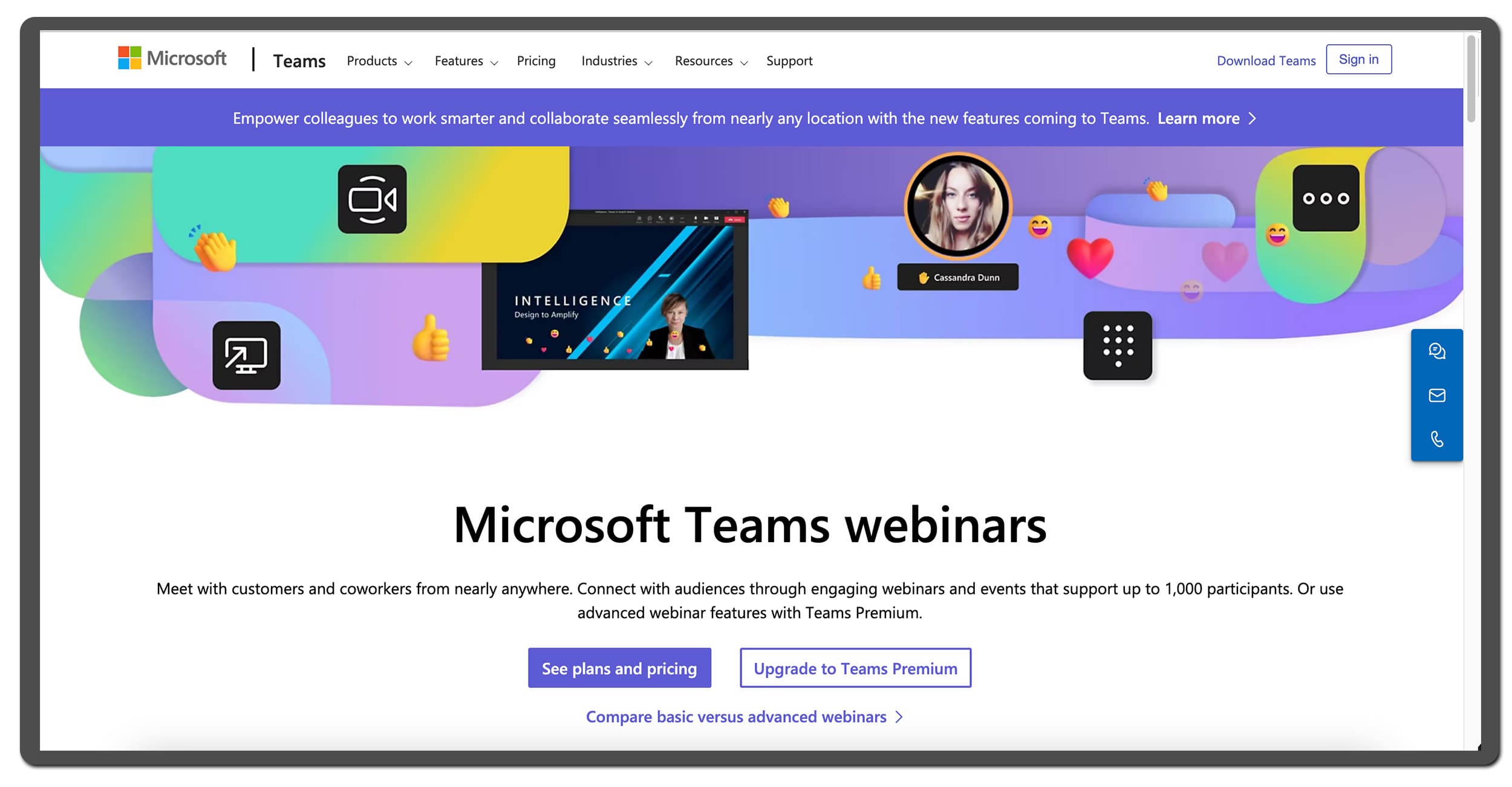
The Microsoft Teams webinars landing page
About
Microsoft Teams is an all in one tool designed for team communication and collaboration, offering features such as chat, file sharing and project collaboration. Initially built for virtual meetings in 2016, Teams has expanded their offer to virtual events and webinars too, with sub-products like Microsoft Teams Webinars.
Review
Teams has a lot of functionality. However, users express feedback and room for improvement in user experience (UX) design. Navigating around the platform and into the webinar might get complex and "overwhelming" at times, both for participants and hosts.
Some webinar hosts also complain about having attendees not being able to join due to company security policies. Due to Microsoft's size, hands-on support is something you cannot expect. With a 4.4 in user reviews on G2 – there are more modern alternatives with higher ratings to consider in 2026.
G2 rating
Microsoft Teams has a solid rating on G2, showing users are quite happy. The platform is rated similarly to WebinarGeek's 4.5, but is still rated lower compared to other platforms like Univid scoring a 4.8 on G2.
Pros
Most attendees know of or are are familiar with Microsoft Teams
Possible to integrate with Microsoft Office 365
A lot of features that can be used in a complex setup
Cons
Learning curve, navigating the platform can be complex
Overwhelming due to all the extra features that can feel cluttered
Limited branding and customization options
Conclusion
As a well-known platform, Microsoft Teams could be an option to WebinarGeek. Especially if you are already using Teams and want a quick solution – not worried about providing the most modern attendee experience. However, if you aim to engage your attendees and potential leads, you may want to explore the more modern webinar platforms in the list.
For at opsummere: Det bedste 2026 alternativ til WebinarGeek
WebinarGeek is cheap all-in-one platform for hosting webinars. The platform offers the essential webinar functionality. However, user reviews indicate room for improvement around customer support, lacking engagement features, and the viewer experience being complex to navigate. Also, the reported delay of up to 20 seconds between presenter and attendee makes interaction difficult.
Uanset om du leder efter en enklere opsætning, stærkere branding eller bedre publikumsengagement end hvad du i øjeblikket har i WebinarGeek - er det værd at prøve værktøjer der matcher dine mål i 2026. For eksempel kan du overveje topbedømte alternativer som Univid. Eller for jer med dybere lommer - kan det også være værd at tjekke værktøjer som BigMarker or Zoom.