

Mitä synkronoituu Salesforce ja Univid välillä?
Esimerkkejä tiedoista, joita synkronoidaan Unividin ja Salesforce välillä
Miksi käyttää Salesforce Unividin kanssa?
Yhdistä webinaarisi Salesforce Campaigns -kampanjoihin, automatisoi muistutukset ja tuo osallistujatiedot takaisin CRM-järjestelmääsi. Suunniteltu moderneille markkinointitiimeille.
Native Salesforce Integration
Yhdistä webinaarit suoraan Salesforce Campaigns -kampanjoihin ilman kolmannen osapuolen työkaluja.
Automaattiset webinaarimuistutukset
Lähetä vahvistukset ja muistutukset henkilökohtaisten liittymislinkkien kanssa Unividin kautta.
Osallistumisen ja sitoutumisen synkronointi
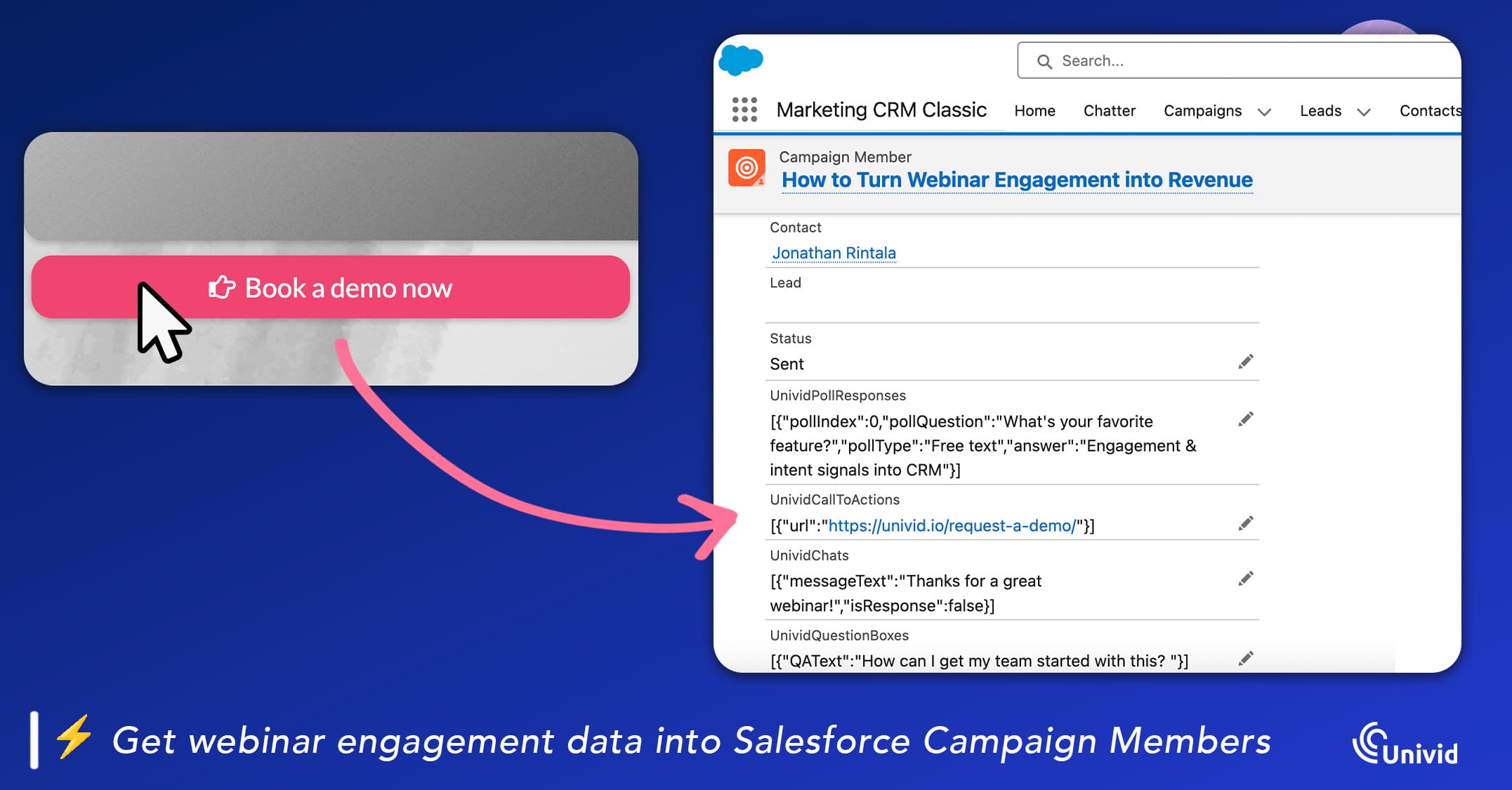
Tuo osallistuminen, katseluaika ja CTA-klikkaukset Salesforce Campaign Members -jäsenille jatkotoimia ja AI-työnkulkuja varten.
Hallitse CRM-tietojasi
Määritä, miten webinaariin ilmoittautuneet yhdistetään olemassa oleviin Leadseihin ja Contactseihin sekä milloin uusia Leadseja luodaan Campaign members -jäsenille.
Tietoa integraatiosta
The best Salesforce webinar integration
A good Salesforce integration for webinars means you can use your own signup forms and Campaigns in Salesforce, manage all of your contacts in your own CRM, but also smoothly connect it with your webinar for insights. All this is possible with Univid.
For example, you can automatically create Univid webinars from Salesforce, enroll registrants from your Campaigns, set up reminders, and run engaging live sessions in Univid. You can also get attendee insights back into Salesforce - for example things like who attended, watch time, etc.
What is Salesforce?
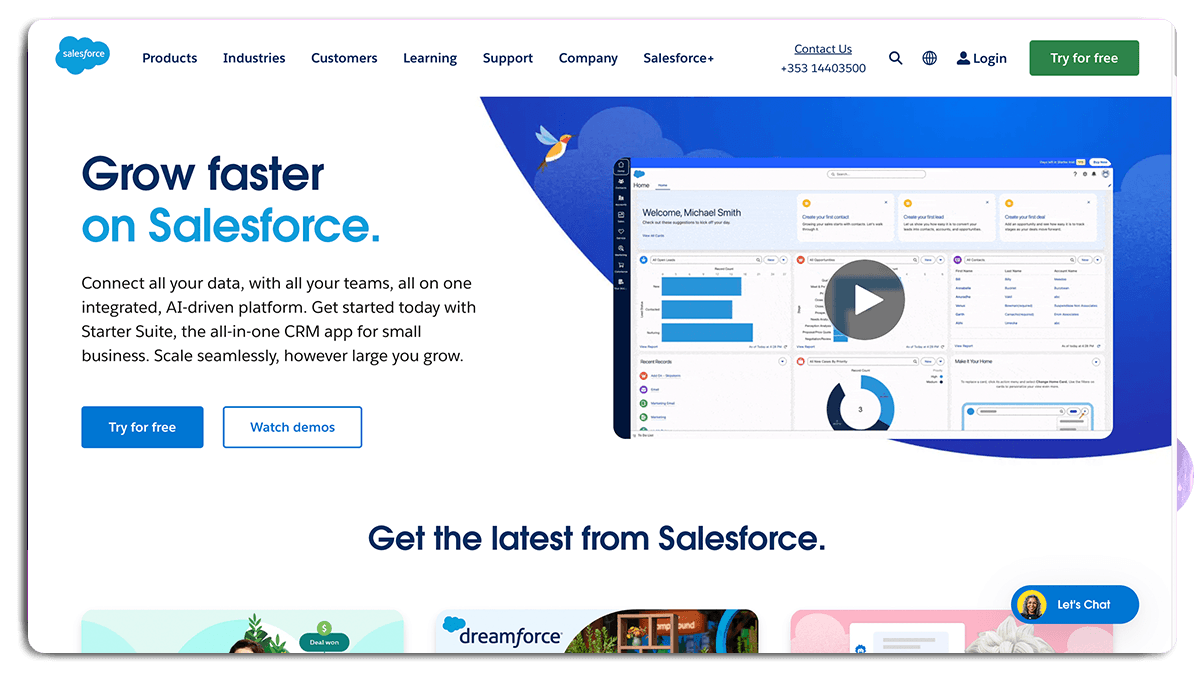
Salesforce CRM is a popular tool specifically designed to simplify the management of customer relations. It's an all-encompassing platform that can manage customer information, plan sales activities, and analyze your performance effectively.
A highlight of Salesforce CRM is its integrative capabilities. This means it works seamlessly with many different software types - in essence, it neatly connects all the dots. A key feature is the ability to sync data from your webinar software, like Univid, directly into Salesforce. It streamlines the process of gaining critical insights from your webinars and applying this knowledge to your sales strategies.
Simply put, Salesforce CRM is your solution for efficiently managing customer relationships and sales tasks. It provides significant insights requiring minimal effort, making it an invaluable tool in your sales and marketing tech stack.
Webinar Use Cases with Salesforce
Through Salesforce x Univid, you can automate your tasks, and integrate your webinars with with both your internal systems, or your favourite third-party applications.
Here are a few more specific use cases:
Create webinars from your own systems
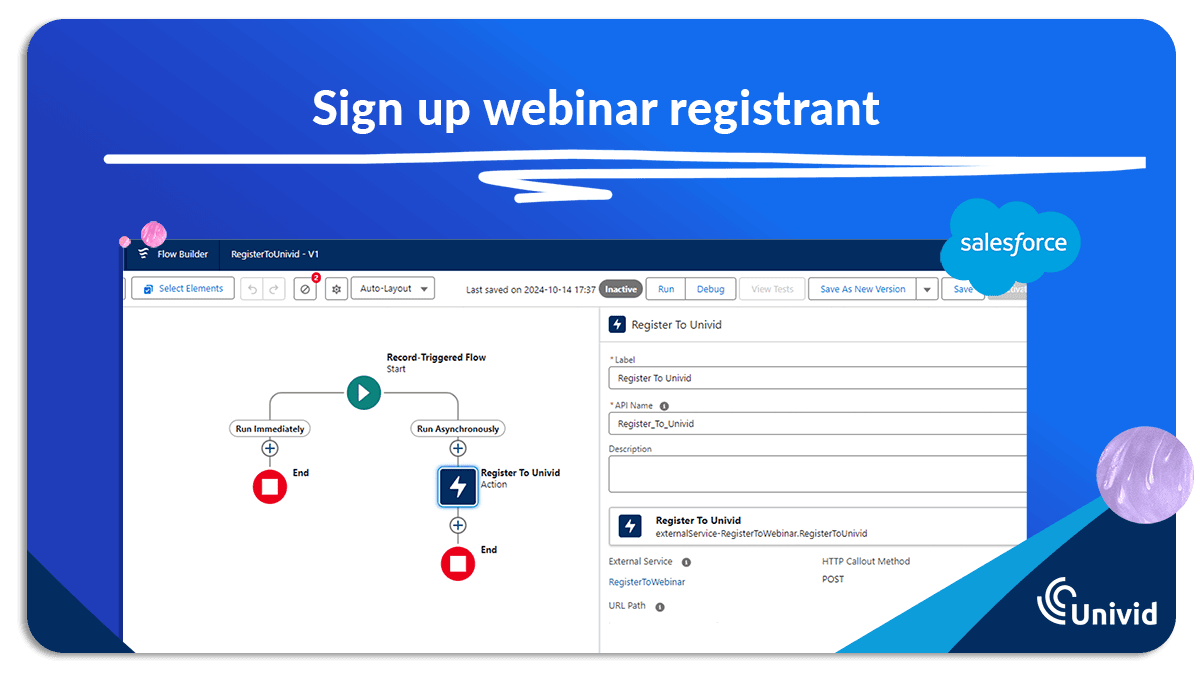
Invite registrants from a landing page or form
Automatically invite contacts from your own data
Automatically find out who registered for your webinars
Get attendance information and engagement data
This, and much more - all through the Univid x Salesforce webinar integration.
How does the Salesforce integration for webinars work?
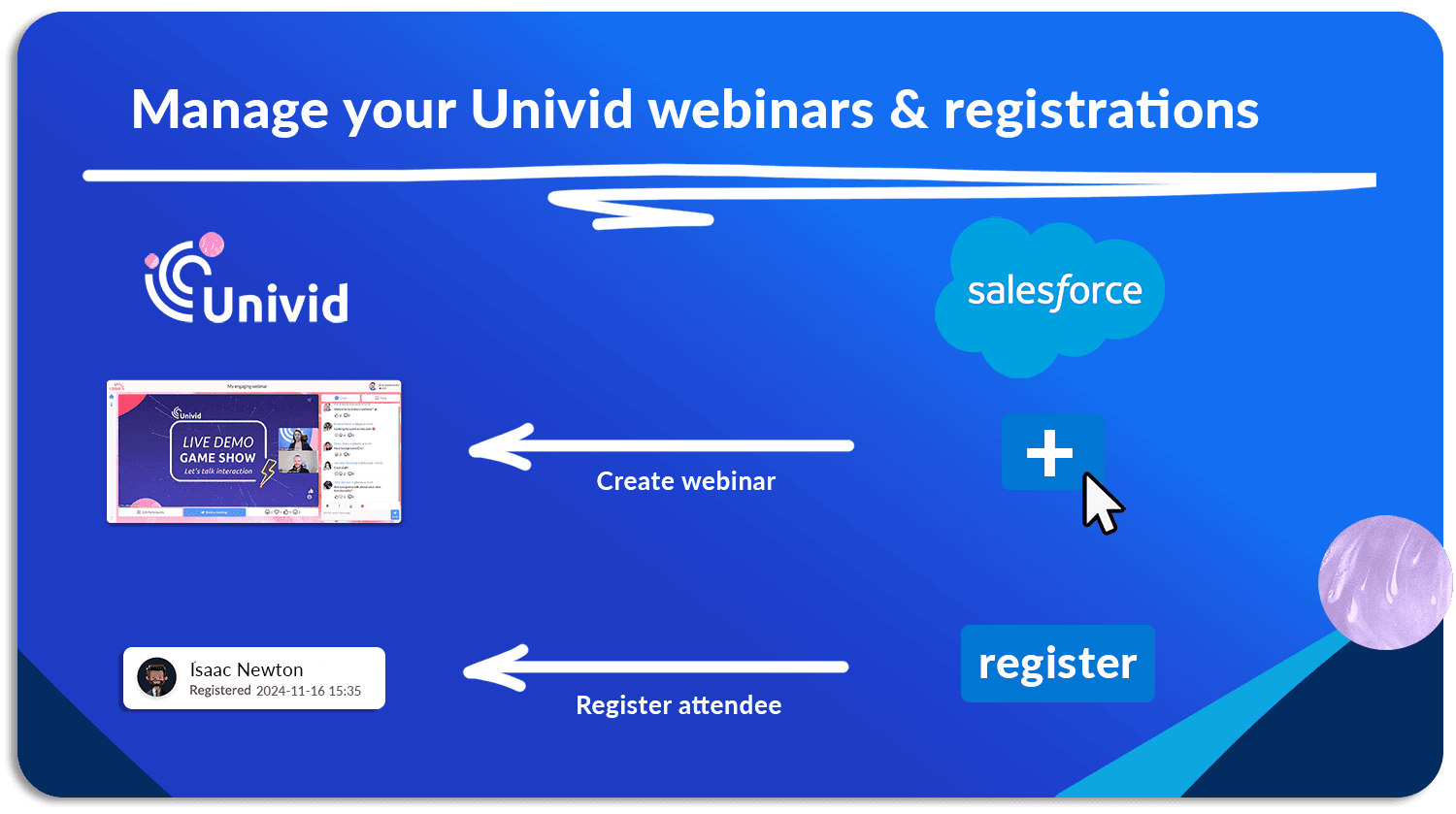
(A) Send webinar data into Univid
The Salesforce integration enables you to send data to Univid from your own systems - both manage webinars and registrants, for example things like:
Automatically register attendees from Salesforce or Pardot forms and landing pages
Create a webinar from your own system using a design template
See who registered for your webinars
(B) Get webinar data from Univid
The integration to Salesforce also enables you to get data from your webinars in Univid. For instance:
how much your customers engaged with your webinars
which of your customers attended your webinars
who watched the on-demand recording
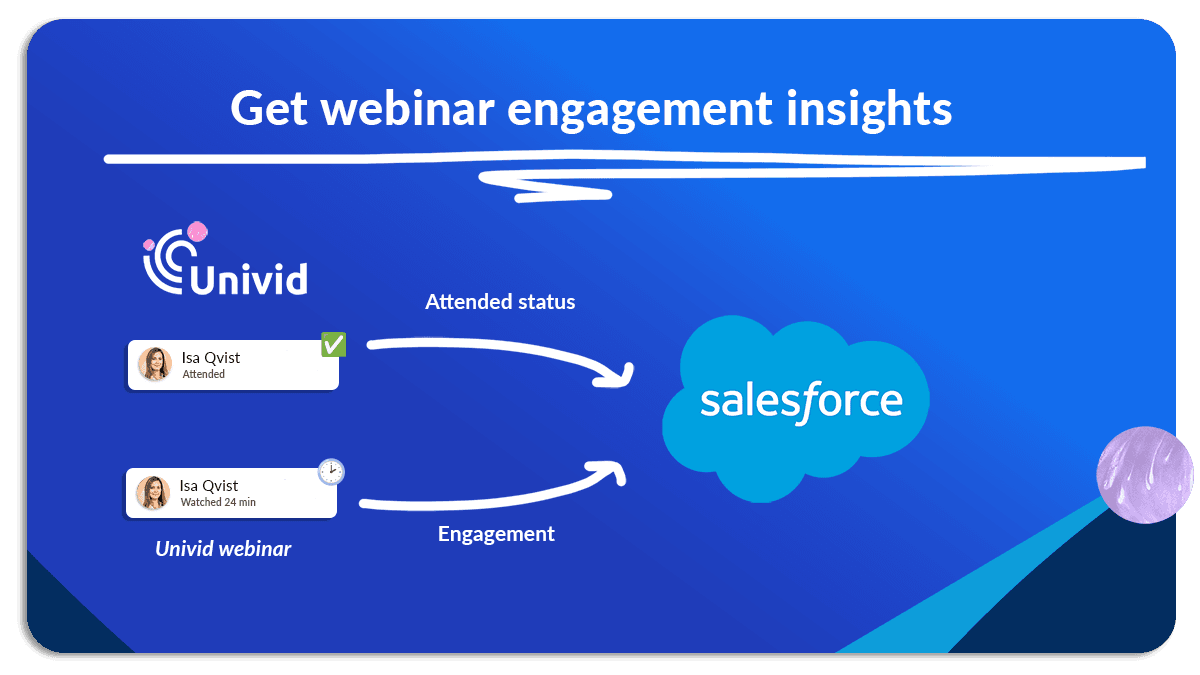
This can help you understand your attendees and webinar efforts better - both which parts of the webinar your attendees like, who clicked your CTA-buttons, etc.
Three benefits of using a webinar integration to Salesforce
Understand webinar engagement: When you integrate your Univid webinar platform with Salesforce CRM, you will have detailed analytics of your webinar attendees at your fingertips. You can gain insights regarding participation rates, peak interest points during the webinar, and when attendees check out, giving you deep knowledge of your audience and webinar performance.
Get personal: With the seamless access to in-depth data from Univid webinars via Salesforce, you can create more tailored follow-up communications. It allows you to adjust your outreach emails, social media activities, or other sales efforts to match an attendee's specific interests.
Streamline sales: The Univid - Salesforce integration centralizes all your customer information and webinar data. This removes the need for switching between various systems, saving time, reducing the chances of errors, and making your sales operations more efficient.
Increase the chances that your customers convert and stay, personalize outreach, and enjoy a smooth workflow as marketer, growth hacker or sales professional - with Univid and Salesforce.
How to connect Univid with webinar integration to Salesforce
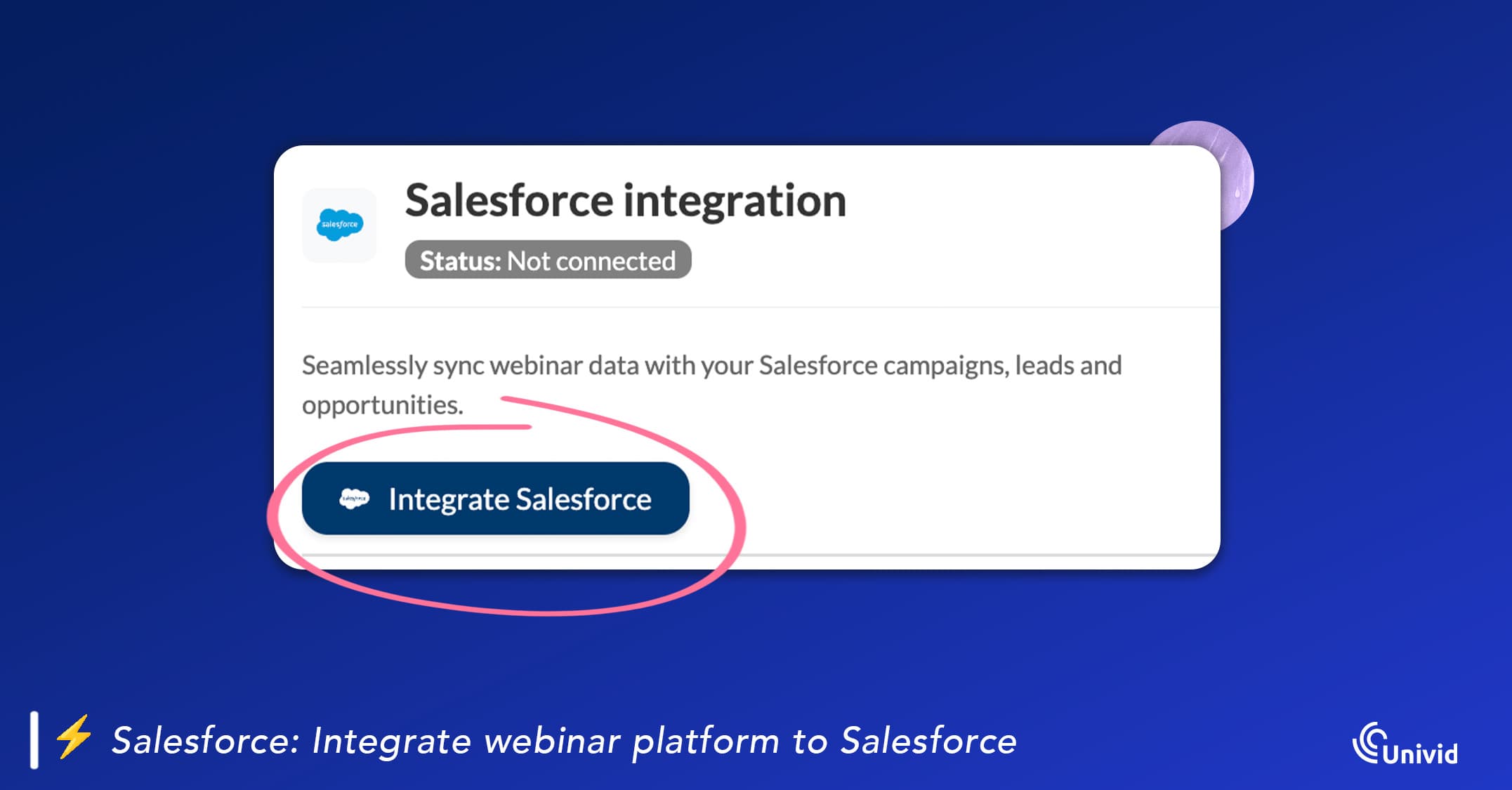
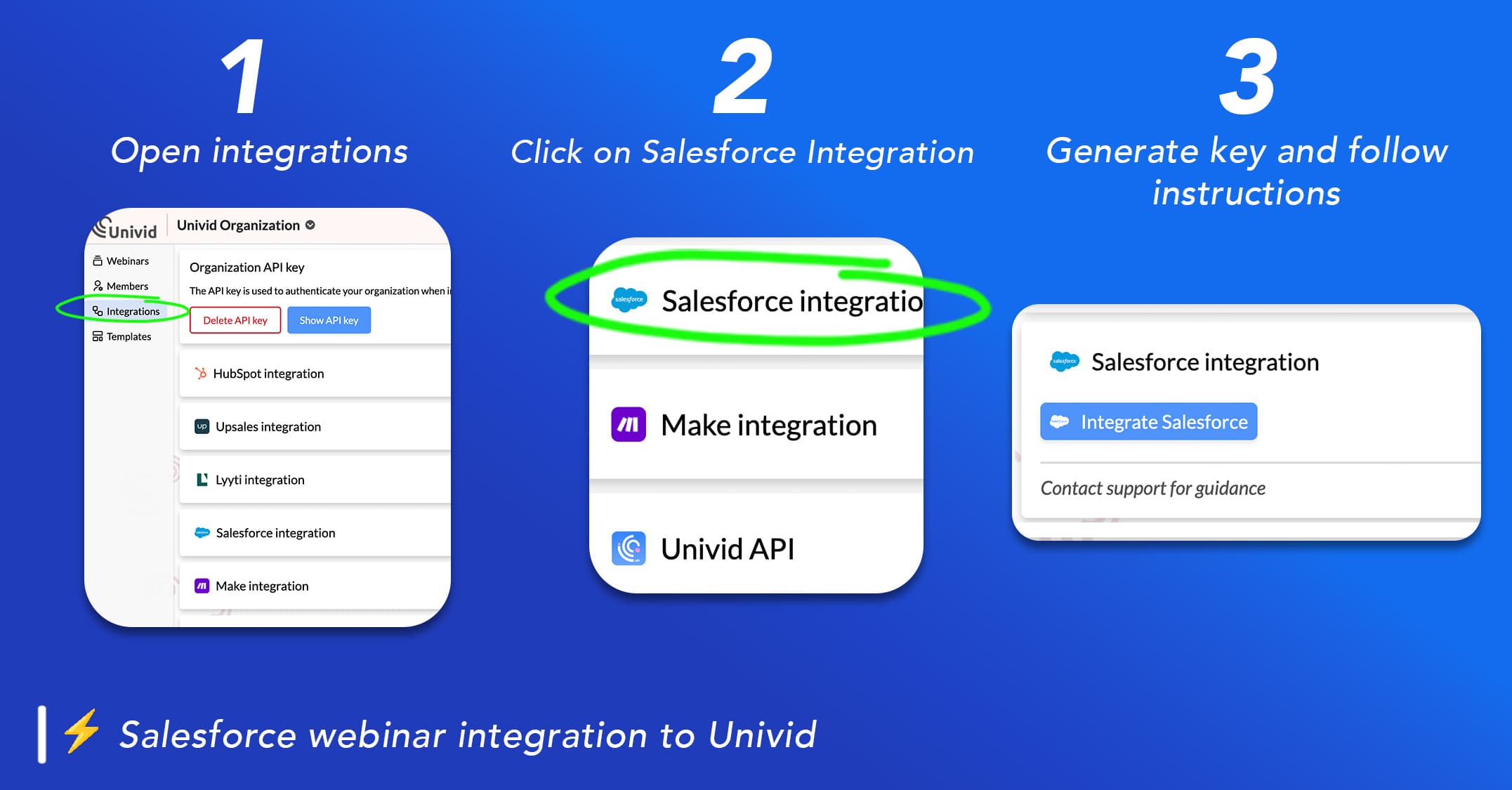
You can simply navigate to your Univid organization page > integrations > Salesforce. There you can integrate your Salesforce account to Univid.
Here is the full Salesforce Univid Webinar Integration Guide.
See an overview in 3 steps below:
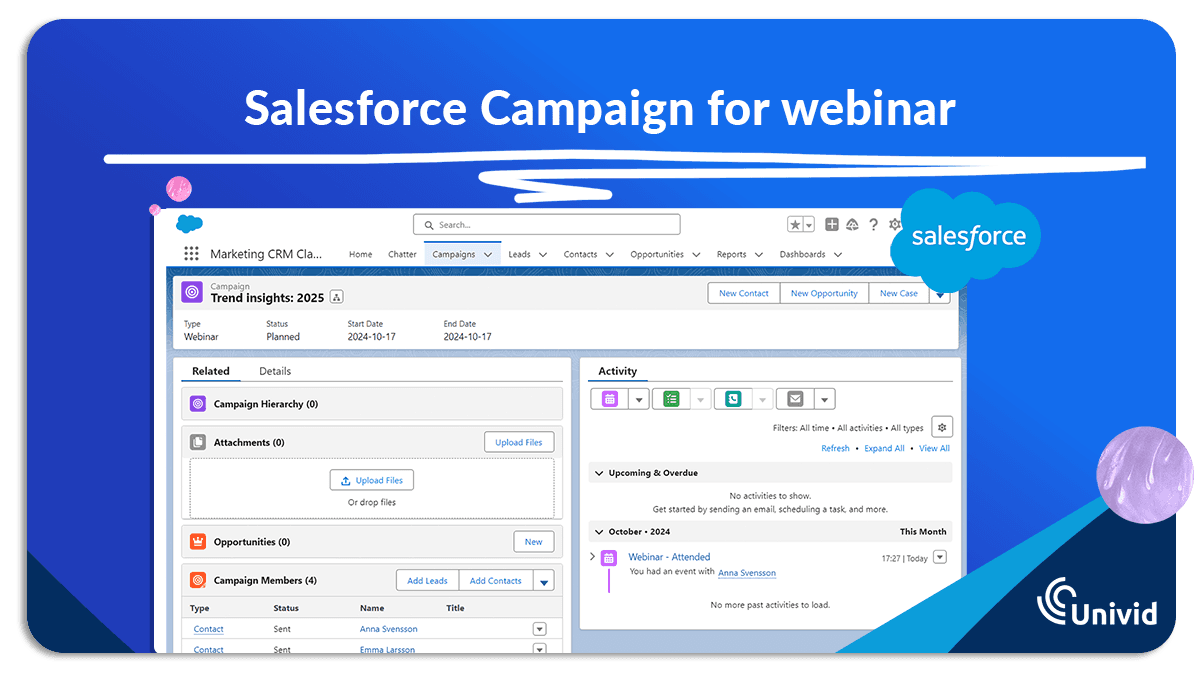
How does it work with Salesforce Campaigns and webinars?
You can simply set up a Campaign in Salesforce CRM for your webinar. From the connected Campaign you can collect all data and enjoy the automated webinar flow!
Does Univid have a native Salesforce integration?
Will the Univid Salesforce integration work with my setup?
How does the Univid Salesforce integration work?
What is the difference between a quick install and advanced Salesforce setup?
Can Univid automatically update Salesforce Campaign Member attendance status?
Will webinar registrations overwrite existing Leads or Contacts in Salesforce?
Can Univid create new Salesforce Leads from webinar registrations?
Can I control how data is created in Salesforce?
Do I need technical skills to set up the integration?
Can I build advanced automation with the Univid Salesforce integration?
How can I get started with Univid and Salesforce?
Can I use Univid webinar data with Salesforce Agentforce?

Samankaltaiset webinaarintegraitot
Tutustu muihin saman kategorian integraatioihin