Webinar Recording (4 examples to copy)
What is a webinar recording? Here is all you need to know about recorded webinars. With 4 examples to copy.

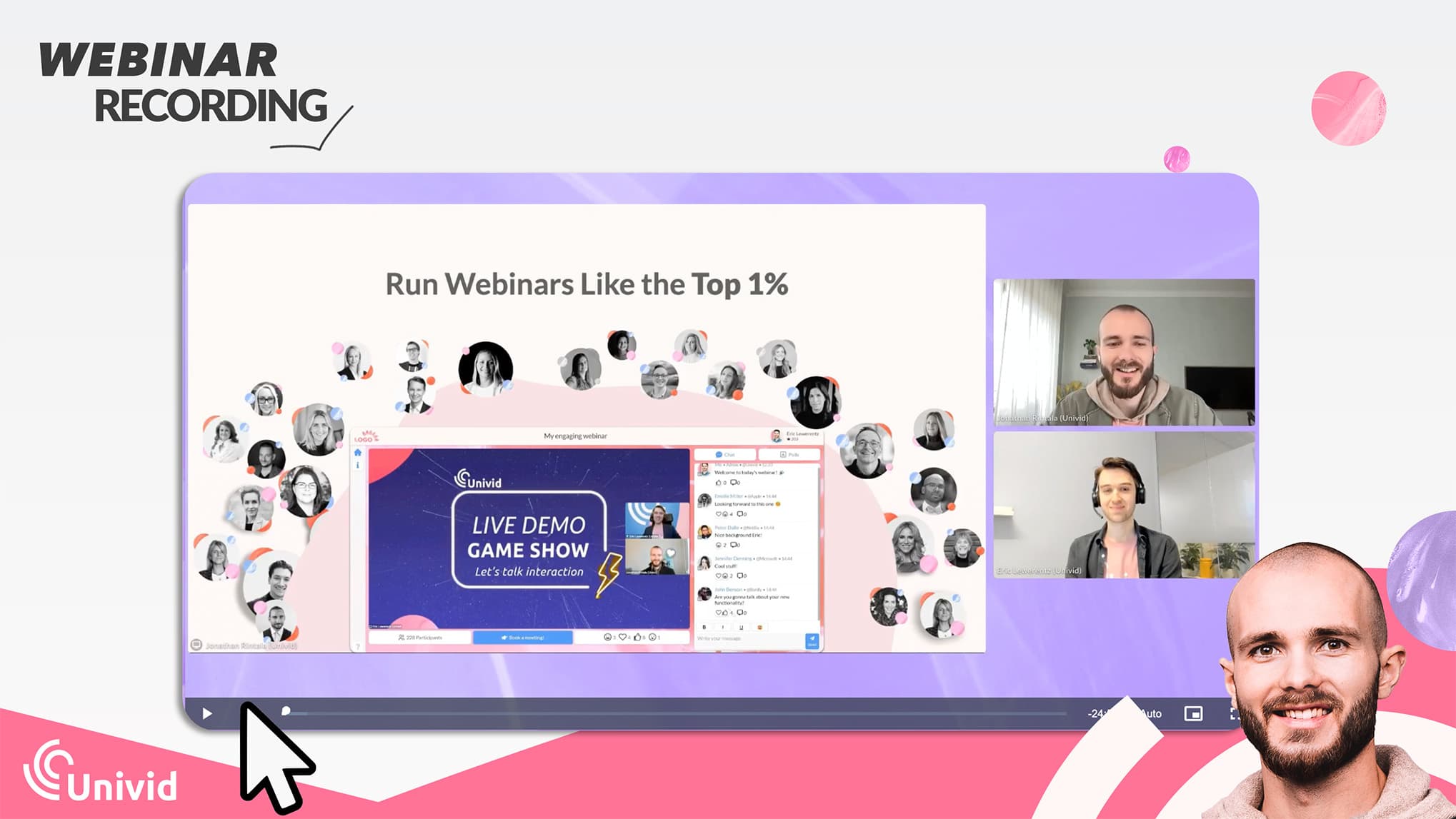
What is a webinar recording?
A webinar recording is a saved video of a live webinar that can be watched later on-demand.
Businesses use webinar recordings for marketing, training, and lead generation. Webinar recordings typically include video and audio; while chat, reactions, and other interactions are stored separately in the webinar platform.
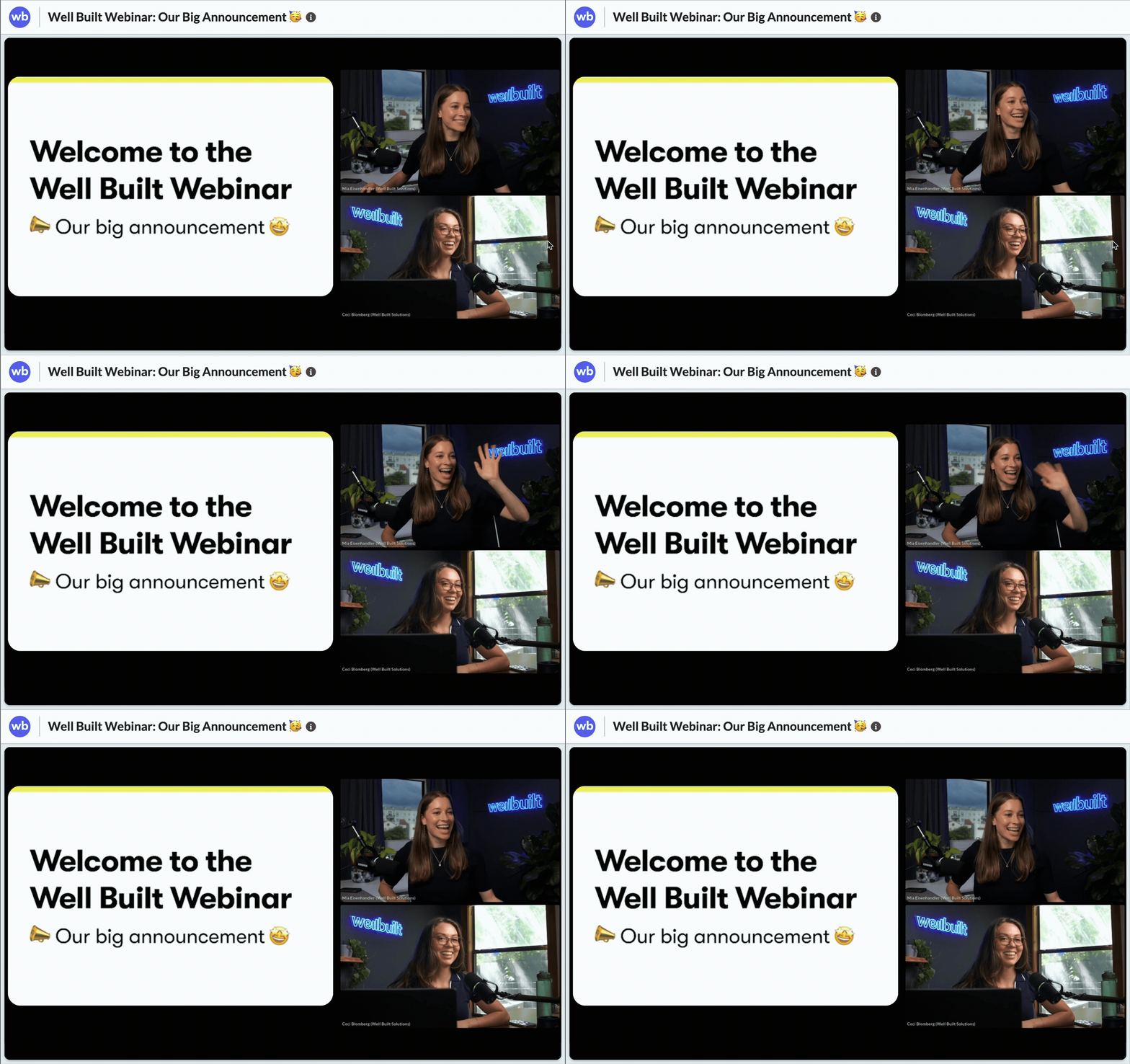
Also, ideally your webinar software should give you a clean recording without any attendees that are visible or unmuted. That can sometimes be an issue if you run your webinar in a regular meeting software like Teams, Google Meet, or Zoom.
Why record a webinar?
Webinars come in many formats. Mostly they are live, but often you want a recorded version of the webinar too. And yes, the benefits of having a webinar recording are many:
✅ Make the webinar available as an on-demand webinar afterwards.
✅ Repurpose the webinar on social media.
✅ Re-use the webinar as a simulated live webinar.
How webinar recordings are used: 4 examples
Here are 4 real life examples of how webinar recordings are used.
1. A webinar recording made available on Youtube
Here is an example of a webinar recording that has been made available on-demand on Youtube after the live webinar. The webinar was recorded in a studio, and live streamed on Univid:s webinar platform.
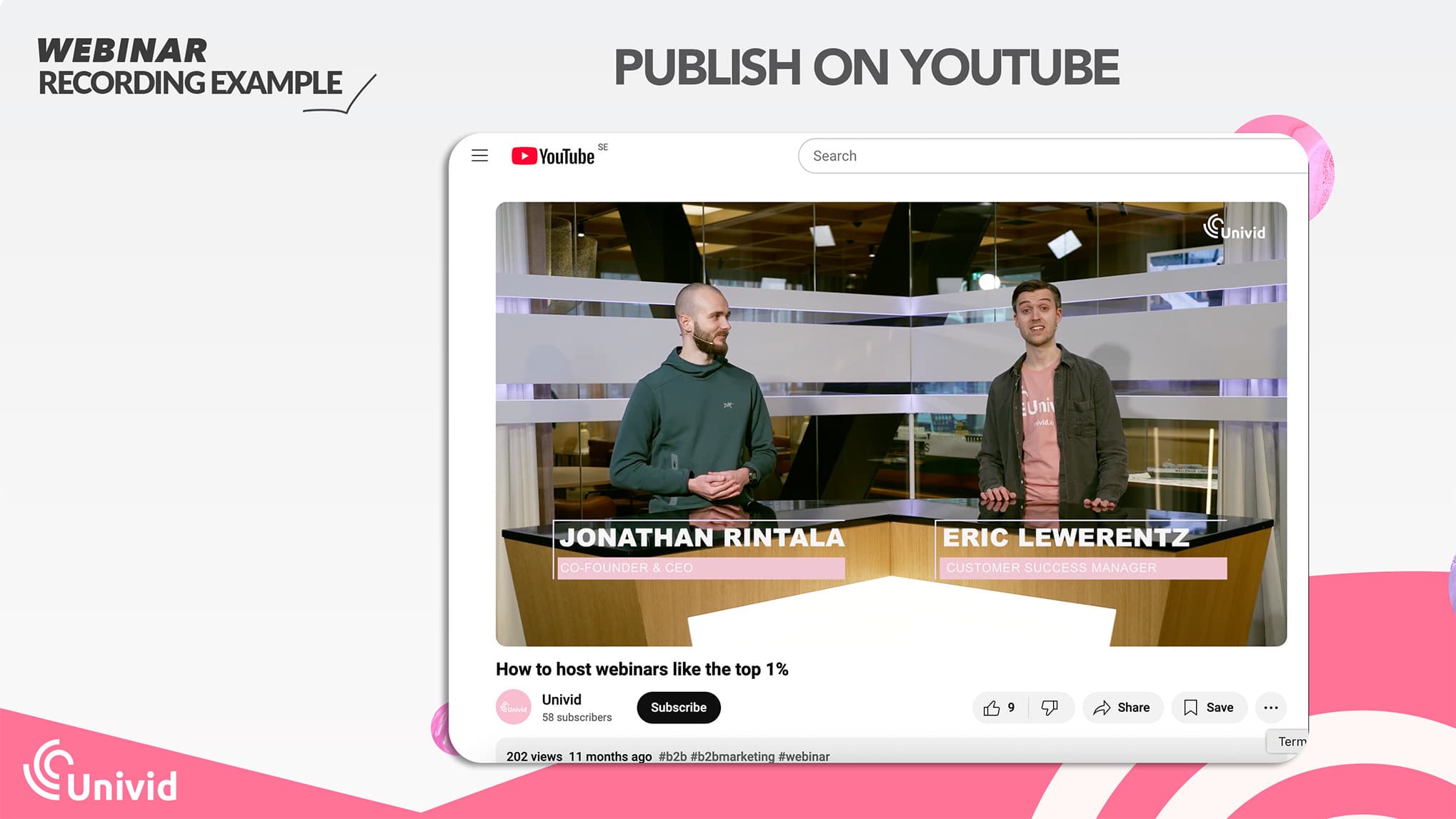
The advantage of using Youtube is that it's open and easy to access. This suits content where your primary goal is awareness. And you also get a bunch of SEO benefits from publishing your webinar publicly on Youtube.
Downside with Youtube is that you get ads - which is not very good for conversions, and it might feel unprofessional. Also, the statistics are very limited.
2. A webinar recording made available in webinar software
This is an example of a webinar that has been available on-demand inside of the webinar platform directly.
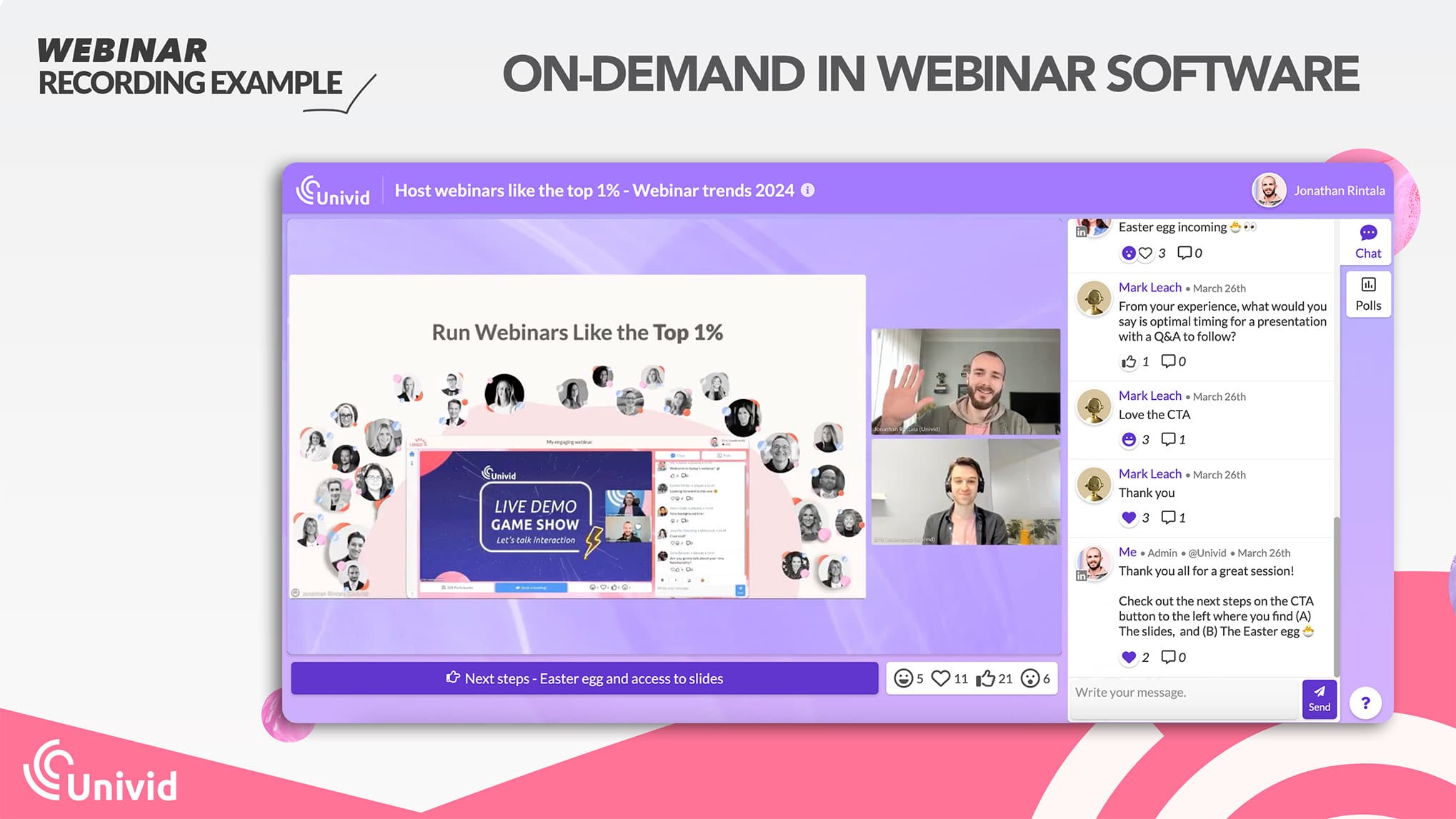
Advantages with using your webinar platform - it allows you to still use the same CTA:s, collect emails and registrant data, as well as combine it with your statistics from the live webinar. In webinar platforms like Univid, you can also feed this engagement data into your CRM automatically - for example into HubSpot.
3. A webinar recording re-purposed to shorts on social media
Shorts are a great way to make size-bites or small teasers of your webinar available on social media. It's an interactive way to grab attention and spark interest for your company, and the full webinar.
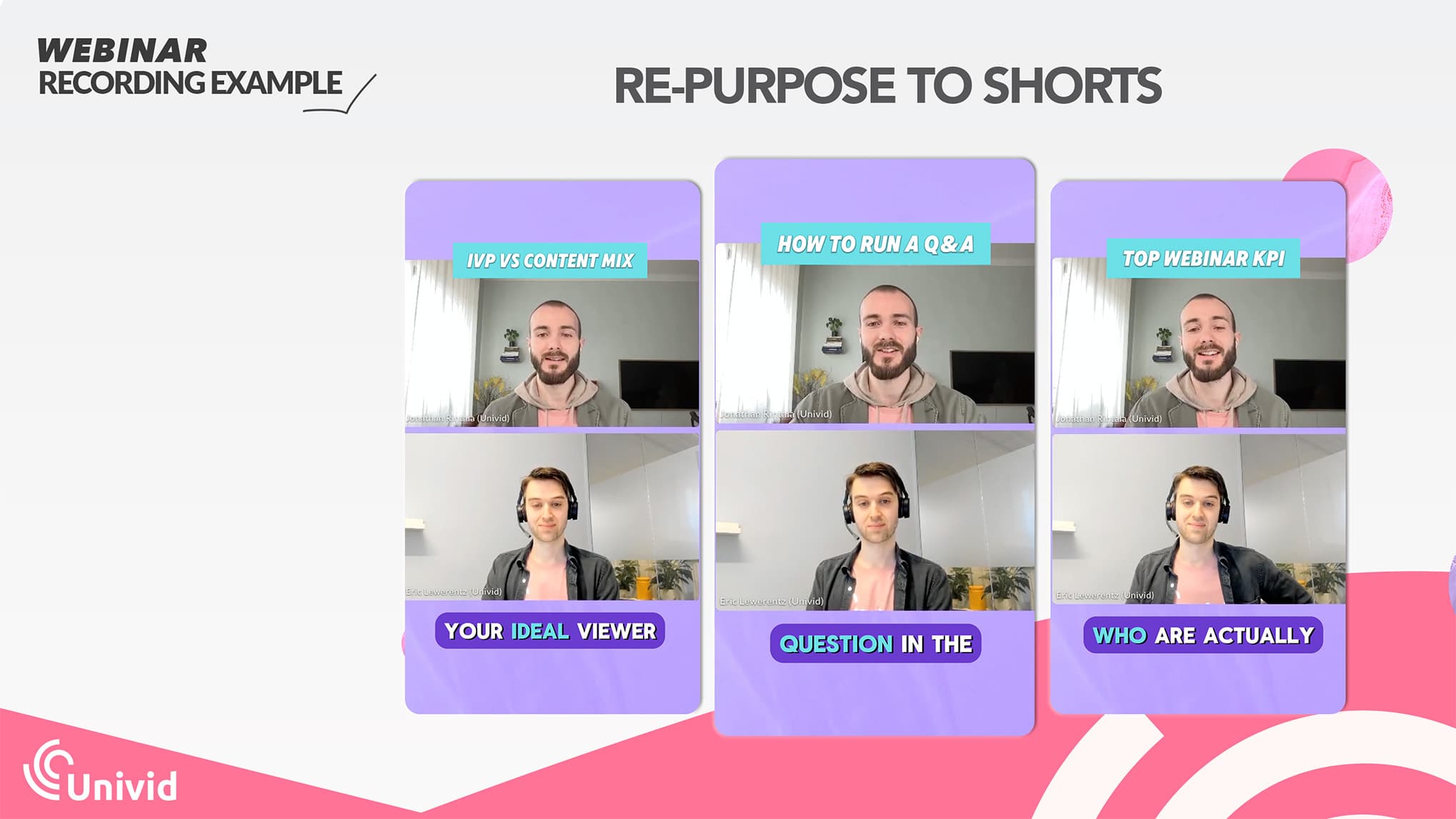
Shorts are great for awareness. To get deeper connections and lead data - you should combine them with a longer webinar recording or full content. For example, by plugging it in the comments.
4. A webinar recording embedded as lead magnet on your website
You can also plug the webinar recording straight into your website, as a lead magnet (and to enhance existing blog posts, and content). This has the benefit of driving traffic straight to your website.
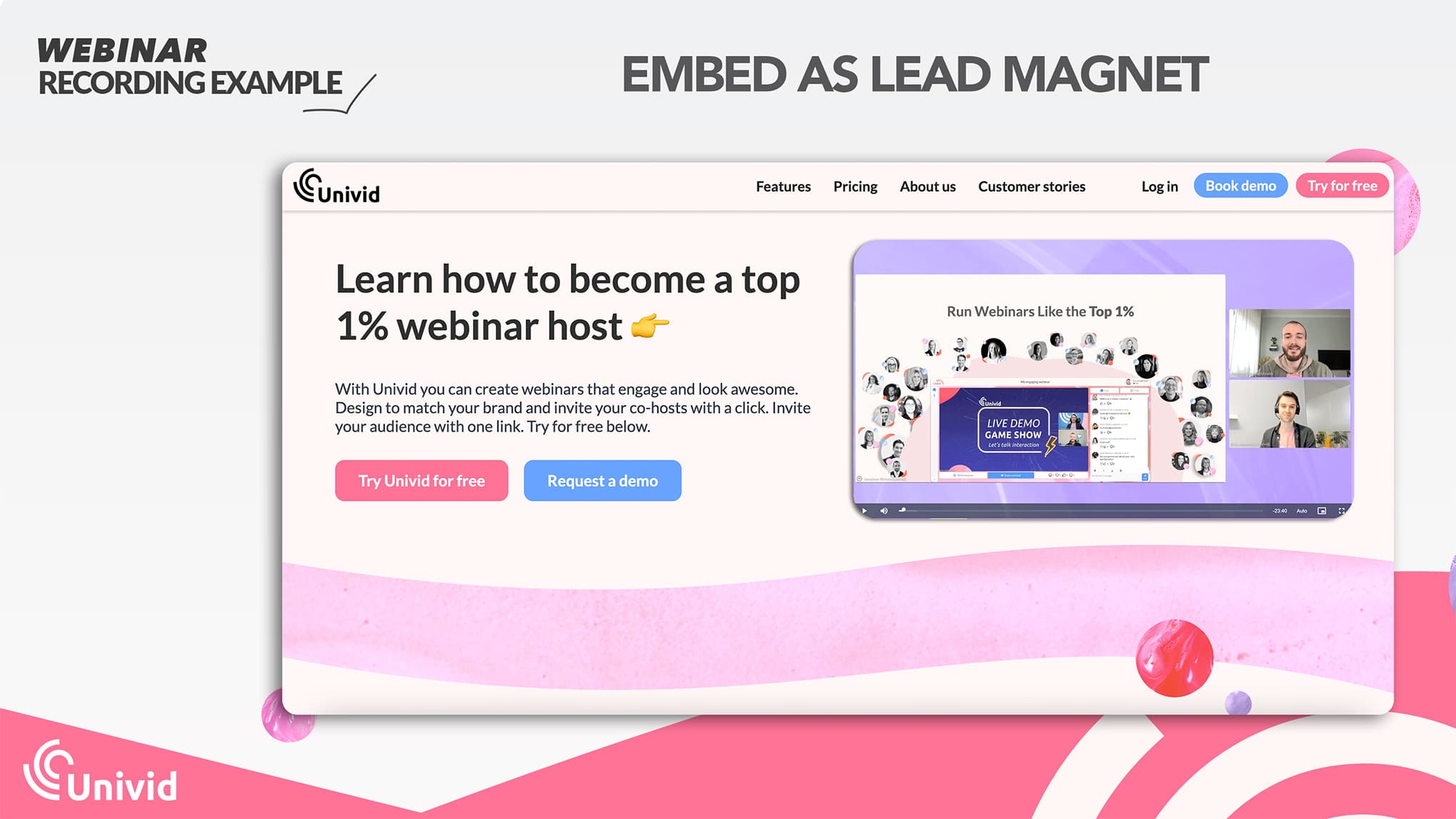
And with a good webinar platform you can embed the video easily without having to download and re-upload the video. Or host it yourself. Here is a hands-on-guide on how to embed your webinar from Univid.
How to get a webinar recording
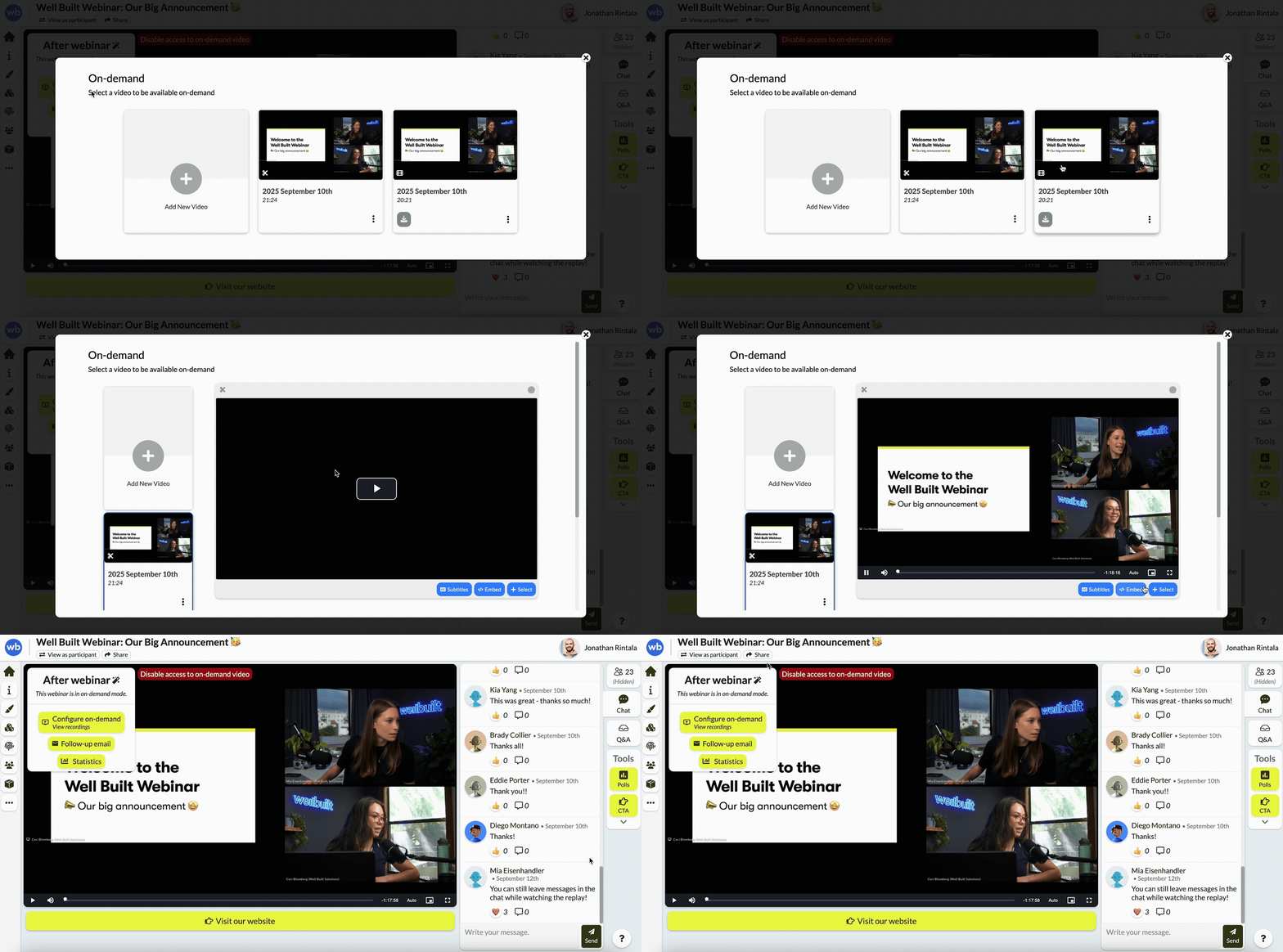
You can record your webinar by using a webinar software, or a local software like OBS.
See the video below where Jonathan from Univid shows how to get a webinar recording in 3 steps.
For more details - follow our step-by-step guide on how to record a webinar.
How you can use your webinar recording
There are few different types of webinars you can host. The most common webinar types are the following:
On-demand webinars - simply a recording that attendees can access whenever they want
Simulated webinars (also called pre-recorded) - a recording that is played at a specific time, so it appears to be live
Repurpose webinar - make your webinar or parts of the recording available on social media or your website. Popular options are to publish shorts on Youtube, or LinkedIn - where video is becoming increasingly popular.
Webinar Recording vs Webinar Replay
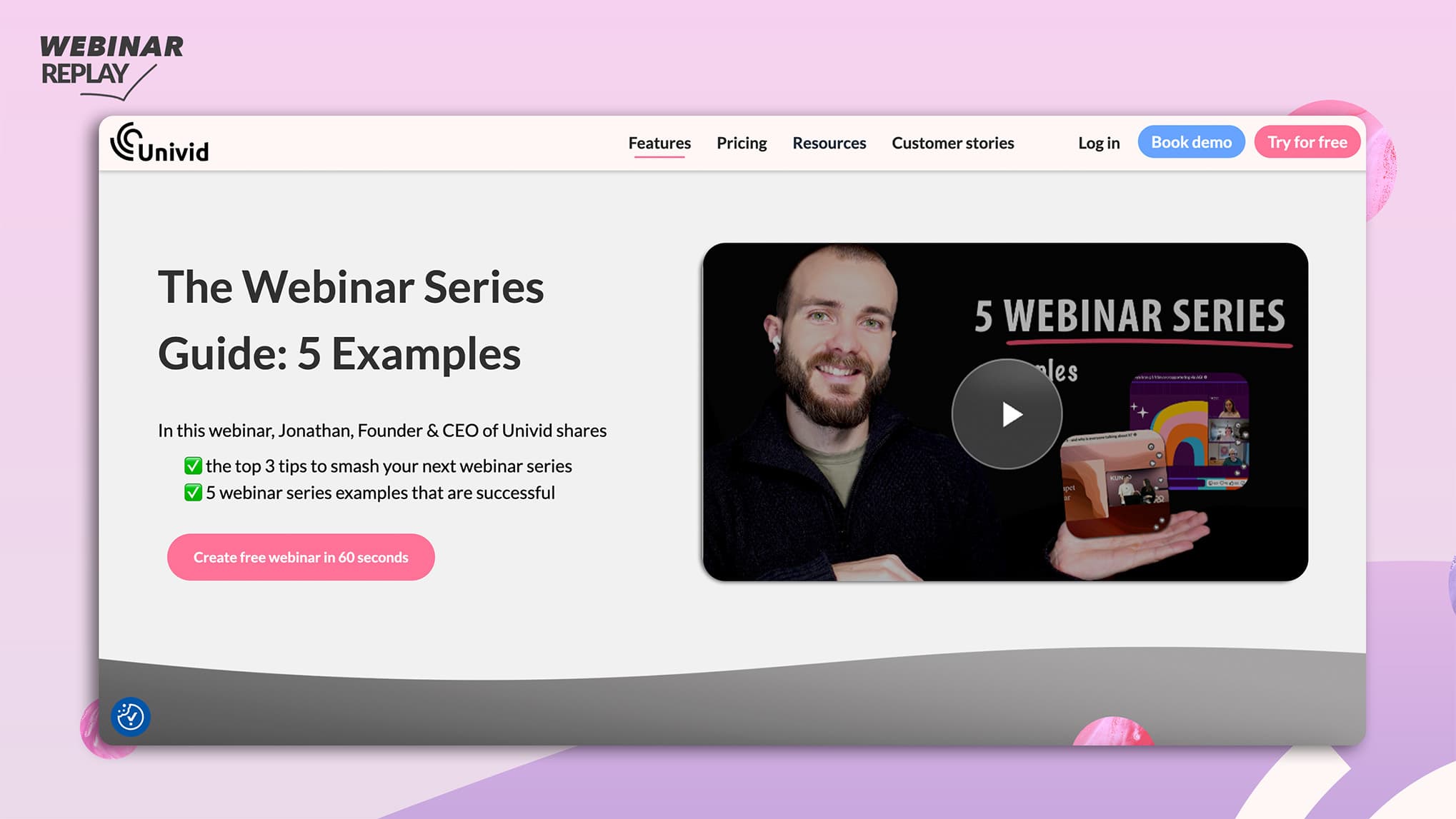
A webinar recording is the video file of your webinar. A webinar replay refers to how that recording is shared and experienced after the live event is done - for example through on-demand pages, email follow-ups, repurposed shorts, or automated webinars.
Try recording your own webinar
Try recording your own webinar in Univid:s platform yourself - by creating a webinar for free below👇