How to moderate a webinar in 2026 [6 proven tips]
Learn how to moderate a webinar in 2026 with this guide. Get 6 proven tips to run engaging, professional, and high-converting webinars.

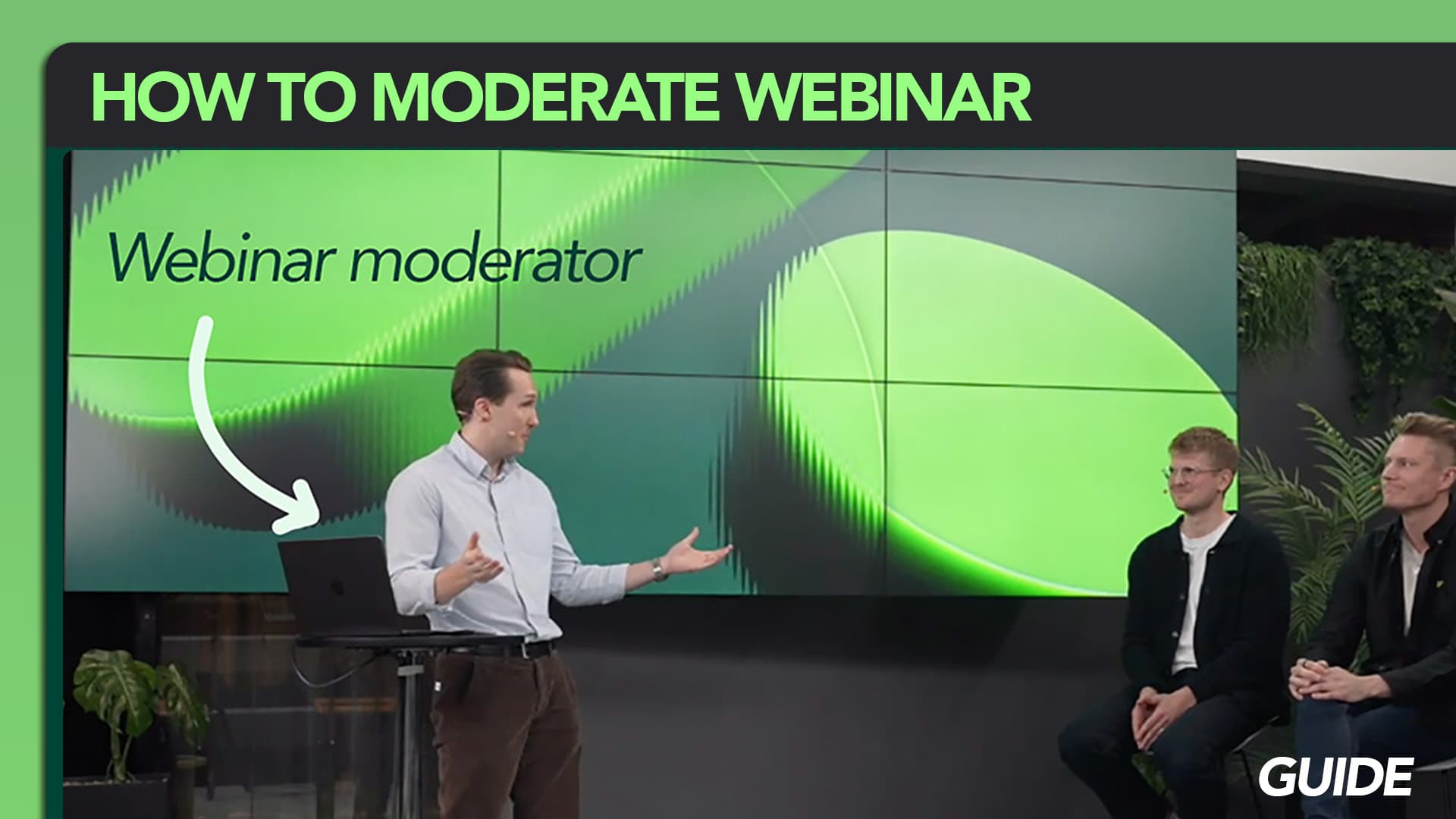
If you’ve ever attended a smooth, engaging webinar, there’s a good chance a skilled webinar moderator was behind it.
A webinar moderator plays a critical role in making sure everything runs seamlessly - from managing the webinar chat and Q&A to supporting the host and keeping the audience engaged.
In this guide, you’ll learn how to moderate a webinar in 2026 - including 6 proven tips to help you run more professional, engaging, and high-converting webinars.
What is a webinar moderator?
A webinar moderator is responsible for managing the behind-the-scenes aspects of a webinar to ensure a smooth and engaging event experience.
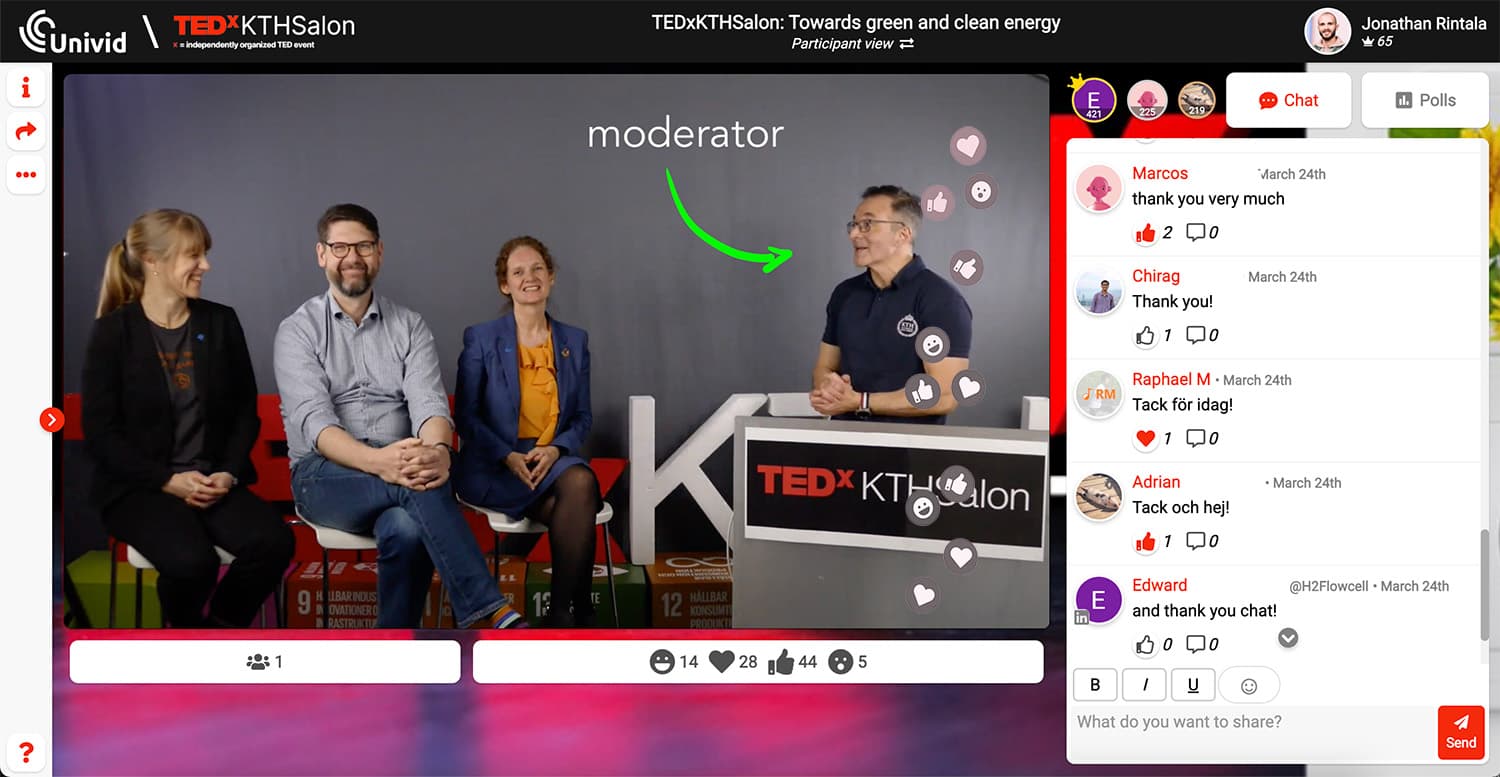
While the host is the face of the event, the moderator supports the delivery by:
Managing chat and Q&A
Assisting speakers during the session
Handling technical issues
Keeping the webinar on track
Think of the host and moderator as a team - one focuses on presenting, while the other ensures everything runs smoothly in the background. A big part of being a moderator is being responsible of running the webinar Q&A - see the video below to learn more.
You could say that the webinar host is the face of the event, and the webinar moderator is the one pulling the strings behind the scenes. You can view the webinar moderator and the webinar host as collaborators, a duo.
Want to become a great webinar moderator? Let's go through the key skills and tips you need to succeed.
Why do webinars need moderators?
As discussed above, it is a smart idea to have a moderator for your webinar to be able to control and take action against participants who (very seldom) may be inappropriate in the chat, but more frequently, answer all the valuable questions in the chat, and respond to all the important feedback.
But webinars also need moderators so that they can take some of the pressure off of the host, who is often inundated with many things to remember - memorizing their script and delivering the presentation in a lively and upbeat way, all without making any mistakes.
This can be difficult to do while also keeping up with the chat tab of a webinar room, and answering every question that surfaces from attendees. That’s where the webinar moderator comes in.
How to become a successful webinar moderator (6 proven tips)
Here are our tips for how to not only become a webinar moderator, but the best one you can be, broken down.
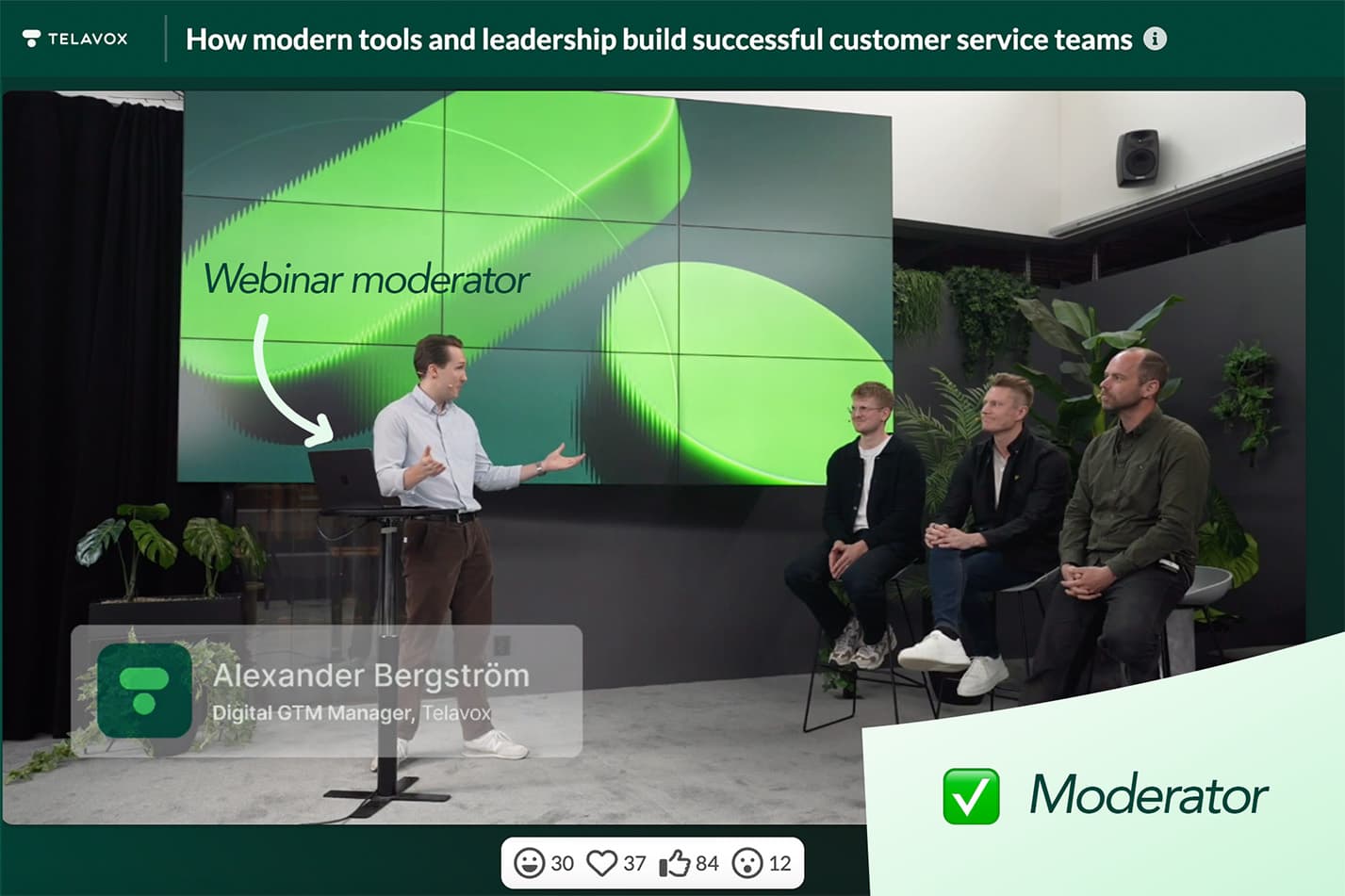
1. Have deep topic knowledge so that you can answer questions
Don’t just wing it- come prepared with a plan for encouraging discussions. Having some questions or talking points handy will spark conversation among attendees. You can even create polls in advance to further engage the audience and encourage interaction.
2. Get to know the webinar tool
As you will be the one managing things in the background of the webinar - make yourself comfortable in the webinar platform, and get familiar with the chat, polls, and Q&A functionality. Also, make sure you know how the webinar studio works - and who will be visible, and when.
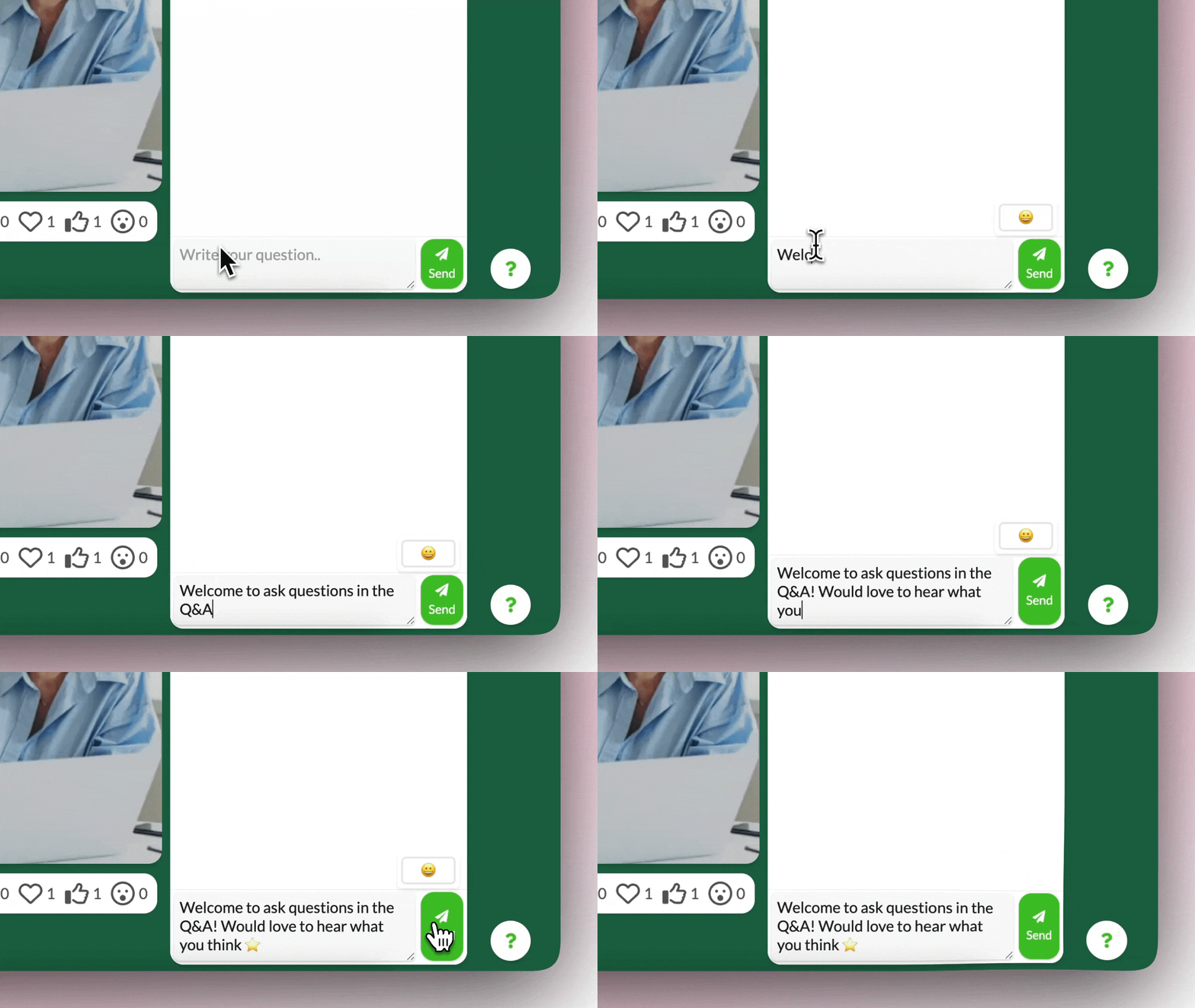
Decide if you should jump in to the video to highlight Q&A questions, or simply hand that off to the topic experts.
3. Check in with the panelists/guest speakers, before the event
Consider putting a handy guide or some useful information together to make speakers feel more relaxed as they diligently prepare. A little help goes a long way!
You can include:
Background information on their fellow panelists, in the event they haven’t met one another, so they can learn about each other.
The event logistics like the time, date and anticipated length of the webinar; whether slides are required or encouraged (if so, submission instructions); event format.
Anticipated subjects: What is each presenter expected to discuss and for how long? If registrants are submitting questions ahead of time, consider sharing those to help speakers plan their remarks.
4. Have a plan to encourage discussion
It’s possible that the audience will not immediately engage in dynamic conversation with the panelists. Have some questions or talking points ready to help encourage discussion and audience participation in chat and polls.
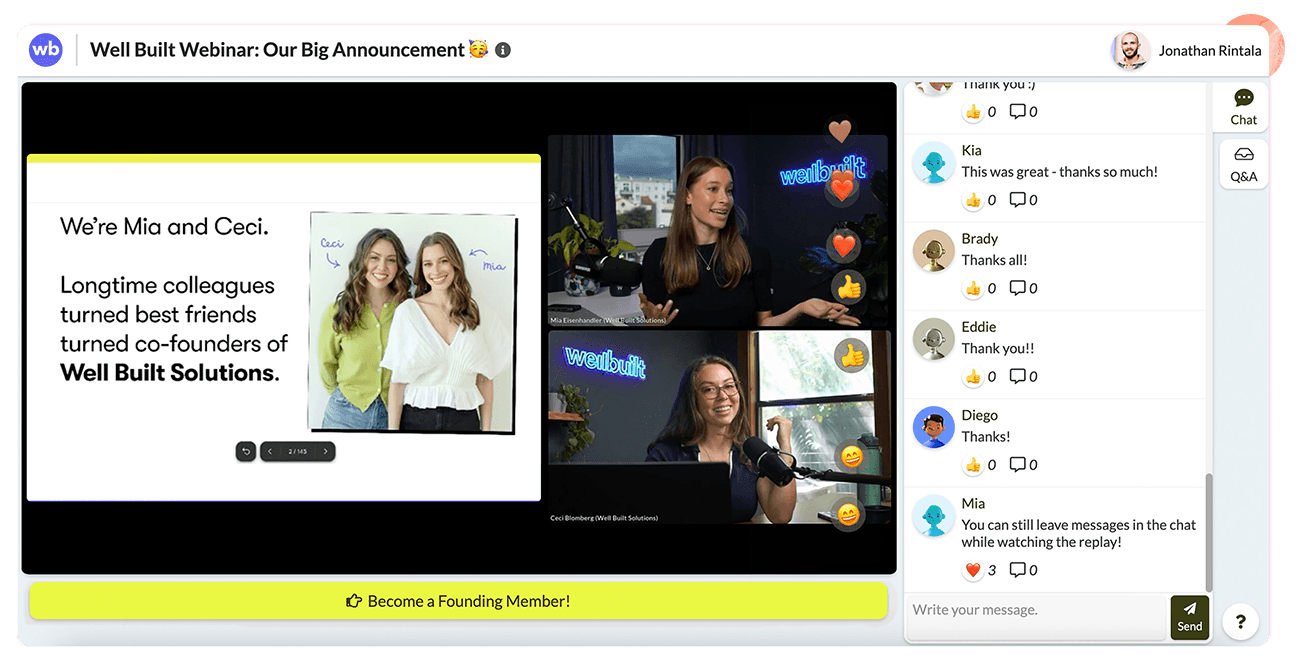
Be active and send out an initial welcoming message in the chat - have some good polls lined up in the platform, so you can press launch when you feel is appropriate. You can even prepare a few questions for the Q&A to ask yourself if things get quiet.
Here is our poll question generator if you need inspiration on good questions to ask.

Generate poll questions
Get suggestions on engaging polls and questions to use in your next webinar - to active your webinar audience.
5. Prepare for the unexpected: make a list of hypothetical scenarios
Regardless of everything we just listed, even with all of your preparation firmly in place, the world is unpredictable and you can’t control if something unexpected may come up.
Unfortunately, while it isn’t possible to prepare for every possibility, don’t let that stop you or get you down.
Try to think of some that may be most likely. Do you have a plan if there are audio or connectivity issues? If a speaker cancels at the last minute can you or someone else cover his/her talking points?
Undertake a test run with the panelists/presenters to help identify technical glitches ahead of time and give everyone a sense of how the session will flow.
6. Review the tapes, learn and iterate
If the session is recorded, take some time and watch/listen back to the recording. It's a terrific way to see yourself in action, see what went well, and identify improvements for the next time.
With our tips in mind, you’ll shine like a star, whether it’s your first time as a webinar moderator or you’re an expert looking to spice up your skills in the live format!