

What syncs between Microsoft Dynamics 365 (CRM) and Univid?
Some of the data that syncs between Univid and Microsoft Dynamics 365 (CRM)
Why run Microsoft Dynamics 365 (CRM) with Univid?
Supercharge your webinar workflow with powerful features designed for modern teams.
Seamless Integration
Connect your tools effortlessly
Better Analytics
Get deeper insights into your webinar performance
Time Saving
Automate repetitive tasks and workflows
Enhanced Experience
Provide better experience for your attendees
Om integrasjonen
The best Microsoft Dynamics 365 webinar integration
A good Microsoft Dynamics 365 CRM integration for webinars means you can use your own signup forms and Campaigns in Dynamics, manage all of your contacts in your own CRM, but also smoothly connect it with your webinar for insights. All this is possible with Univid.
For example, you can automatically create Univid webinars from Dynamics, enroll registrants from your Campaigns, set up reminders, and run engaging live sessions in Univid. You can also get attendee insights back into Microsoft Dynamics - for example things like who attended, watch time, etc.
What is Microsoft Dynamics 365 CRM?
Microsoft Dynamics 365 CRM is a popular tool specifically designed to simplify the management of customer relations. It's an all-encompassing platform that can manage customer information, plan sales activities, and analyze your performance effectively.
A highlight of Microsoft Dynamics CRM is its integrative capabilities. This means it works seamlessly with many different software types - in essence, it neatly connects all the dots. A key feature is the ability to sync data from your webinar software, like Univid, directly into Dynamics CRM. It streamlines the process of gaining critical insights from your webinars and applying this knowledge to your sales strategies.
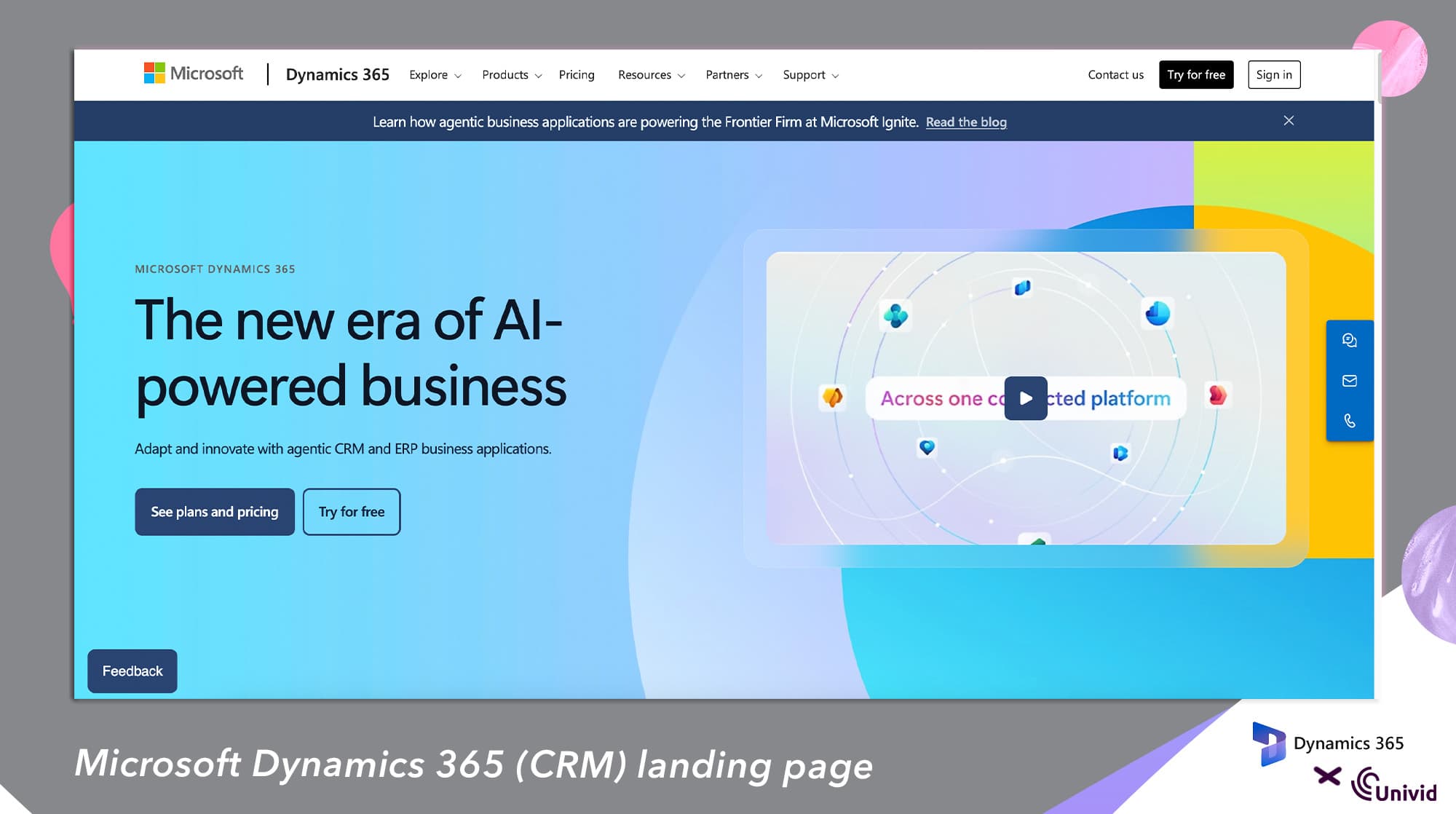
Simply put, Microsoft Dynamics 365 CRM is your solution for efficiently managing customer relationships and sales tasks. It provides significant insights requiring minimal effort, making it an invaluable tool in your sales and marketing tech stack - also enabling agentic workflows for your webinars.
Webinar Use Cases with Microsoft Dynamics 365
Through Microsoft Dynamics x Univid, you can automate your tasks, and integrate your webinars with with both your internal systems, or your favourite third-party applications.
Here are a few more specific use cases:
Create webinars from Dynamics
Invite registrants from a landing page or form
Automatically invite contacts from your own data
Automatically find out who registered for your webinars
Get attendance information and engagement data
This, and much more - all through the Univid x Dynamics webinar integration.
How does the Dynamics 365 CRM integration for webinars work?
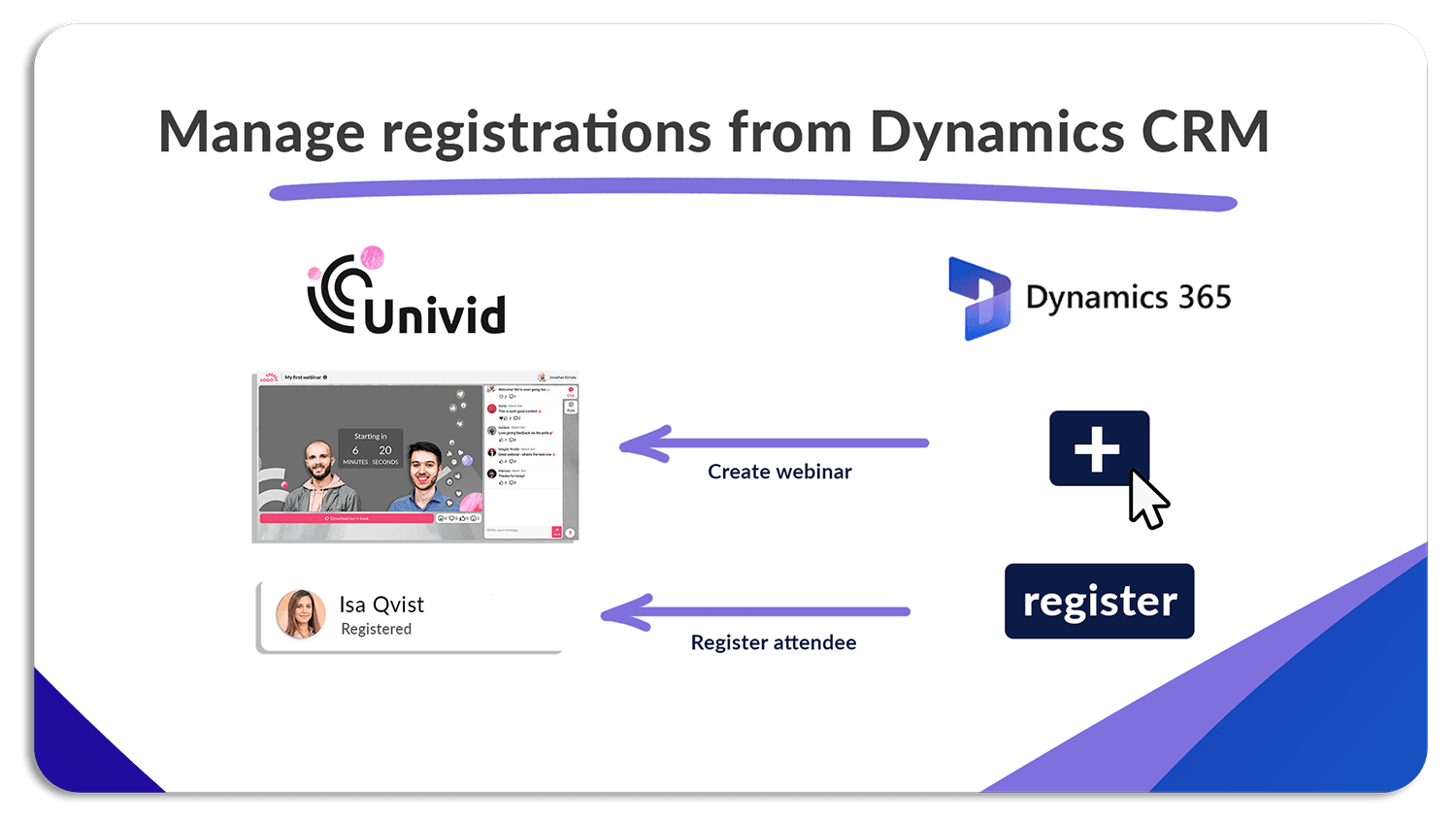
(A) Send webinar data into Univid
The Microsoft Dynamics webinar integration enables you to send data to Univid from your own systems - both manage webinars and registrants, for example things like:
Register attendees from your own form or landing page
Create a webinar from your own system using a design template
See who registered for your webinars
(B) Get webinar data into Dynamics from Univid
The integration to Dynamics CRM also enables you to get data from your webinars in Univid. For instance:
how much your customers engaged with your webinars
which of your customers attended your webinars
who watched the on-demand recording
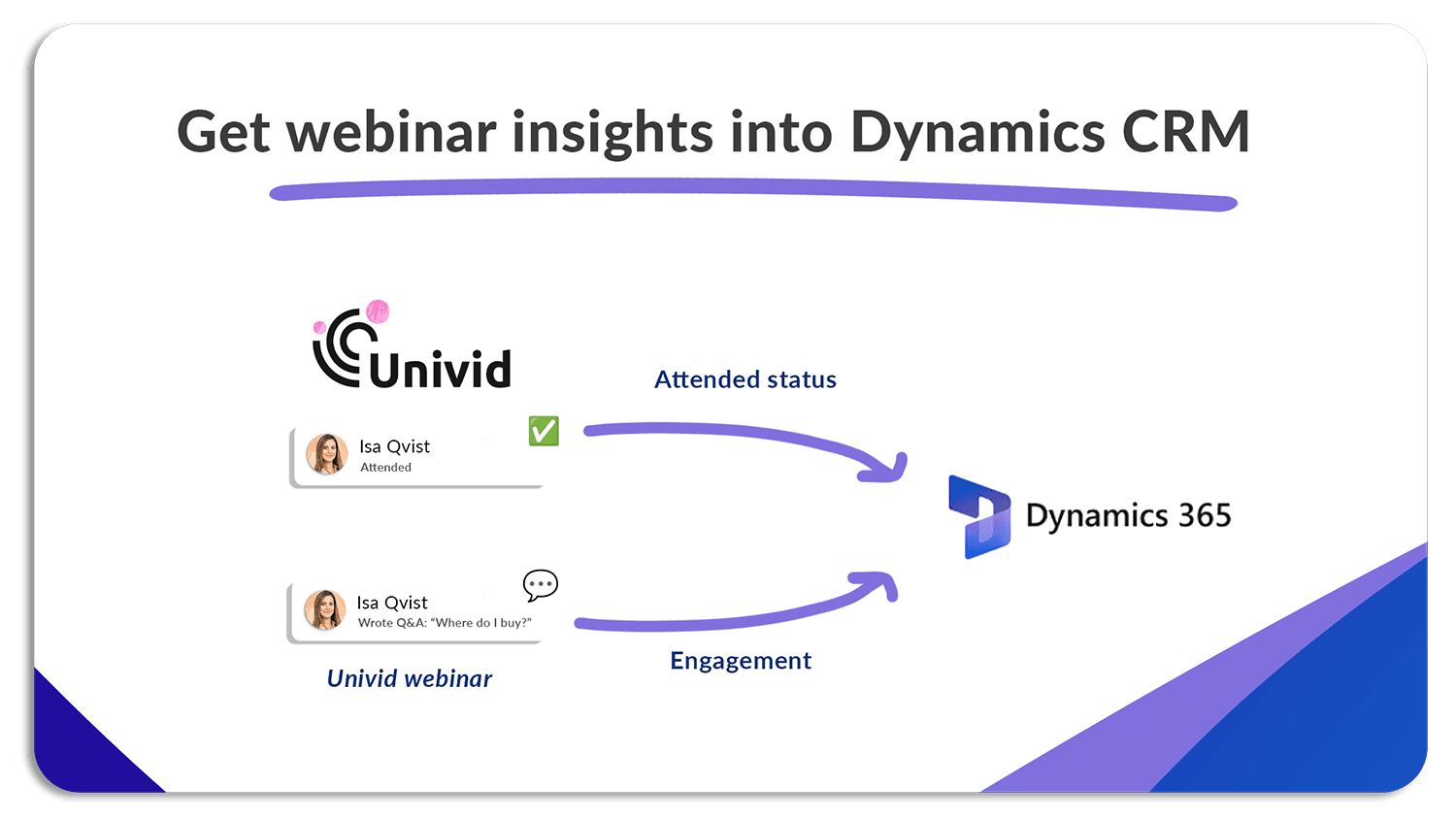
This can help you understand your attendees and webinar efforts better - both which parts of the webinar your attendees like, who clicked your CTA-buttons, etc.
How to connect Univid with webinar integration to Microsoft Dynamics CRM
Contact us to get access to the Dynamics CRM webinar integration - it's available soon.
Does Univid have a native Microsoft Dynamics CRM integration?
Yes, the Univid to Microsoft Dynamics 365 CRM will be a native integration. The integration today works through the Univid webinar API, but will soon be available with a native app. It does NOT require Zapier or similar third-party tools.
Do you go through Microsoft Dynamics 365 CRM integration in the onboarding?
Yes, we offer help with setting up the workflows in Microsoft Dynamics CRM for you, as part of onboarding. It can be a bit tricky to get it right on your own, but you can do it yourself as well. Let us know if you have any questions.
Get started with Microsoft Dynamics 365 CRM and Univid
To kick start your journey with Microsoft Dynamics CRM and Univid, why not book a demo? We’ll show you how the two platforms connect seamlessly to make your webinars more efficient and effective, getting you up and running in no time.

Lignende webinarintegrasjoner
Utforsk andre integrasjoner i samme kategori