

What syncs between Slack and Univid?
Some of the data that syncs between Univid and Slack
Why run Slack with Univid?
Supercharge your webinar workflow with powerful features designed for modern teams.
Seamless Integration
Connect your tools effortlessly
Better Analytics
Get deeper insights into your webinar performance
Time Saving
Automate repetitive tasks and workflows
Enhanced Experience
Provide better experience for your attendees
Om integrationen
What is Slack?
Slack is a leading collaboration platform that brings teams together through channels, messaging, and app integrations - making it easy to communicate, share updates, and work efficiently in real time.
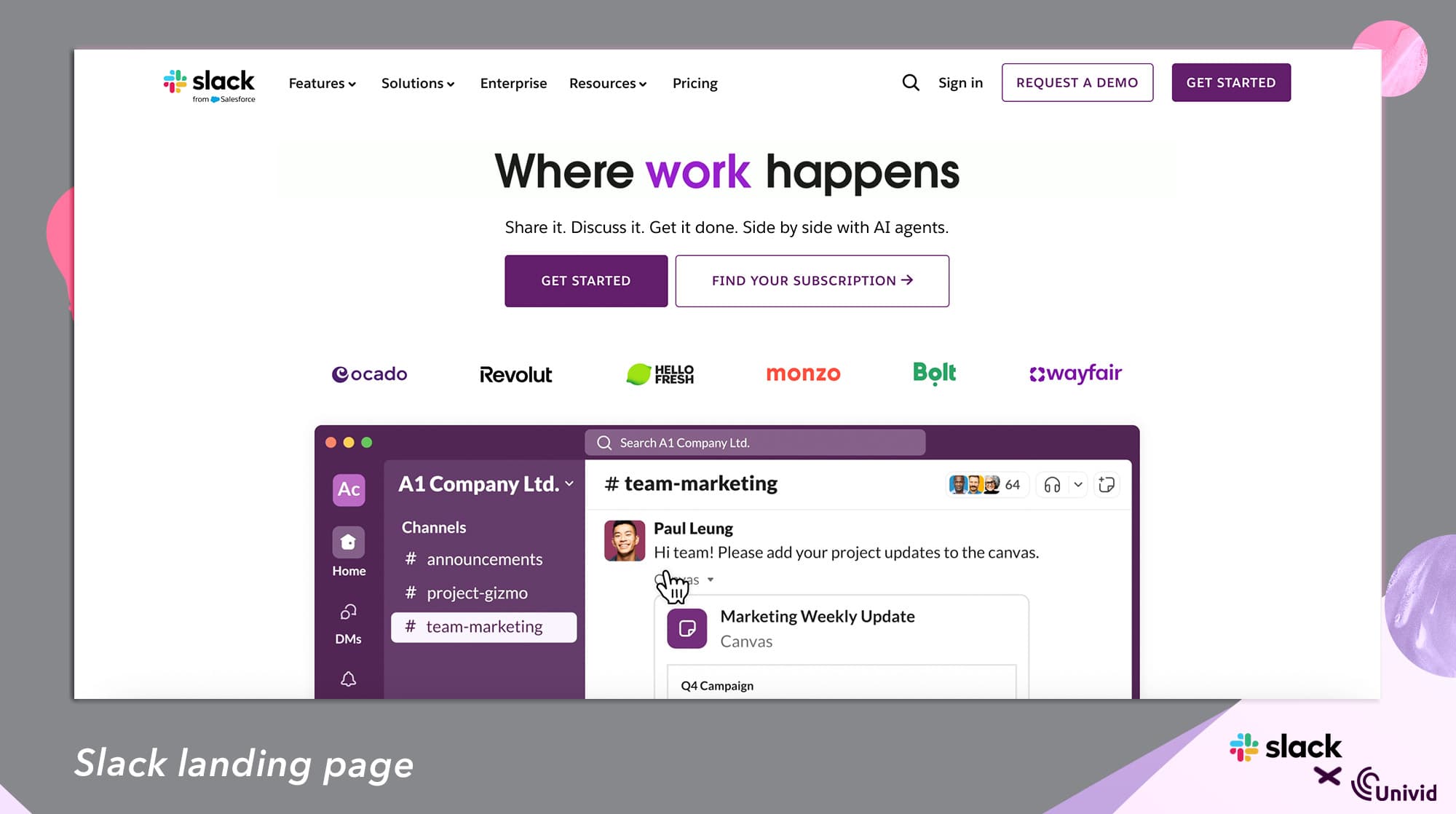
Slack can be used with a webinar software like Univid to get notified of important lead signals both in live, simulated, or on-demand webinars. Get started automatizing your webinars and never miss interesting lead signals again.
Webinar use cases with Slack
Through Slack x Univid, you can automate your webinar funnel and act on hot lead signals to move your pipeline - for example keeping track of simulated live and on-demand webinars. Here are a few use cases:
Run simulated live webinars without being there - get notified in Slack when someone attends or writes a question in the Q&A. Then you can jump in and answer them live.
Get notified when people sign up - get notified in Slack when someone signs up to your webinar.
Get notified when people attend on-demand - get notified in Slack when a lead attends a webinar on-demand. Typically a good signal to follow-up.
How does the Slack integration for webinars work?
Get webinar data from Univid through webhooks into Slack
The integration to Slack enables you to get data from your webinars in Univid right into your Slack channels. For example, for both live, simulated and on-demand webinars:
When lead writes in webinar Q&A
When lead attends webinar
When lead registers for webinar
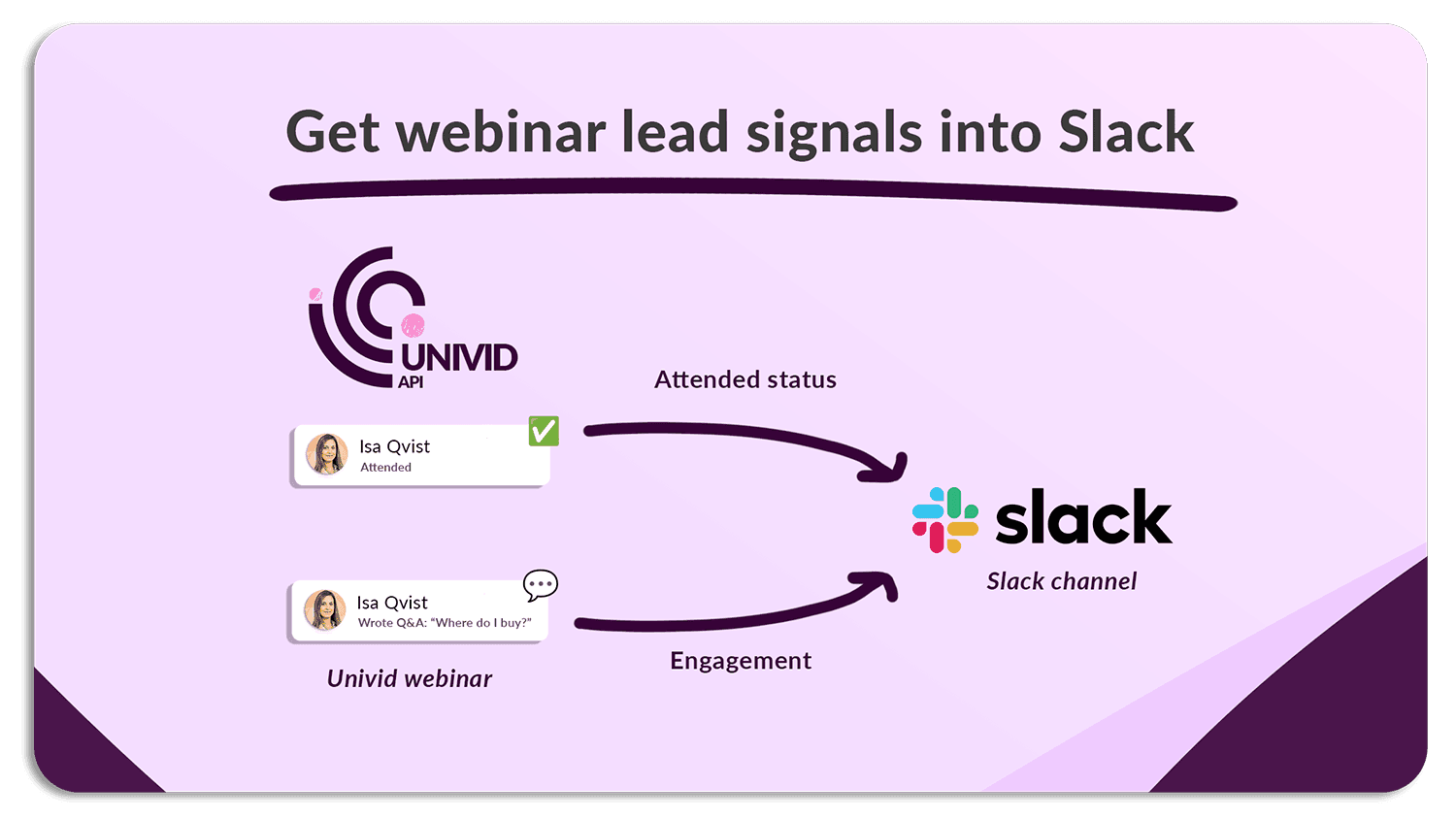
This can help you capture hot leads at the right timing, and make engagement signals accessible for your team in Slack where they already hang out - to understand who is engaging with your content and when.
Benefits of using the Slack webinar integration with Univid
Make lead signals accessible and actionable by getting them straight into Slack, where your team is already collaborating. Get notified of webinar engagement signals such as when leads sign up, attend, or asks questions in the Q&A.
How to connect Univid with webinar integration to Slack
Contact us to get access to configure your event webhooks from Univid to Slack. If you are already a customer, contact us in the support chat, otherwise you can book a demo below.
Get started with Slack
To kick start your automated webinar journey with Slack, why not book a demo?
We’ll give you access to test things out and help you connect seamlessly to make your webinars more efficient. You will be up and running in no time!

Lignende webinarintegrationer
Udforsk andre integrationer i samme kategori